

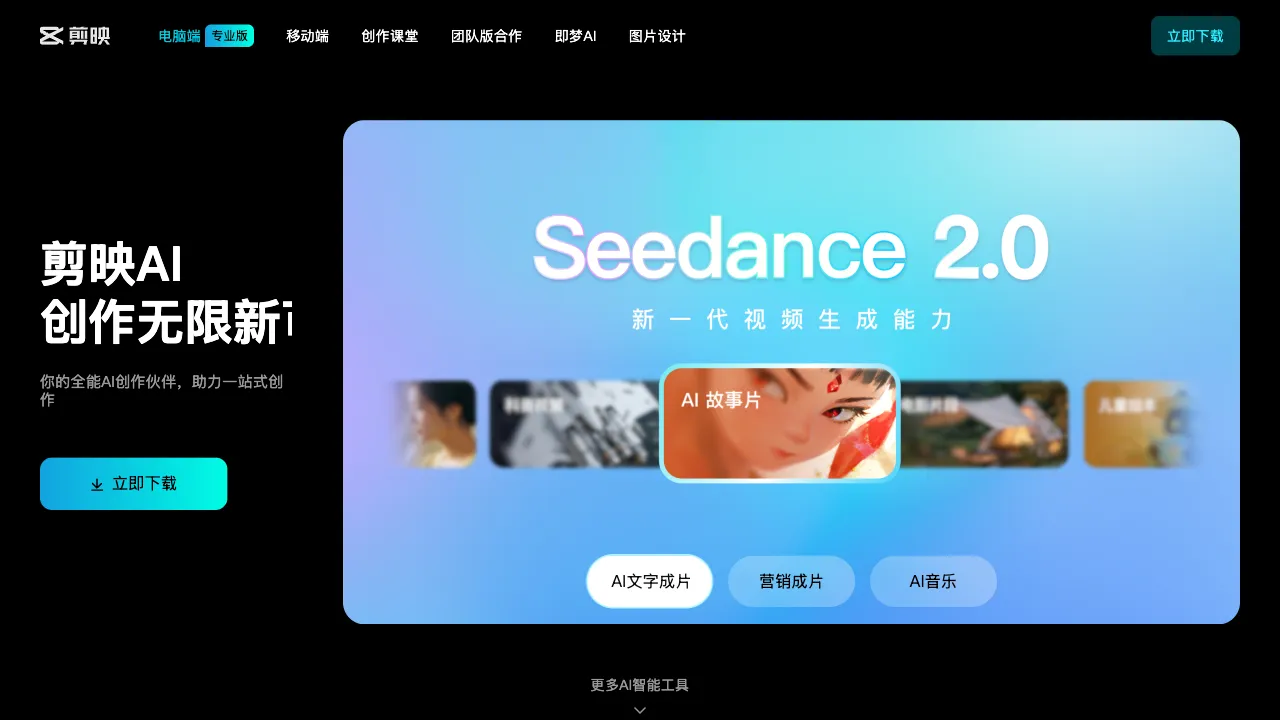
The widespread adoption of short-form video has propelled video editing tools to an unprecedented position—transforming them from professional software into mainstream applications. In this shift, CapCut has been one of the most significant drivers. Starting as a mobile app and evolving into its current desktop Pro version, CapCut has taken a path entirely different from Premiere or Final Cut: rather than simplifying professional features for the masses, it has added capabilities upward from simplicity while aggressively integrating AI power.
What is CapCut Pro?
CapCut Pro (capcut.cn; the international version is called CapCut) is a desktop video editing software under ByteDance, available for free use. It is the desktop extension of the mobile CapCut app, supporting both Windows and macOS. Its interface shares a lineage with the mobile version but offers significantly more power—featuring a more complex timeline, more tracks, richer effects and assets, and a wide array of AI-assisted features.
As the official companion tool for the Douyin ecosystem, CapCut is deeply integrated with Douyin in terms of assets, special effects, and music. Many popular Douyin effect templates can be used directly within CapCut.
Core Features
Basic Editing Capabilities
CapCut Pro’s editing interface uses a track-based timeline, supporting multi-track video, audio, text, and sticker overlays. Its operational logic is similar to Premiere’s but is simpler and more intuitive.
Basic operations include:
- Splicing and trimming multiple video clips
- Transition effects (hundreds built-in)
- Color grading (basic color adjustment, with support for importing LUT filters)
- Mixing and audio adjustment
- Keyframe animation
- Zooming, rotating, and masking the frame
For content creators who do not require professional-grade precision control, this set of features is more than sufficient.
AI Auto-Captions
This is one of CapCut’s most well-known features and the reason many users first tried it. Upload a video, click “Auto-Recognize Captions,” and full-text subtitles are generated within seconds. The recognition accuracy is high, especially for Mandarin, requiring minimal manual proofreading.
It also supports:
- Chinese-English bilingual captions (suitable for content targeting overseas audiences)
- Custom caption styles
- Automatic positioning of captions to fit vertical or horizontal screens
- Caption translation (translating Chinese subtitles into other languages)
The core reason many Bilibili creators and self-media operators use CapCut is the auto-caption feature, which saves a tremendous amount of time spent on manual typing.
AI Text-to-Video
Input a text script, and the AI automatically generates a video: selecting matching assets, adding voiceover, generating subtitles, and matching background music. The entire process is largely automated. It is suitable for quickly producing talking-head videos, news-style content, and image-text videos.
This feature is highly practical for self-media operators—feed it a written article or script, and it outputs a video ready for direct publishing, significantly boosting production efficiency.
AI Voice and Dubbing
Text-to-Speech (TTS): Built-in with numerous voice roles, natural timbres, and adjustable intonation. It supports emotional speech, allowing different characters to be voiced in dialogue-based content.
AI Voice Cloning: Record a ~30-second sample of your own voice, and the AI trains a personal timbre. You can then use this timbre for TTS, making it sound like you are speaking. This is very practical for creators who prefer not to appear on camera or record their own audio.
Voice Changing: Real-time or post-production voice changing, used for creative content and role-playing videos.
AI Image and Video Processing
Image Enhancement: Video resolution upscaling (SD to HD), stabilization, and noise reduction.
AI Background Replacement: Automatically identifies subject edges to replace the background without requiring a green screen. The effect is excellent against simple backgrounds but may leave imperfect edges in complex scenes.
Smart Cropping: Automatically converts horizontal videos to vertical format. The AI identifies the main subject in the frame and automatically selects the optimal cropping area, eliminating the need to manually adjust each frame.
AI Rotoscoping: Automatically isolates people or objects in a video, allowing for background replacement or compositing.
Template and Asset Ecosystem
CapCut comes with a massive library of templates, ranging from popular Douyin styles to commercial promotional videos, Vlogs, and wedding videos, covering various scenarios. Most of these templates are contributed by community creators and are continuously updated to keep up with trending styles.
The asset library includes:
- Licensed music (integrated with the Douyin music library)
- Special effects assets and stickers
- Fonts (commercial-use fonts are clearly labeled)
- Transition effects
Comparison with Other Tools
vs Adobe Premiere Pro: Premiere is the industry standard, offering the strongest precision control and a complete plugin ecosystem, making it suitable for professional editing workflows. However, it has a steep learning curve and a high price tag (CC suite subscription). CapCut Pro is easier to pick up, offers richer AI features, and is better suited for content creators, though it lacks the fine-grained control and professional workflow support of Premiere.
vs Final Cut Pro (Mac): Final Cut offers excellent performance and deep integration with the Apple ecosystem, making it the professional choice for Mac users; it costs a one-time fee of ¥1998. CapCut runs smoothly on Mac as well, offers more AI features, and is free, but it lacks the recognition among professional editors that Final Cut enjoys.
vs DaVinci Resolve: DaVinci’s color grading is the industry benchmark, offering professional-grade color grading and post-production workflow support; its free version is already very powerful. CapCut’s color grading features are relatively basic in comparison, but it significantly leads in AI-assisted features and asset ecosystem.
vs Tencent Zhiying: Tencent Zhiying focuses more on digital human videos and batch production, catering to institutional users. CapCut focuses more on video editing and creation, catering to individual content creators.
vs Bilibili’s Bcut (Bian): Bcut is deeply integrated with the Bilibili ecosystem, allowing direct submission to Bilibili. Its features are relatively simpler, making it more suitable for Bilibili creators looking for quick editing.
Who Should Use CapCut Pro?
Self-media and Short-Video Creators: For daily Vlogs, knowledge-based videos, and news-style content, CapCut’s AI captions, text-to-video, and template ecosystem fully cover your needs, and it is free.
Douyin/WeChat Channels Content Operators: Deeply integrated with the ByteDance ecosystem, you can directly use Douyin’s popular effects and music in CapCut. It is the official companion tool for this platform.
Self-Media Beginners: If you want to enter the video space but lack professional editing skills, CapCut’s learning curve is far lower than that of Premiere or Final Cut. Its AI features can compensate for many skill gaps.
Efficiency-Focused Creators: If you do not need extreme professional precision but require rapid output, CapCut’s AI assistance can multiply your production speed several times over.
Students and Individual Creators: Completely free for personal use with sufficient features, eliminating the need to bear Adobe subscription costs.
Limitations
There is still a gap in the precision of professional editing features compared to Premiere and Final Cut. It falls short in frame-level precision operations, multi-camera editing, and professional color grading.
When used commercially, pay attention to asset copyright. Some templates and music are limited to personal non-commercial use; commercial use requires additional authorization.
The stability of AI feature effects varies. Some features (such as background replacement) are not yet precise enough in complex scenes and require manual correction.
The international version, CapCut, has faced controversies regarding privacy data regulation in some countries (as a ByteDance product). Enterprise users should take note.
Pricing
CapCut Pro’s core features are completely free, allowing you to handle most everyday editing tasks without cost. Some premium assets, effect templates, and AI-powered features require a CapCut VIP subscription, which costs around ¥28 per month; an annual plan offers better value. For exact pricing, please refer to the official website.
For domestic content creators, CapCut Pro is almost an indispensable choice—offering free access, powerful AI capabilities, a rich asset ecosystem, and deep integration with mainstream platforms. If you don’t need professional-grade precision control, it essentially meets all your daily video creation needs.