

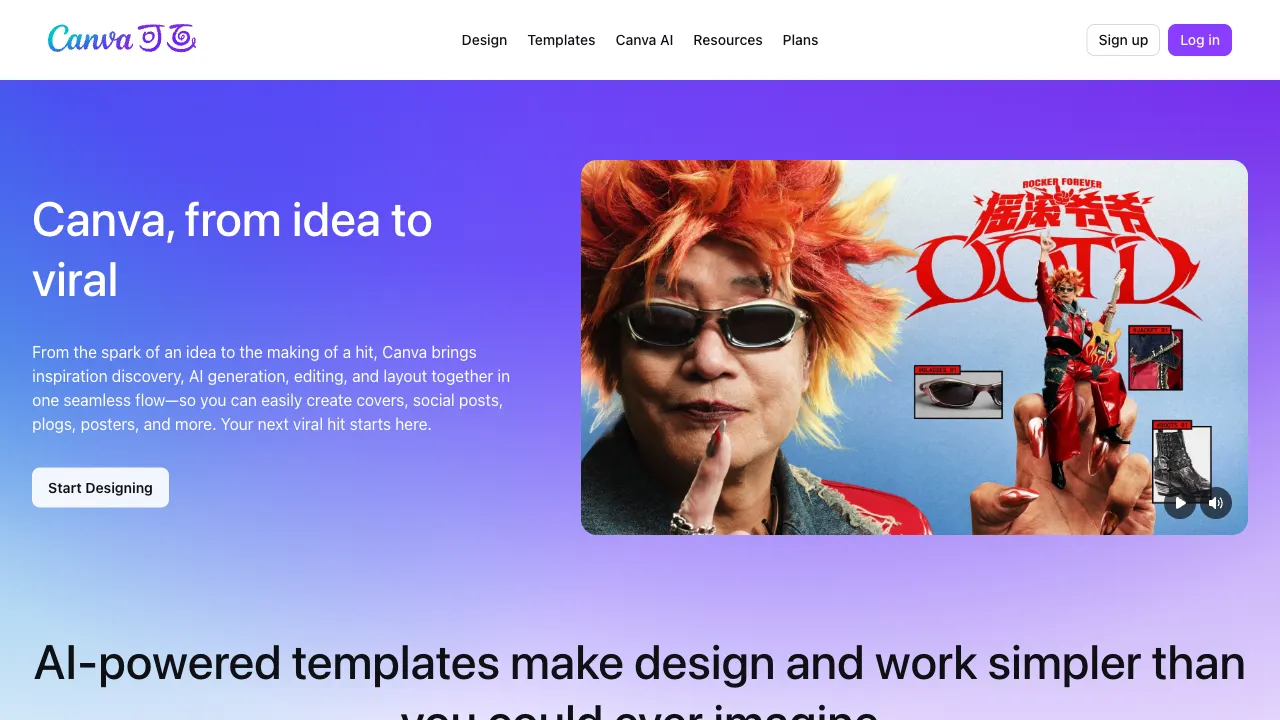
There is a truth often overlooked in the competition among AI tools: access matters more than capability. Even with stunning visuals, Midjourney requires ordinary users to cross three hurdles first—Discord, English proficiency, and subscription fees. In contrast, Canva commands nearly 200 million monthly active users globally; these individuals are already creating posters and covers within its editor. When the AI image generation button appears directly beside their existing canvas, the question of "whether I should learn a new tool" simply doesn't exist. Canva's AI strategy (unified under the brand Magic Studio) leverages this access advantage: it does not aim to be the strongest AI; instead, it aims to be the closest AI to its users.
What is Canva AI?
Canva AI represents a comprehensive suite of built-in AI capabilities within the Canva platform, named after its "Magic" series. Core features include:text-to-image generation (Magic Media, the focus of this article), intelligent background removal, Magic Eraser (for removing unwanted objects), Magic Expand (to extend images), Magic Edit (for local edits), and Magic Write (AI copywriting). All these capabilities are integrated directly into the Canva editor—generated images drop straight onto your design draft, cutouts and erasures complete with a single click, all without leaving the canvas.
Notable context: In recent years, Canva's AI strategy has been quite aggressive. It acquired Leonardo.AI (a well-known image generation platform) and Affinity (professional design software), continuously upgrading the generative power behind Magic Media—Canva is seriously betting on an "AI design platform" for the future.
Feature Highlights
In-Workflow Generation: Core Value
Traditional workflow: Generate in Midjourney → Download → Upload to Canva → Layout; Canva AI workflow: Describe within canvas → Generate → Use immediately. What is saved isn't just a few clicks, but the entire mental burden of "managing multiple tool accounts"—for target users (design novices, operations staff, teachers), this seamless experience holds more decisive value than image quality parameters alone.
Text-to-Image (Magic Media)
Enter your description (in Chinese or English), select style presets (photorealistic, illustration, watercolor, 3D, manga, etc.), and aspect ratio to generate multiple candidates at once. Style presets replace jargon-heavy prompts—you don't need to know terms like "cinematic lighting" or "8k"; simply click the "Photographic Style" button. Generation quality steadily improves with iterations of underlying models (including Leonardo enhancements), making current outputs more than sufficient for "illustration-level" needs.
The Combo Punch of AI Editing Tools
Generation is just the starting point; the true power of the Magic series lies in combination: generate an image → use Magic Eraser to remove distracting elements → expand composition with Magic Expand to fit layouts → cut out subjects and composite—forming a complete "generation + refinement" loop entirely within the canvas. While any single item might be matched by stronger specialized tools, no other design platform currently offers this experience where everything is available in one place.
Extensions for Video and Copywriting
Magic Media also supports text-to-video clips (short durations, material-level), while Magic Write handles copy generation—Canva extends AI across every stage of the design workflow with ambitions to become an "operating system for content creation."
Comparison with Professional AI Painting Tools
vs Midjourney: In terms of image quality, artistic expression, and style control, MJ remains in a different league—if you need a "masterpiece," choose MJ; Canva AI delivers images that are simply "good enough to use readily available." The user demands for the two almost do not overlap. An honest dividing line: professional tools for publication-grade or brand-level visuals; daily illustrations via Canva AI have already crossed thepass (passing) mark.
vs DALL·E 3 / GPT-4o Image Generation: OpenAI's ecosystem excels in semantic understanding and rendering text within images; Canva AI wins on the workflow of being able to "immediately layout into a finished product" after generation—one produces an image, the other produces "design."
vs Adobe Firefly (Express): The most direct competition—both are "design platforms with built-in AI." Firefly's copyright safety narrative (trained on Adobe Stock) is more persuasive for commercial users; Adobe Express integrates with the Photoshop ecosystem. Canva boasts a stronger reputation among mass audiences regarding its template ecosystem and ease of use. Both offer free tiers, so choose based on which ecosystem you are already invested in.
vs Domestic Design Platforms (Gaoding, Chuangkit): Domestic platforms hold advantages in localized templates, Chinese scenarios, and access speed; while Canva's international version offers more features, there is real friction regarding domestic access and payment for the global site (note that canva.cn has functional differences from the international version).
Who Should Use Canva AI?
Everyone Already Using Canva: This is the most non-controversial answer—AI capabilities have already grown within your toolset; learning costs are zero, so utilizing the Magic series simply yields free efficiency gains.
Content Creators and Operations Teams: Daily mass production of covers, illustrations, and social media graphics using a combination of templates + AI generation + AI editing—all from inspiration to finished product on one platform.
Small Business Owners and Teachers: The "good enough" demand for posters, courseware, and promotional images; even without design backgrounds, professional delivery is possible.
Designers' Drafting Phase: Rapid production of mood boards, concept sketches, and proposal placeholders; formal drafts can then be returned to professional tools—using Canva AI as a "visual sketchbook."
Pricing
The free version includes limited quotas for AI features (generation counts tracked monthly); subscribing to Canva Pro (approximately $15/month, with separate pricing for the domestic version) unlocks higher usage limits and full functionality. A calculation worth making: an MJ subscription at $10/month buys only image generation; paying a few dollars more for Canva Pro purchases "image generation + entire design platform." For users who already need to do design work, the latter offers significantly better overall value.
Limitations
The ceiling on image quality is an honest fact that cannot be bypassed: objective gaps exist compared to professional MJ/SD ecosystems; means for fine control (composition, lighting, style consistency) are also limited. For commercial scenarios with strict requirements on image quality, it is not the answer.
Generating images containing text (such as poster titles generated directly onto the image) is not its strength; such needs work better via a combination of "AI-generated base image + Canva text layout"—which happens to be Canva's main strategic approach.
The existence of Canva AI answers an industry question: most people never need "the strongest AI painting," but rather "an image available at hand while designing." If your Canva account is already active or frequently used—open any design, click Magic Media in the assets panel, type a description: that AI-generated image dropping directly onto your canvas serves as the best footnote to the idea that "access matters more than capability."