

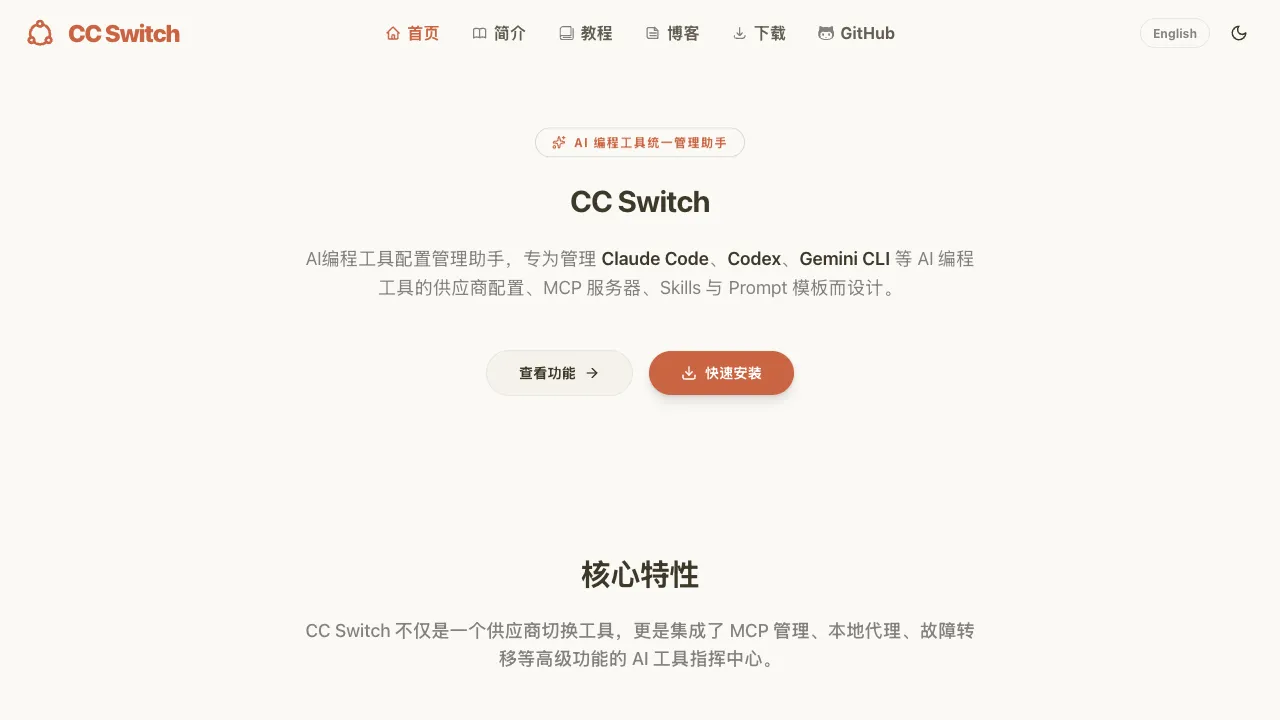
Official site corrected: the project README states that ccswitch.io is the only official website, and the link on this page has been updated accordingly. Similarly named sites on other domains are not official — download from ccswitch.io or the Releases page of the GitHub repository
farion1231/cc-switch.
As the number of AI coding tools grows—Claude Code, OpenAI Codex CLI, Gemini CLI, Aider, OpenCode, and more—each with its own configuration files, API key settings, permission configurations, and working mode preferences, managing these setups becomes a hassle. CC Switch is a tool specifically designed to solve this problem: it helps you manage the configurations of multiple AI coding tools, making switching between them effortless.
What Is CC Switch?
CC Switch is an AI coding tool configuration manager aimed at developers who need to use multiple AI programming agents simultaneously. Its core function is to centrally manage your AI coding tool configurations across different projects and scenarios with a single click, eliminating the need for manual file edits, environment variable changes, or permission adjustments.
The "CC" in its name comes from Claude Code (shortened form), indicating that it was originally designed primarily for managing Claude Code configurations but has since expanded to support other mainstream AI coding tools.
What Problem Does It Solve?
To understand the value of CC Switch, first consider what problem it addresses.
Take Claude Code as an example: you might have several different use cases—personal projects using your personal Anthropic API key, company projects using corporate keys, certain projects requiring stricter file access limits, and others needing looser permissions to allow the AI more freedom... Every time you switch scenarios, you must manually edit ~/.claude.json or corresponding config files, or modify environment variables. This is error-prone and tedious.
With multiple tools layered in, things get even more complex: You use Claude Code for most tasks but might switch to Gemini CLI (because of its free tier) for certain scenarios, while other tasks go through Codex CLI. Each tool has a different configuration file format, making management chaotic.
CC Switch centralizes these configurations; you simply pre-set different config profiles and select the appropriate one when switching—the tool automatically handles subsequent configuration updates.
Core Features
Configuration Profile Management
You can create multiple configuration profiles in CC Switch. Each profile includes:
- Tool selection (Claude Code / Gemini CLI / Codex CLI, etc.)
- API keys (different profiles use different keys)
- Model selection (e.g., using Claude Code with one profile set to Sonnet and another to Haiku)
- Permission settings (file access scope, command execution permissions, etc.)
- Other tool-specific configuration parameters
Profiles can be named by project ("Work Project A", "Personal Open Source") or by scenario ("Quick Tasks - Low Cost", "Complex Refactor - High Quality").
One-Click Switching
Once profiles are set up, switching requires just one command or a selection in the CC Switch interface. All underlying configuration file modifications and environment variable settings happen automatically. Switching from your personal project setup to your company project setup takes one second—not manual navigation through config files.
Support for Multiple AI Coding Tools
CC Switch supports managing configurations for various tools, including:
- Claude Code (Anthropic)
- OpenAI Codex CLI
- Gemini CLI (Google)
- Other tools compatible with the OpenAI API format
For developers who need to switch between tools based on different tasks, CC Switch unifies the management entry point.
Secure API Key Management
CC Switch provides secure storage for API keys; keys from different profiles are encrypted and saved separately. When switching profiles, the corresponding key is automatically applied without needing to store plaintext keys in multiple configuration files.
Who Should Use CC Switch?
Developers using multiple AI coding tools: If you rely on just one tool, config management isn't a pressing issue. Once you start juggling two or three tools, CC Switch's value becomes apparent.
Developers switching between projects: Using different API keys and configurations for work versus personal projects makes transitions seamless with CC Switch.
Team standardization: A technical lead can use CC Switch to establish standardized AI tool configurations for the team, distribute them to members, ensure everyone uses identical settings, and reduce issues like "Why does your Claude Code behave differently from mine?"
Users frequently adjusting AI tool parameters: For different tasks requiring distinct models and parameters, CC Switch makes this fine-grained control convenient rather than cumbersome.
Real-World Usage Scenarios
Scenario 1: Personal vs Work Projects
- Profile A: "Personal Project" — personal Anthropic API key, Claude Sonnet, loose permissions
- Profile B: "Work Project" — corporate API key, Claude Haiku (cost control), strict file access limits
Switch to Profile B when starting work and back to Profile A for evening open-source contributions—one command handles it.
Scenario 2: Cost Control
- Profile A: "High-Quality Tasks" — Claude Sonnet, used for complex refactoring and architecture analysis
- Profile B: "Quick Tasks" — Gemini CLI free tier or Claude Haiku, used for simple code explanation and formatting
Select profiles based on task importance to ensure quality while controlling costs.
Scenario 3: Tool Switching
- Profile A: Claude Code configuration
- Profile B: Gemini CLI configuration (for tasks requiring long-context analysis)
- Profile C: Codex CLI configuration (for teams using OpenAI scenarios)
No need to memorize each tool's config command—just select from CC Switch.
Comparison with Other Tools
CC Switch occupies a unique niche; it is not an AI coding tool itself but rather the management layer for them. Direct competitors are scarce, so comparisons often draw analogies:
Analogous to direnv: direnv automatically loads environment variables based on directory context. CC Switch's profile mechanism follows similar logic but focuses specifically on AI coding tool configurations.
Analogous to pyenv/nvm: These tools manage different versions of programming language runtimes, while CC Switch manages distinct AI tool configurations—both embody the concept of "environment switching."
Limitations
Auxiliary Nature of the Tool: CC Switch does not provide inherent AI coding capabilities; it only manages configurations for other tools. If you use just one AI coding tool, its value is limited.
Niche Audience: CC Switch targets developers already deeply invested in using multiple AI coding tools—a group that remains relatively small with limited community and documentation resources currently available.
Dependency on Supported Tools: It cannot assist if the AI coding tools you use are not included in CC Switch's supported list.
Learning Curve: Initial setup requires understanding the profile concept and consolidating configurations from various tools, representing a certain initial investment of time.
Practical Recommendations
Clarify your usage scenarios first: Before using CC Switch, list the different ways you use AI coding tools and identify which aspects need differentiation (API keys, models, permissions), then design corresponding Profile structures.
Start with two or three Profiles: You don't need to set up many Profiles right away; begin with the core two or three differentiated scenarios and expand as needed once they're in regular use.
Review regularly: As AI tools iterate rapidly, your Profile settings may require updates—periodically check whether configurations remain accurate.
CC Switch is a tool that responds to demand following the expansion of the AI coding ecosystem. For developers who genuinely switch between multiple tools and scenarios, it addresses real problems. As the AI coding ecosystem continues to mature, the value of such management tools will also increase accordingly.
Pricing
Completely free. It is an open-source project distributed through its GitHub repository (farion1231/cc-switch), with installers for Windows, macOS and Linux and no paid tiers.
It is built with Tauri 2, so the installer and memory footprint are both noticeably smaller than an Electron equivalent.
The README carries sponsor placements — that is how the project is funded, and it does not affect the tool's functionality or availability.
Download from the official site at ccswitch.io or the GitHub Releases page.