

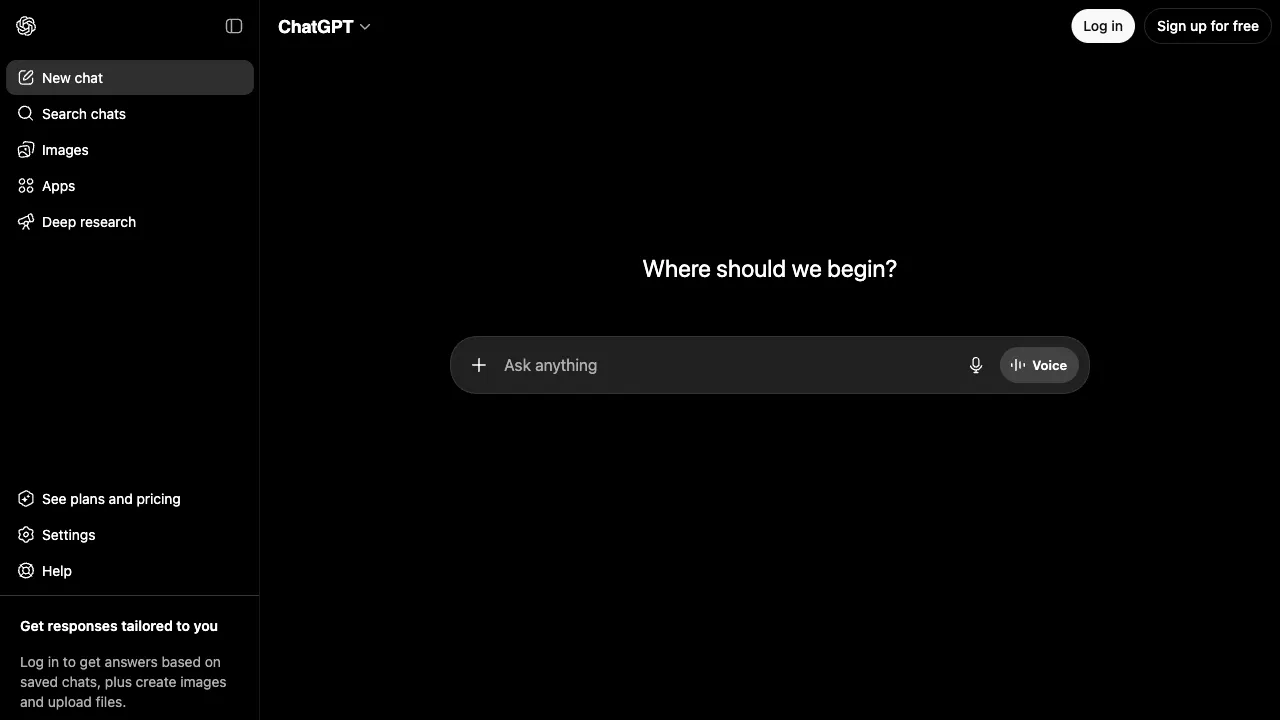
Saying that ChatGPT has changed the way many people work is no exaggeration. Since its release in late 2022, it has become arguably the most widely discussed and genuinely used tool by everyday people in the AI field. However, existing introductions to it are either too superficial (“it’s just a chatbot”) or too technical (filled with terms like large language models and Transformer architecture), leaving the practical details of actually using it unclear. This article aims to clarify: what it can do, how to use it effectively, and when paying for it is worth it.
What It Is
ChatGPT is OpenAI's conversational product. The underlying models have moved from the original GPT-3.5 to the GPT-5.6 family released on July 9, 2026, which comes in three tiers — Luna, Terra and Sol, in ascending capability. Since August 6, 2026 the free tier and Go have defaulted to Luna.
On September 3, 2026 OpenAI released GPT-6 Astra as the new top tier — API model id gpt-6-astra with a 1M-token context window — on a staged rollout: enterprise customers first, then ChatGPT Plus, Pro, Business, and Enterprise plus the API and AWS. The version released to paid users is restricted and refuses certain requests in areas such as cybersecurity. Standard API pricing is $10 per million input tokens and $50 output, 2.5x the promotional rate of GPT-5.6 Sol ($4/$20).
Its core capabilities cover conversational Q&A, writing, coding, data analysis, image generation, voice, and web search, all switchable inside the same chat window.
Clarifying the Core Features
Conversations and Q&A
This is the most fundamental feature and the one most people use. You can ask it anything in natural language—technical concepts, historical events, cooking recipes, parenting advice, workplace dilemmas—and it will provide structured answers.
ChatGPT’s advantage lies in its ability to maintain context across multiple turns of conversation. This means you can follow up, correct, or add information, and it will remember what was said earlier in the dialogue. It feels more like a continuous conversational assistant than just a search engine.
However, keep in mind that its training data has a cutoff date. For real-time events occurring after that cutoff, it won’t know unless you enable web-browsing mode.
Writing Assistance
This is one of the most common use cases for ChatGPT in the workplace. It can help you write:
- Various business emails (client replies, apology letters, proposals)
- Reports and documents (weekly/monthly reports, project summaries)
- Social media content (Xiaohongshu, WeChat Official Accounts, LinkedIn)
- Creative writing (story outlines, scripts, ad copy)
- Translation and polishing (Chinese-English translation, making dry text more fluent)
The key is: the more context you provide, the better the output. Don’t just say “help me write an email”; instead, tell it who the recipient is, what the background is, what you want to convey, and what tone you’re aiming for. The difference can be huge.
Code Generation and Debugging
Many developers have already integrated ChatGPT into their daily workflows. It can:
- Generate code snippets or complete functions based on your description
- Help identify bugs and explain their causes
- Explain code you don’t understand
- Convert code from one language to another
- Write unit tests
- Add comments and documentation to existing code
It handles everyday coding tasks in common languages like Python, JavaScript and TypeScript, with the Sol tier improving most on code and research work. For large projects, though, multi-file work inside a chat window still trails purpose-built tools such as Cursor and Claude Code.
Data Analysis
You can upload Excel spreadsheets or CSV files directly (upload and analysis allowances differ by plan; see "Differences Between Free and Paid Tiers" below) and ask questions in natural language: “Help me calculate sales by region,” “Create a line chart to visualize trends over the past six months,” or “Identify rows with missing values.” It will automatically run Python code to provide the results.
This is a highly practical feature for those who need to process data but lack programming skills, saving you the cost of learning Excel functions or hiring a data analyst.
Image Generation
You can generate images directly within the conversation by simply saying, “Help me create an image of…” On the free plan image generation is limited and slower; paid plans raise the allowance.
If you have high standards for artistic style, Midjourney, a dedicated image-generation tool, offers stronger stylization. ChatGPT’s advantage is convenience: images are generated directly within the chat, with no need to switch tools.
Web Browsing
ChatGPT can enable web browsing mode to search the internet in real time and summarize the results for you. This addresses the limitation of its training data cutoff, allowing it to answer questions like "What are today's news headlines?" or "What is the latest price of Product X?"
However, the quality and speed of this feature do not match those of Perplexity AI, which specializes in this task. Perplexity offers a smoother experience for "search and summarize" scenarios, with clearer source citations.
Multimodal Capabilities
ChatGPT's multimodal support covers:
- Image Analysis: Upload a screenshot, photo, or chart for it to analyze, explain, or answer questions about.
- Voice Conversation: Engage in real-time voice conversations with the AI, with latency low enough to feel like a natural dialogue.
- Video Understanding: Upload video clips for content analysis (some features are still being rolled out).
GPTs: Pre-built AI Apps by Others
GPTs are a feature akin to an "app store" provided by OpenAI, hosting a vast array of specialized assistants customized for ChatGPT by third-party developers. Examples include bots dedicated to writing resumes, translating academic papers, performing SEO analysis, or role-playing specific personas.
You can also create your own GPTs by defining specific roles, knowledge bases, and behavioral rules. This allows you to craft a personalized AI assistant tailored to your needs or build internal tools for your team. The official pricing page lists custom GPTs among the Plus plan benefits.
Who Should Use It
Professionals, especially those in writing-heavy roles: Drafting articles, editing content, preparing presentations, and managing emails—ChatGPT can help with first drafts and outlines, which you then fact-check and edit. Time savings depend on the task and revision effort; we have not run a standardized timing test for these tasks.
Developers and tech professionals: Writing code, debugging, searching documentation, and explaining technical concepts have already become integral parts of many developers' daily toolchains.
Students and learners: It can explain concepts, help you grasp complex topics, offer suggestions for papers, and aid in exam preparation. However, be careful not to submit its output directly as your own work; treat it as a tutor, not a ghostwriter.
Entrepreneurs and product managers: It is highly practical for competitive analysis, writing product documentation, and brainstorming sessions.
Differences Between Free and Paid Tiers
The following reflects the official pricing page (chatgpt.com/pricing) as of September 15, 2026. Individual plans are Free, Go, Plus and Pro, with Business and Enterprise for teams and organizations. The page shows amounts by region, and we could not capture specific prices when checking, so confirm them on the official site.
Free:
- Unlimited text chats with GPT-5.6 Luna (OpenAI notes this is subject to abuse guardrails)
- Uploads, image generation, voice chats, deep research, and memory and context are all limited, and image generation is slower
- Limited access to Codex and to ChatGPT Work on desktop
In other words, "unlimited" covers ordinary text chats with Luna only; once you use tools such as uploads, image generation or deep research, the free plan reaches its limits quickly.
Go:
- Raises the Free allowances for messages with tools, uploads, image creation and voice chats, with longer memory
- OpenAI notes this plan may include ads
Plus:
- Adds advanced reasoning models with GPT-6 Astra and GPT-5.6
- Expands messages, uploads, deep research, and memory and context
- Includes Projects, scheduled tasks and custom GPTs, with expanded Codex usage
Pro:
- Listed as 5x more usage on top of Plus, with Pro reasoning powered by GPT-6 Astra
- Unlimited and faster image creation (also subject to abuse guardrails), plus the maximum Codex tasks and deep research
For most casual users, start with free text chats. Consider Plus if you regularly upload files, run deep research or need the advanced reasoning models. If you only ask questions occasionally, the free tier is more than enough.
Notes for Users in Mainland China
Accessing ChatGPT requires a VPN, which is an unavoidable reality. Additionally, ChatGPT does not support registration with Mainland Chinese phone numbers; you must use a foreign phone number or rely on third-party verification services.
If these hurdles are too cumbersome for you, consider domestic alternatives such as DeepSeek, Kimi, ERNIE Bot (Wenxin Yiyan), and Tongyi Qianwen. These do not require a VPN, offer strong Chinese language capabilities, and may even outperform ChatGPT in certain areas (such as DeepSeek’s reasoning abilities). However, if you have the means to use ChatGPT, its breadth of features and the GPTs ecosystem remain its main advantages.
Practical Tips for Use
Assign a role to the AI: Starting with prompts like "You are a marketing expert with 10 years of experience, help me..." significantly improves the professionalism of the output.
Guide the style with examples: Paste an article you consider well-written and add, "Write this in this style for me." It will pick up on the tone you want.
Iterate over multiple rounds; don’t expect perfection in one go: It’s normal to be unsatisfied with the first draft. Tell it what needs changing—“Make it more concise,” “Remove the third paragraph and add a specific example”—and it will execute those instructions accurately.
Break tasks down: Instead of saying, “Help me write a complete business plan,” try, “First, help me write an executive summary, 500 words, targeted at investors.” Tackle it piece by piece, and the quality will be much better.
Maintain critical thinking about the results: ChatGPT confidently states incorrect information. Verify numbers, dates, quotes, and specialized knowledge—never use them blindly.
Is It Worth It?
For most people, the best way to view ChatGPT is as a “smart assistant available anytime.” It can’t replace your thinking, but it can save you from a huge amount of repetitive mental labor. If drafting an email takes you 20 minutes, having it draft and then refine it might take just 5; looking up a concept in documentation might take half an hour, while getting an explanation from ChatGPT could take only 3 minutes. This efficiency gap adds up to something substantial over time.
Start with the free version to see what problems it can solve for you. If you use it every day and keep hitting the limits on uploads, image generation or deep research, then consider upgrading to Plus.