

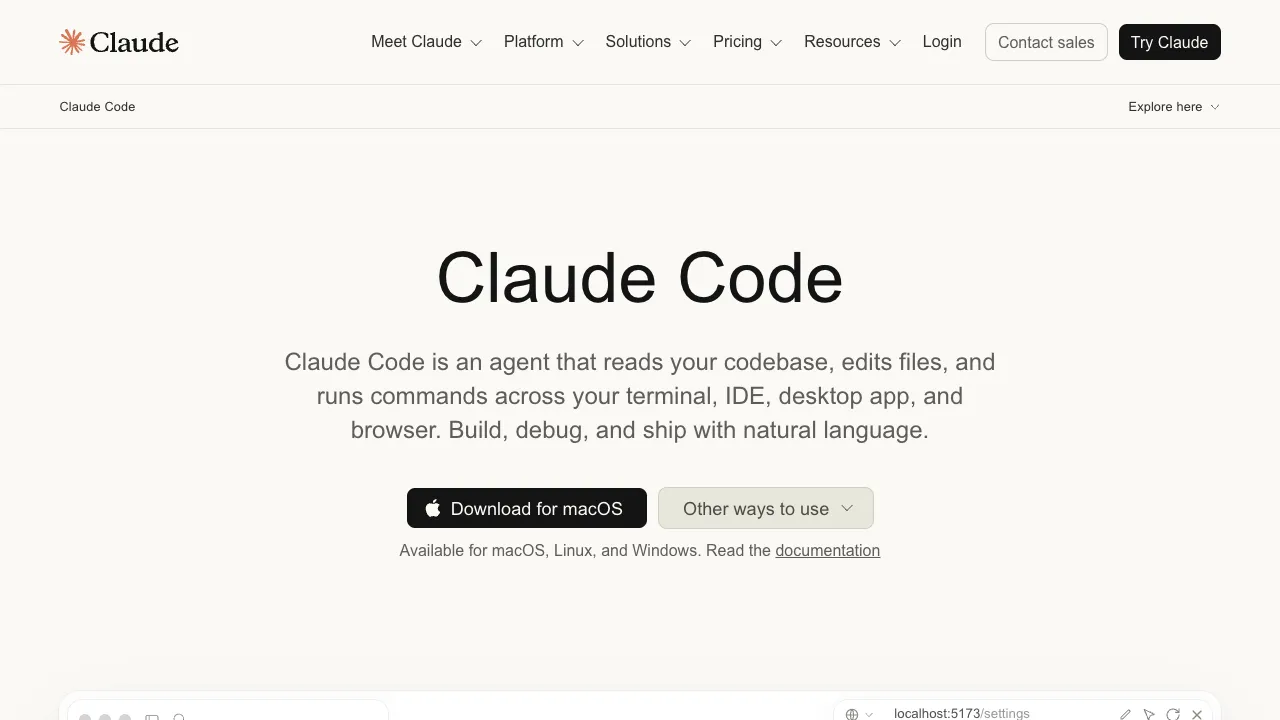
Most AI coding tools focus on "completing code within the editor." Claude Code takes a different approach: it is an agent-based coding tool that runs in your terminal. It can read your entire codebase, edit files, execute commands, and run tests—acting like a hands-on pair programmer rather than just a prompt-completion assistant.
What Is Claude Code?
Claude Code is Anthropic’s command-line coding tool, powered by the Claude model series. You launch it in your project directory and issue tasks in natural language. It will:
- Understand the codebase: Automatically retrieve relevant files and build context without requiring you to manually paste snippets one by one.
- Execute multi-step workflows: Break down tasks, modify multiple files, run builds and tests, and self-correct based on error messages.
- Take action: Perform git operations, run scripts, and invoke command-line tools, creating a closed loop of "edit—run—verify."
Five Surfaces, One Setup
It started as a CLI only. The current documentation lists five surfaces: the terminal CLI, a VS Code extension, a JetBrains plugin, a desktop app (macOS and Windows, with Ubuntu and Debian in beta), and the browser at claude.ai/code plus the mobile app. The desktop app bundles Claude Code, so there is no separate CLI install; the web surface suits long-running tasks you kick off and check back on later.
All surfaces connect to the same engine, so a repository's CLAUDE.md, settings, and MCP servers apply everywhere, and sessions move between them: /desktop hands a terminal session to the desktop app for visual diff review, and a cloud task started with claude --cloud can be pulled back into the terminal with claude --teleport (both require a claude.ai subscription).
Typical Use Cases
- Implementing new features: Describe the requirements, and have it make cross-file changes while adding tests.
- Fixing bugs: Paste error logs or reproduction steps, and let it locate, fix, and verify the issue.
- Refactoring and migration: Perform batch changes, upgrade dependencies, and unify code style.
- Understanding unfamiliar codebases: Have it explain the call chains and data flow of a specific module.
Key Features
- Agent-based workflow: Excels at complex tasks requiring multiple steps and cross-file modifications—the key difference from standard completion tools.
- Strong context handling: Claude models demonstrate outstanding comprehension of large codebases and complex logic compared to peers.
- Controllability: Critical operations present plans and confirmation points to prevent unchecked, chaotic changes.
- Extensible: MCP connects external data sources (Google Drive, Jira, Slack); Skills package repeatable workflows into commands like
/review-pr; Hooks run your own shell commands before or after actions, such as auto-formatting after every edit; subagents split work in parallel. - Fits into pipelines: GitHub Actions and GitLab CI for PR review and issue triage,
@Claudein Slack to turn a bug report into a pull request, and Routines for scheduled jobs that run in the cloud.
Usage Recommendations
When making significant changes, have it propose a plan before executing. Always run tests and perform code reviews afterward—AI makes mistakes, especially when unfamiliar with project conventions. Using it within a git repository allows for easy rollbacks, providing clearer safety boundaries. Treat it as a "high-level assistant that can take action," not as unreviewed automation.
Pricing
Claude Code is not part of the free tier; it requires a subscription or API access. The official pricing page (checked 2026-09-06) lists Pro at $20/month, or about $17/month billed annually; Max from $100/month in 5x and 20x tiers; Team standard seats at $25/month ($20 annually) and premium seats at $125/month ($100 annually); and Enterprise at a per-seat price plus API usage. All of those paid tiers include Claude Code. You can also use the Anthropic API directly and pay per token. Check the official page for current figures.