

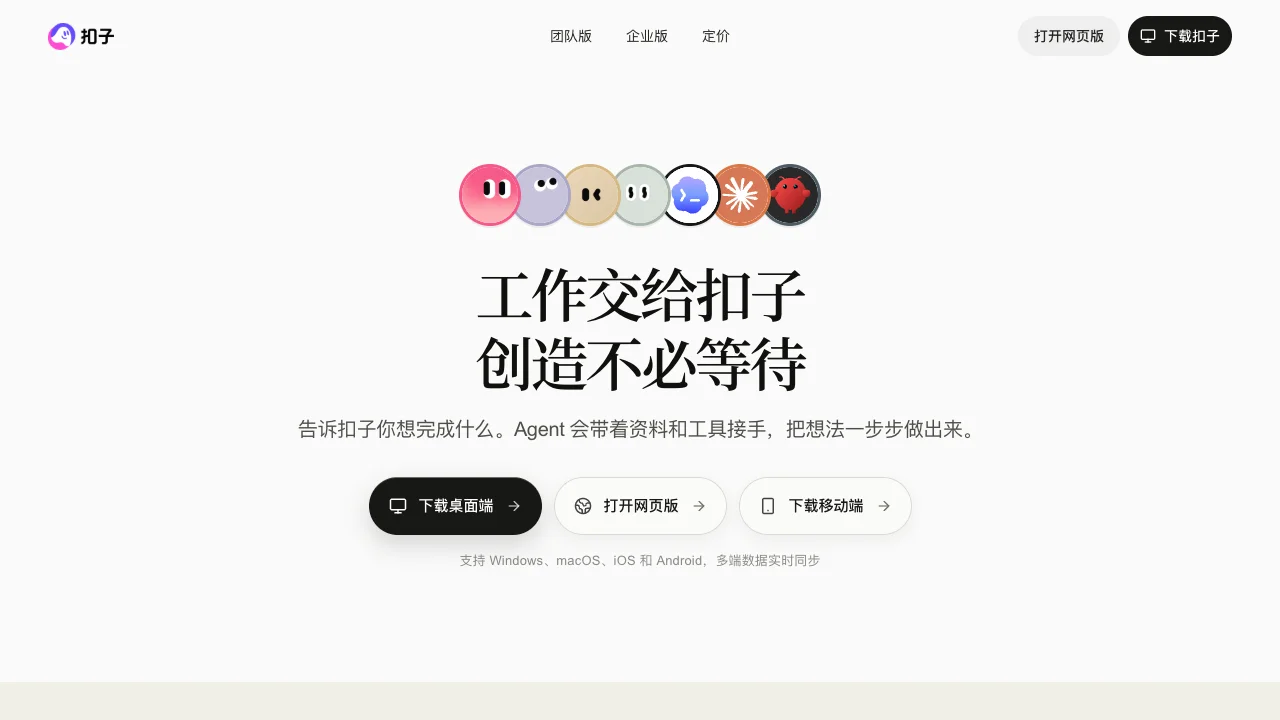
Coze covers AI creation and office tasks alongside agent, workflow and app development. Start by distinguishing delegating a job from building a reusable agent or application: the entry points, costs and permissions differ.
Coze Space and development tools
The official Coze Space introduction describes general and specialist agents, search, analysis, execution, exploration and planning modes, and MCP extensions. Its focus is completing a task.
A development platform instead lets you configure models, prompts, knowledge, plugins and workflows, then debug and publish a reusable tool. Current official documentation separates Coze and Coze Coding entry points. Product names and screens in older tutorials can change. Start office tasks at Coze and development work at Coze Coding. This listing covers the ecosystem together rather than treating a historical entry point as an entirely separate product.
What is open source?
Coze Studio is the separately released core engine derived from the development platform, under Apache-2.0. It provides visual tools for agents, applications, workflows, knowledge bases and plugins. This does not establish that the entire hosted Coze service or Coze Space is open source.
Self-hosting requires model services and credentials. Hosted model, plugin and subscription entitlements do not automatically transfer to your instance. The repository warns about public registration, code execution nodes, SSRF and permissions in public deployments. We recommend this route only if you can maintain it.
Pricing and permissions
Coze products offer free access and paid subscriptions, with feature-specific credit rules. Check coding plans separately from office entitlements. Current quotas, model costs and availability depend on the relevant plan page and signed-in account; do not rely on temporary free offers from older tutorials.
Try one small task or workflow, check sources, output format and usage, then expand. Complex workflows need plugin authentication, failure branches and permissions before business use. The Chinese site and documentation provide a starting point for mainland users; third-party plugin regions, accounts and data permissions require separate checks. Compare Dify for app building or n8n for cross-app workflows.