

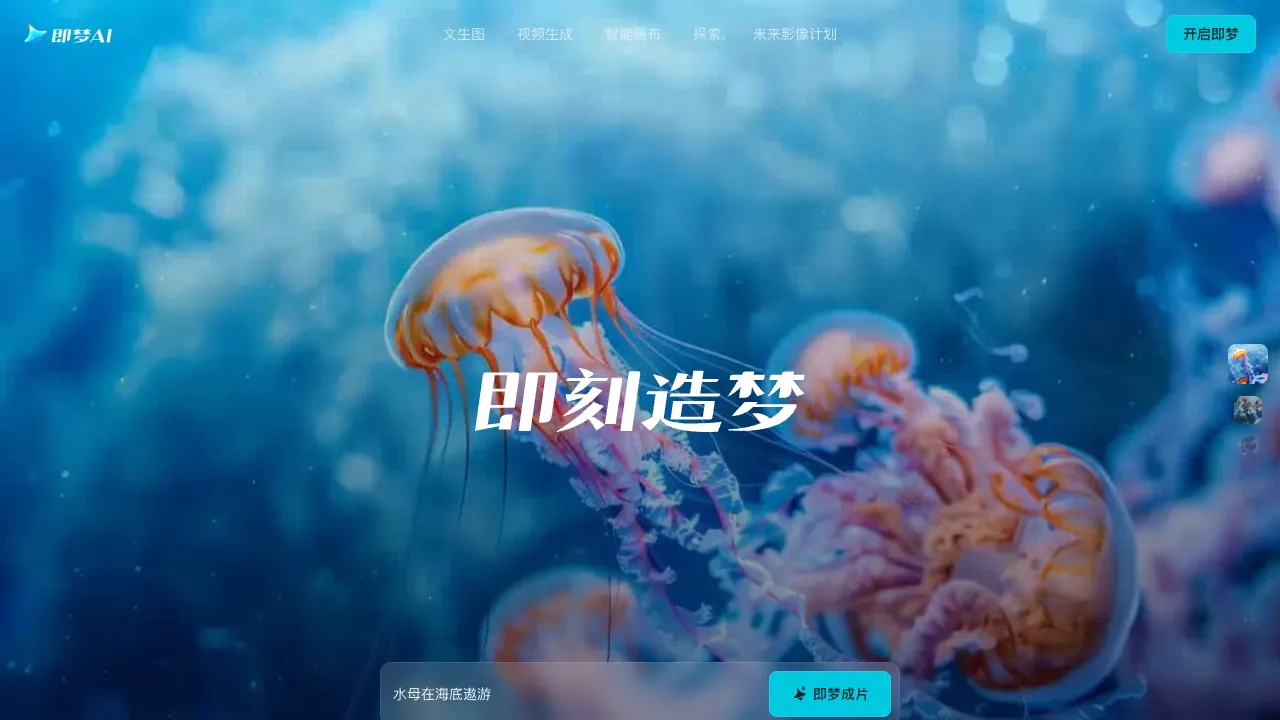
Jimeng (Dreamina) is ByteDance's AI visual creation platform, part of the same ecosystem as CapCut (Jianying). It brings text-to-image, image-to-video and a smart canvas together, understands Chinese prompts well and is easy to pick up, making it one of the most frequently used tools in China for AI images and short videos.
What Jimeng AI Is
Jimeng offers a full set of tools for going from an idea to images and video:
- Text to image: generate images from Chinese descriptions, with plenty of built-in styles and aspect ratios, no need for strings of English keywords.
- Image to video / text to video: turn an image or a description into a short animated clip, with control over camera movement and motion intensity.
- Smart canvas: a creative workspace for inpainting, outpainting, object removal and restyling.
- Lip sync / digital humans: make a person in an image speak, for talking-head videos and virtual personas.
Model Updates in 2026
- February: added the Seedance 2.0 video model and the Seedream 5.0 Lite image model. Seedance 2.0 accepts mixed image, video, audio and text input, and in Jimeng you can choose any length from 4 to 15 seconds. Queues were long at launch, and a single clip could take a long time.
- Late July: Seedance 2.5 arrived, generating videos of up to 30 seconds in one pass, with local edits, additions, removals and replacements on generated results, and far more reference assets. Sources disagree on the maximum length after extension, so rely on what the product shows.
- Image model: the site currently features Seedream 5.0 Pro for image generation.
Developers who want the same models call them through ByteDance's Volcano Engine Ark platform rather than Jimeng itself.
Paid Services Come in Three Parts
Jimeng splits paid services into memberships (including a team edition), credits and API access; buying one doesn't automatically include the other two. The subscription credits members receive each month and the free credits the platform hands out daily are two separate allowances with different expiry rules, so read the details before you spend them.
On the product side, the smart canvas now includes retouching tools, so routine adjustments no longer require Photoshop; the digital human workspace generates talking-head videos with motion and expressions from an uploaded portrait plus audio, and lip sync can be edited after a video is generated, with both Chinese and English voiceover supported.
Getting Started: From an Image to a Short Video
- Create the key frame with text-to-image first. Write the description as "subject + setting + style + composition + lighting" — for example, "an orange cat lying on a wooden windowsill, afternoon sun, film look, close-up, warm tones" — which works better than a long string of adjectives.
- Pick an image you like for image-to-video, and describe concrete motion and camera work, such as "the cat slowly lifts its head to look out the window, camera slowly pushes in."
- Complex motion distorts easily, so generate a few seconds first and extend or stitch clips once you're happy.
- Export and finish in CapCut with subtitles, music and transitions.
Who It's For
- Short-video creators: covers, opening animations and creative storyboards, paired with CapCut.
- Designers and marketers: posters, e-commerce assets and social graphics.
- Everyday users: turning the picture in your head into an image or short clip without learning complex tools.
Strengths
- Chinese-friendly: write prompts directly in Chinese, with output that suits local tastes.
- Images and video in one place: move from stills to motion on one platform.
- Ecosystem integration: connected to CapCut, so generated assets flow straight into editing.
Tips and a Copyright Reminder
Jimeng bills in credits (free daily credits plus paid purchases), so watch your consumption before batch work — video, and long video especially, uses far more.
Be especially careful when output involves real people's likenesses, well-known characters or brands. After Seedance 2.0 launched, Hollywood studios raised infringement claims, and ByteDance paused part of its overseas rollout. Before commercial use, confirm where your source material came from and that you have the rights, and label AI-generated content as platforms require.
How It Compares
Pricing
New accounts get free daily credits; higher resolution, video generation, watermark removal and more generations are unlocked through a membership or separate credit purchases. Official paid services come in three kinds — memberships (personal and team), credits and API — and buying one doesn't include the others; monthly membership credits and daily free credits are separate allowances with different expiry. Check the official subscription page for current tiers and prices.