

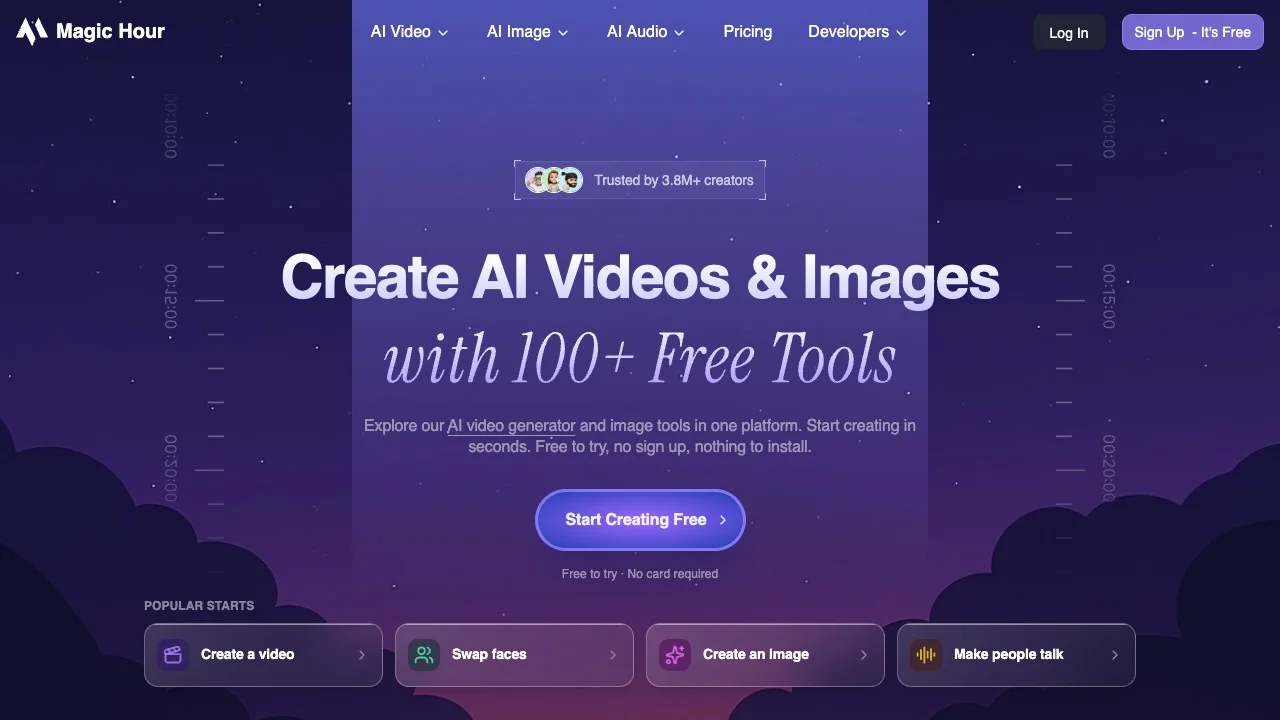
Magic Hour is an AI media platform for creators, marketing teams and developers. It brings video generation, image editing, talking portraits and voice generation into one website, with a REST API and official MCP server for applications and compatible assistants. The browser tools suit individual revisions; developer interfaces suit repeatable steps in a workflow.
Screenshot of the official public homepage; product statements and user counts shown are provided by the vendor.
Choose an entry point from your source material
Start with text-to-video or text-to-image when you only have an idea. Use image-to-video when you already have a product photo, illustration or portrait. Image editing combines an original image with instructions, alongside tools for background removal, upscaling and colorization. Existing footage can go through video editing, restyling or lip sync.
Talking photos and image-to-video serve different purposes: one combines a portrait with speech, while the other generates motion from a still. Voice generation turns text into speech; voice cloning needs audio material. For a character presentation, settle the script and voice before selecting the image. For a product shot, identify the appearance that must be preserved before describing motion, rather than putting every requirement into one generation.
Duration, aspect ratio, audio and resolution options differ by tool and model. A capability offered by one model does not apply to every tool, and a demonstration does not establish consistent results for your product.
Try one short shot first
Upload an image on the official image-to-video page, add a motion description, then generate, preview and download an MP4. The page allows the model to choose motion when the prompt is empty. Explicit subject movement and camera direction make results easier to assess when composition matters.
Choose a clear source with minimal compression damage and limit the motion to one goal, such as a slow camera approach toward a product. Inspect packaging text, faces, object outlines and the first and last frames. Keep the original image and change one motion instruction when comparing another result. These are suggested starting steps; assess output against your own material.
For a longer finished piece, bring clips into your editing workflow for subtitles, narration and sound. Having multiple generation tools still leaves final editing and human review to do.
Pricing and commercial rights
Magic Hour offers free trials, paid subscriptions and credit packs. API use can draw on subscription credits, one-time packs or usage-based billing. Usage-based billing currently requires setup assistance from the company. Free modes and allowances vary by tool, model and account; check the current pricing page and account for amounts and limits.
The pricing page lists Creator, Pro and Business. Consumption depends on model, length, resolution and request options, so estimate the number of attempts needed for an acceptable finished asset. Credit packs and subscriptions have different benefits: a pack does not automatically unlock models, upload sizes or concurrency reserved for a paid plan.
The company states that subscriptions and credit-pack purchases include commercial rights to outputs. Outputs without either purchase are limited to personal, non-commercial use. Check the applicable terms before producing advertising, client deliverables or product listings. Output permissions do not replace rights to uploaded images, faces, voices, music or brand material.
Integrating the API and MCP
The REST API lets code organize uploads, generation, status checks and downloads, with SDKs for several languages. Generation is asynchronous: submission and completion are separate states. Keep job identifiers and handle waiting, failure and downloads in batch workflows, rather than submitting again because only a project ID was returned.
The official MCP endpoint is https://mcp.magichour.ai/. Clients supporting remote Streamable HTTP can authorize with a Magic Hour API key and call available media tools. MCP uses the same credits as direct API requests. A feature in the web application is not necessarily exposed through MCP.
After connecting, check the server response and then account authorization and balance. The official guide warns that a successful ping does not establish that the API key is valid. The hosted MCP cannot read a path on your computer; local media needs a client upload bridge or an upload API. Validate upload, generation and download with a small sample before building a production workflow.
Who should consider it
Our recommendation is to try a complete task if you need image editing, short videos and talking portraits in one platform, or intend to produce assets repeatedly through an API. Its web, API and MCP interfaces accommodate different ways of working. This is a workflow recommendation rather than a comparative claim about generation quality.
For a workflow centered on individual video shots, also consider Runway. For digital-presenter videos, see HeyGen. Compare the same source material and delivery requirements, including revision count, licensing and total cost.
Mainland China availability
Availability in mainland China is unconfirmed. Being able to retrieve the official website does not verify mainland connectivity, registration, payment or generation. The specific scope of Chinese interface and speech support is also unconfirmed.