

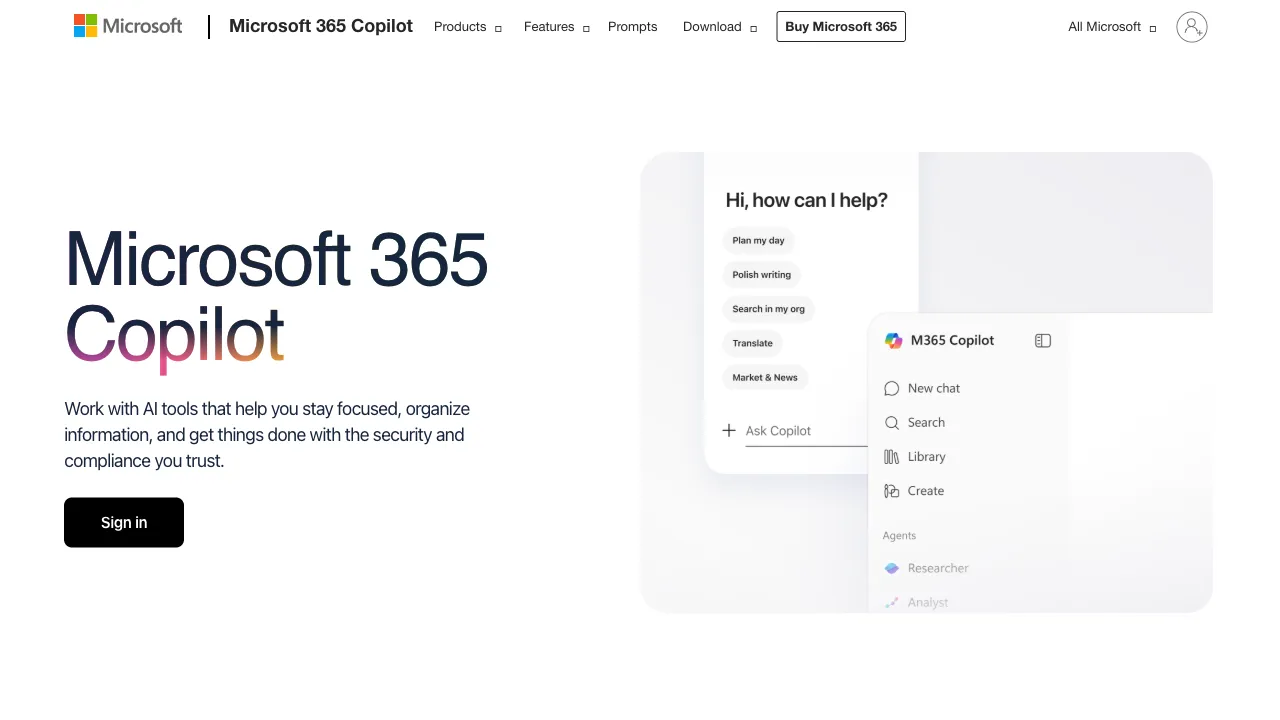
Microsoft’s biggest monetization of its multi-billion-dollar investment in OpenAI isn’t a standalone AI product; it’s the infusion of GPT capabilities into the lifeblood of Office, which has dominated the workplace for thirty years. Word, Excel, PowerPoint, Outlook, and Teams are tools that billions of knowledge workers around the world use every day. Microsoft 365 Copilot does something straightforward: it doesn’t make you go to an AI; it brings AI into every tool you’re already using. It also holds a trump card that no general-purpose AI possesses: your enterprise data. Copilot can see your emails, documents, meeting notes, calendar, and contacts, providing help grounded in your work context rather than offering generic advice.
What is Microsoft 365 Copilot?
Microsoft 365 Copilot is an AI assistant fully integrated into the Office suite, powered by a GPT-4-class model combined with Microsoft Graph (your enterprise data). Its core philosophy is that AI shouldn’t just answer questions; it should know what you’re working on and what context you have, providing help directly relevant to your current task. Only Copilot can do things like “draft a follow-up email to a client based on the last meeting notes and email thread,” because general-purpose AIs lack your enterprise context.
Features Across Products
Word: Draft documents from scratch, expand content, rewrite and polish, summarize long texts, and generate new documents by referencing your other files.
Excel: Analyze data via natural language queries, automatically generate formulas based on described needs, gain data insights, and create charts on demand—formula generation is widely considered one of the most practical features, effectively removing the barrier for those who struggle with complex formulas.
PowerPoint: Generate complete PPTs from an outline (including content design), convert Word documents to PPTs, optimize slides, and automatically generate speaker notes.
Teams: Real-time meeting summaries, automatic post-meeting minutes + decisions + action items, summaries of chats you missed after being away for a long time, and reply suggestions—for those with heavy meeting loads, this is a killer feature.
Outlook: Summarize long email threads, draft key points into full emails, and optimize tone and grammar.
Microsoft Graph Integration: Call your enterprise data (emails/documents/calendar/contacts) across apps to provide targeted suggestions—this is its deepest moat; general-purpose AI tools cannot replicate this because they lack access to your enterprise context.
Comparison with Similar Tools
vs ChatGPT Plus: Using a general-purpose AI in Office requires copying and pasting back and forth; Copilot works directly within the Word/Excel/PPT interface with zero friction and can access enterprise data. Choose Copilot if you want it “embedded in your workflow,” or ChatGPT if you want “powerful general conversation”; many people use both.
vs Google Workspace’s Gemini: Google’s counterpart product (integrated into Docs/Sheets/Gmail). Whether your company uses Microsoft or Google for office work basically determines which one you’ll use—it’s an ecosystem-bound choice between two options.
vs Domestic AI Assistants (Tongyi/Wenxin/Yuanbao): Their capabilities are not weak, but they lack native integration with Office; Copilot’s value lies in blending into your workflow and reducing context switching. Domestic enterprises must also weigh data compliance issues (see below).
Who Is It For?
Heavy Office Users: Professionals who spend their days in Word/Excel/PPT/Outlook/Teams will find AI helping them directly within the tools, delivering real efficiency gains—the core audience.
Managers and Executives: For those drowning in emails and back-to-back meetings, email summaries + meeting minutes + summaries of missed content save time immediately.
Teams with High Content Output: Drafting and polishing reports, PPTs, and emails leads to noticeable productivity boosts.
Enterprises Already Subscribed to Microsoft 365: Copilot is the most natural path for extending AI capabilities, fitting seamlessly into the existing ecosystem.
Limitations
High Price: The enterprise version costs approximately $30 per user per month (purchased in addition to your Microsoft 365 subscription), and personal Copilot Pro is about $20/month—for individuals and small teams, this is a significant cost; whether it’s worth it depends on the intensity of your Office usage.
Inconsistent Feature Quality: Excel formulas and meeting minutes are very practical, but PPT design and complex analysis need improvement—don’t expect every feature to be equally excellent.
Data Compliance: For domestic enterprises, using Copilot involves compliance assessments regarding enterprise data being processed by Copilot (overseas cloud); this is a hurdle that must be cleared before implementation.
Pricing
Microsoft ran a global price and packaging update on July 1, 2026, moving Copilot and the base suites together.
The Copilot licence: the standalone Copilot Business licence went from $18 to $21/user/month on annual billing, aimed at organisations up to 300 users. Buying before June 30 locked in the $18 rate.
Base plans moved too: Business Basic $6→$7, Business Standard $12.50→$14, E3 $36→$39, E5 $57→$60. Business Premium stayed at $22.
Two new bundles: Microsoft 365 Business Standard with Copilot and Microsoft 365 Business Premium with Copilot, at $23.50–$32/user/month, which Microsoft lists as standing rather than promotional pricing.
Agents are separate: Copilot Studio agents run on a consumption model — pay-as-you-go at $0.01 per Copilot Credit, or prepaid packs of 25,000 credits for $200 per pack per month. On June 16, 2026 Copilot Cowork and the Work IQ APIs both reached GA, metered the same way in Copilot Credits on top of the flat per-seat licence, so budgets now split into a fixed seat line and a variable usage line. Worth separating what is free: the agents built into Microsoft 365 Copilot — Researcher, Facilitator, Analyst — carry no extra Work IQ charge; metering applies when custom or third-party agents ground in M365 data through the Work IQ APIs.
Existing customers remain on current pricing until renewal. The same update folded a good deal into the suites: Microsoft Defender for Office 365 Plan 1, a batch of Intune enhancements (Remote Help, Advanced Analytics, Plan 2, Privilege Management, Enterprise App Management, Cloud PKI), Copilot Chat enhancements and analytics, and 50 GB of extra mailbox storage on Business plans, with E3 and E5 receiving the most. Rollout began in June 2026 and completed by early August.
Check Microsoft's own licensing pages for authoritative numbers.