

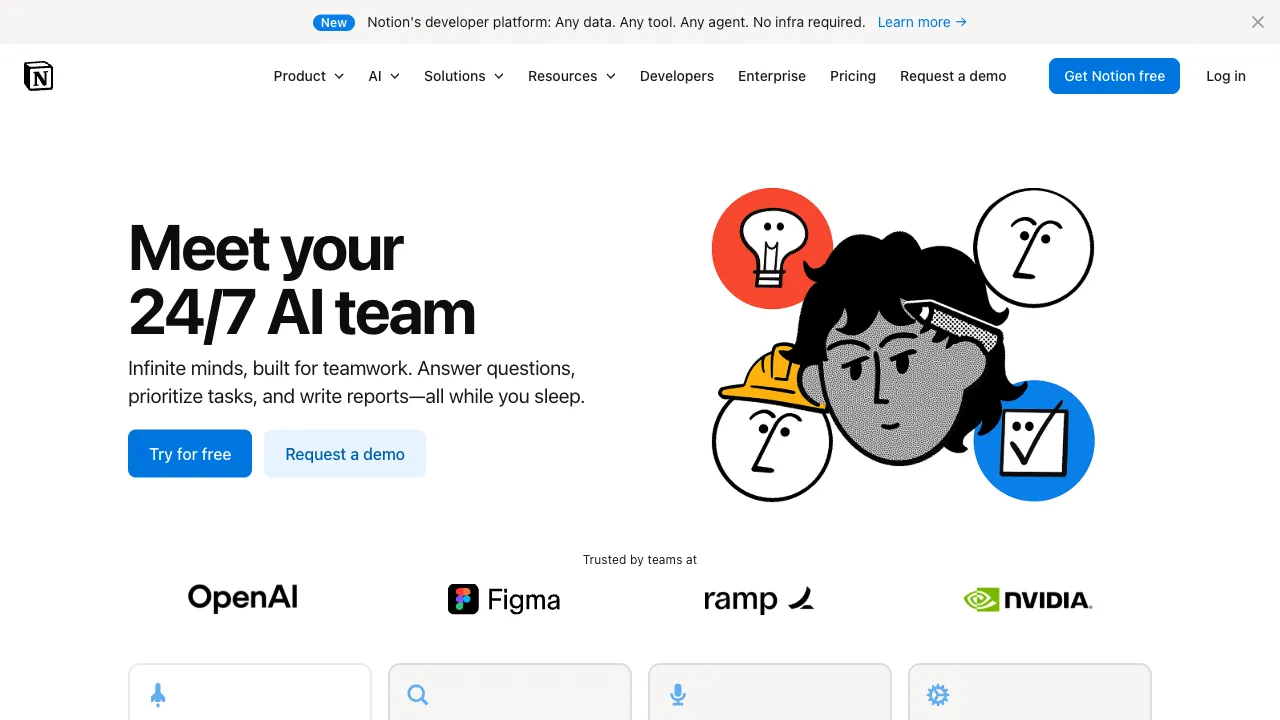
Notion is already a high-frequency tool in many people’s daily workflows—handling notes, documents, tasks, wikis, and project management all in one place. When Notion integrated AI features in early 2023, it didn’t create a standalone AI chatbot; instead, it embedded AI capabilities directly into every place where you’re already writing. This approach differs significantly from the underlying philosophy of most other AI writing tools on the market.
What is Notion AI?
Notion AI is an built-in AI feature within Notion, not a separate product. If you use Notion, you can invoke AI anywhere in any document by pressing the spacebar or typing “AI,” then letting it handle tasks for you.
Core capabilities include content generation, summarizing notes, rewriting text, translation, brainstorming, Q&A, and its distinctive feature: answering questions based on your own Notion content.
Core Features
Embedded Writing Assistant
In any Notion page, you can:
- Ask AI to draft a section (e.g., “Help me write an apology email to a client”)
- Select text and ask AI to rewrite it (e.g., “Make this more concise” or “Make this more persuasive”)
- Have AI continue writing (e.g., “Continue this content”)
- Ask AI to add structure (e.g., “Add headings and lists to this section”)
The key difference between this workflow and writing in ChatGPT then copying and pasting is that AI works directly within your document, eliminating the need to switch back and forth. For those who write extensively in Notion, this significantly reduces friction.
Summarization and Extraction
This is the most frequently used scenario for many Notion AI users. Drop a long document, meeting notes, or scattered snippets into a Notion page, then ask AI to:
- “Summarize the key decisions from this meeting”
- “Extract the three core points of this article”
- “List the action items from this project document”
Its summarization quality is consistent and highly practical for extracting key information.
Translation
Supports multi-language translation with quality that is practical—while not a top-tier translation tool, it’s more than sufficient for workplace documents, emails, and notes. Select content, ask it to translate into your target language, and have it replace the original text in place or display below.
Q&A: Ask Your Notion
This is one of Notion AI’s most distinctive features. Once enabled, you can ask natural-language questions about your own Notion content:
- “What was the decision regarding the budget in last week’s meeting notes?”
- “Which features are scheduled for release in Q3 according to our product planning document?”
- “Have I mentioned this supplier in my notes?”
It searches your Notion content, finds relevant pages and snippets, and provides cited answers. For users with extensive Notion archives, this is a highly valuable feature—you no longer need to remember “which document did I save this in?”; just ask directly.
Auto-Fill Database Properties
If you use Notion databases (tables), AI can automatically fill properties—for example, reading the content of each page to auto-generate summaries, tag classifications, or sentiment analysis. This is useful for content libraries, research databases, and meeting note archives, automating what would otherwise be extensive manual organization.
Comparison with Standalone AI Writing Tools
vs ChatGPT: ChatGPT has stronger AI capabilities (more up-to-date base models) and broader features (web access, image generation, etc.). However, it’s a standalone tool outside your document workflow. If your primary work happens in Notion, switching tools and copying/pasting adds friction; Notion AI eliminates that step.
vs Jasper, Copy.ai: These are specialized AI writing tools with more focused features and dedicated templates for marketing and SEO. Notion AI is more general-purpose, suited for knowledge workers’ daily writing rather than optimized specifically for marketing copy.
The biggest advantage is integration: Notion AI’s core value isn’t that its “AI capabilities are stronger than others,” but that it’s “right where you work.” If you already write, manage notes, and handle projects in Notion, Notion AI adds a helpful assistant to your workflow without requiring any habit changes.
Who Is It For?
Existing Notion users: This is the most direct target audience. If your work heavily relies on Notion, Notion AI offers the best cost-performance ratio for an AI writing assistant—no need to subscribe to additional tools; just use the platform you already have.
Knowledge workers: Consultants, researchers, product managers, content teams—anyone who processes large volumes of documents, notes, and reports can save significant time on summarization, extraction, and rewriting.
Users managing large note libraries: The Q&A feature is particularly valuable for heavy Notion users. When your note library grows to hundreds of pages, relying on search becomes slow; AI retrieval represents a qualitative leap.
Team knowledge base management: If your team’s wiki, project documents, and meeting notes are all in Notion, Notion AI helps members quickly find information, reducing the internal friction of “where did I save this document?”
Pricing
The separate AI add-on is gone. In May 2025 Notion removed the $10/month AI add-on and folded full AI access into the Business plan. Free and Plus keep only basic AI writing, and new users can no longer buy the add-on separately.
- Free: $0, with limited AI
- Plus: $10/user/month annually or $12 monthly, basic AI writing only
- Business: $20/user/month annually or $24 monthly, including the full AI set (Notion Agent, AI Meeting Notes, Enterprise Search)
- Enterprise: custom
So for an individual who wants AI Agents and Ask Notion, the real entry price is $20/month. Custom Agents, launched February 24, 2026, moved to Notion Credits after the free exploration period ended May 3, 2026: credits cost $10 per 1,000, are bought separately by workspace admins, pool across the workspace, reset each billing cycle without rolling over, and are available on Business and Enterprise only. Core AI features do not consume credits. Check notion.com/pricing for current figures.
Practical Considerations
Q&A accuracy depends on your content quality. If your Notion pages are well-named and structurally clear, Q&A is more likely to find the correct information; if pages are messy and content scattered, AI will struggle. Good note-taking habits make AI more effective.
Generated content requires review. Notion AI’s output quality is at the level of “useful drafts,” not ready-to-publish material. Use it to generate first drafts, then refine and edit yourself—that’s the most reasonable workflow.
It cannot access information outside Notion. Notion AI’s knowledge base consists of your Notion content plus the model’s training data; it cannot perform real-time web searches. If you need AI to retrieve external information, you’ll need to pair it with other tools.
Notion AI is “doing the right thing in the right place”—it may not be the most powerful AI, but it could be the most convenient one, because it’s right where you’re already working.