

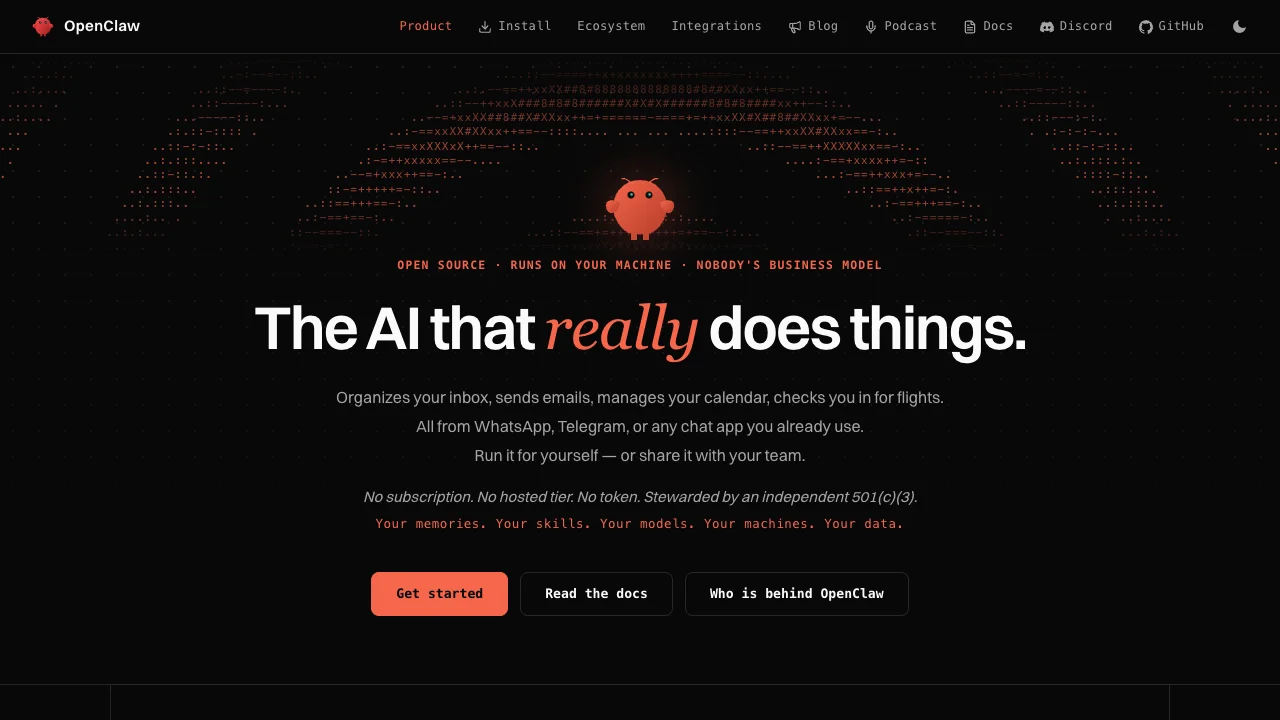
OpenClaw is a personal AI assistant you can run on your own computer or server. It connects a chat entry point, model calls and tool execution. You manage the execution host; when using a cloud model, inputs may still be sent to that model provider.
From messages to actions
The official project supports channels including Telegram, WhatsApp, Discord and Slack. With a channel and model configured, the assistant can organize information, handle files or invoke configured tools. Its reach depends on the permissions and extensions you provide. Connecting a messenger does not grant access to every business system.
We recommend considering it if you are willing to maintain an environment and want control over the host and extensions. For document work without installation maintenance, consider WorkBuddy or Genspark. See our OpenClaw deployment guide.
Review security before adding skills
The official GHSA-g8p2-7wf7-98mq advisory, published January 31, 2026, describes gateway-token exfiltration through a malicious gatewayUrl leading to remote code execution. The patch was v2026.1.29. That number identifies a historical fix, not the version to install today: use a current stable release and check newer advisories.
Snyk documented a malicious ClawHub skill impersonating a Google integration and persuading users to run an installation command. Marketplace presence or download counts do not establish safety. Hostile instructions in webpages, emails or skill descriptions can also create prompt injection risks. A research sample does not establish the current infection rate of the entire marketplace.
Our recommendation is to use a separate account and working directory, start with minimal permissions, inspect skill code and download URLs, and avoid unfamiliar installation commands. Keep the gateway local or on a protected network; configure authentication, sandboxing and tool restrictions using the security documentation. Audit and update regularly, and retain human approval for deletion, external messages and payments.
Pricing and access
The open-source software is free to self-host; model calls, hosting and third-party services cost extra. Open source does not make every task free. Mainland China usability depends on your model, messaging channel and network, each of which needs separate verification.