

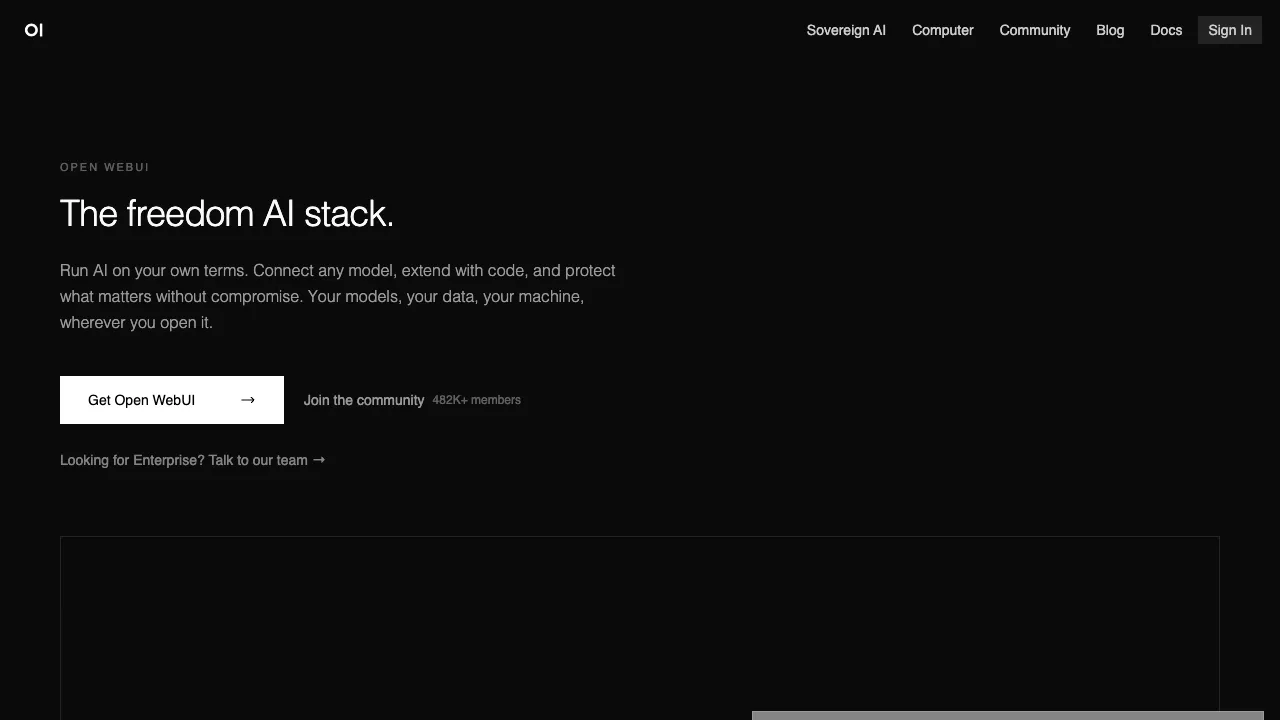
Open WebUI is a self-hosted web chat interface that puts a usable front end on local or self-run model services. The common pairing is Ollama serving the model and Open WebUI serving the interface, which yields an internal assistant that feels close to a mainstream chat product. It also connects to any OpenAI-compatible API, so one interface can hold local models and cloud APIs side by side.
Why the Interface Layer Matters
A command line is fine for the engineer who set it up. The moment colleagues are involved, you need saved conversations, model switching, permissions and shared prompts. That is exactly the layer Open WebUI fills: multiple users, access control, and an interface nobody needs training for.
It ships no inference engine of its own — speed depends on the backend and the hardware. It solves usability, not performance.
What It Can Do
According to the official documentation, beyond basic multi-turn chat it covers the pieces teams usually need for an in-house assistant:
- Document Q&A (RAG): upload documents and get answers grounded in them — a reasonable first version of an internal knowledge base.
- Web search: connect a search service so answers can include web results.
- Tools, functions and Pipelines: write Python extensions that let the model call external systems, or insert filtering and routing logic before and after requests.
- MCP integration: connect MCP tool servers and reuse the existing MCP ecosystem.
- Accounts and permissions: role-based access control with LDAP, OIDC and other single sign-on options, so it can plug into your existing company accounts.
- Image generation and voice: connect an image generation backend, plus voice input and output.
Getting Started: Two Ways to Install
Docker (recommended). The official quick start uses this command:
docker run -d -p 3000:8080 --add-host=host.docker.internal:host-gateway \
  -v open-webui:/app/backend/data -e WEBUI_SECRET_KEY=your-secret-key \
  --name open-webui --restart always \
  ghcr.io/open-webui/open-webui:main
Once it starts, open http://localhost:3000; the first account you register becomes the administrator. The --add-host line lets the container reach Ollama on the host, and -v open-webui:... keeps conversations and settings in a data volume — keep that volume when you upgrade the image or you'll lose your data. Replace WEBUI_SECRET_KEY with your own random value.
pip. If you'd rather not use Docker, run pip install open-webui and then open-webui serve; the default port is 8080.
There are two image variants: :main (about 1.66 GB) bundles embedding, speech and reranking models, while :slim (about 176 MB) suits deployments that hand those jobs to external services.
Read the License
Many write-ups skip this: starting with v0.6.6 (April 2025), Open WebUI added a branding protection clause to its license. Per the official license page, you may not remove or alter the Open WebUI name and logo in the interface unless an exception applies — such as having no more than 50 users in a rolling 30-day period, or holding an enterprise license. The project also states plainly that versions after v0.6.6 are therefore not OSI-certified open source; code through v0.6.5 remains BSD-3-Clause.
For internal team use this rarely matters, but if you plan to rebrand it and offer it as your own product, read the full license or contact the project about an enterprise license first.
Deployment and Operations
For teams whose data can't leave the network the value is direct: the model runs on your machines, the interface runs on your server, and everything happens in a browser without leaving the building.
The cost is operations — containers, upgrades, backups, accounts. A few practical suggestions:
- Put it behind a reverse proxy with HTTPS instead of exposing port 3000 to the internet.
- Once single sign-on is connected, turn off open registration so not just anyone can create an account.
- Back up the data volume regularly; read the release notes before upgrading, and try major upgrades in a test environment first.
- Someone has to own it, or in six months it becomes the box nobody dares touch.
How It Compares
- If you only need to run a model and use it from a terminal or API, Ollama is enough; Open WebUI is a layer on top of it.
- If one person wants a graphical interface on their own computer, a desktop app like LM Studio is simpler and needs no server.
- If you're building business-facing AI applications and workflows rather than just chat, look at Dify.