
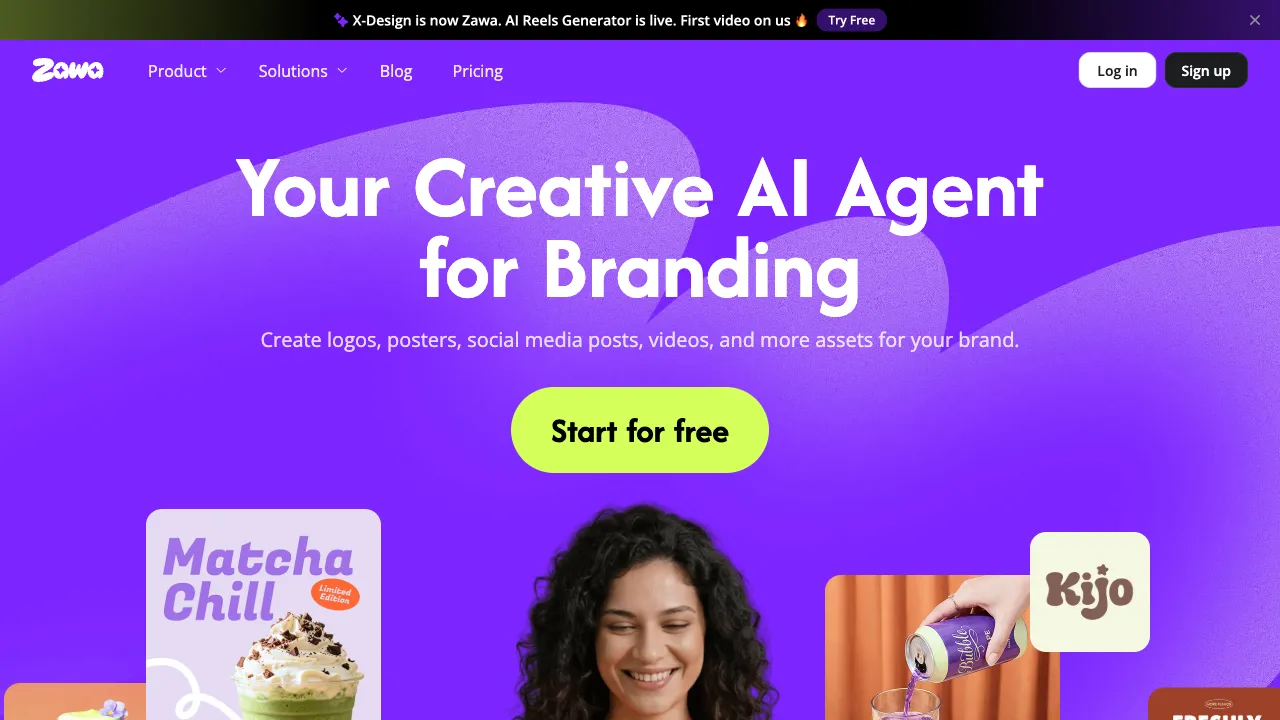
Creating an event poster, adding illustrations to a company’s official WeChat account, or designing a holiday-themed WeChat Moments cover—these design needs are actually quite common. Yet most people lack Photoshop skills and don’t have the time to hire a designer. Meitu Design Studio (x-design.com) targets this exact scenario: an online graphic design tool that is beginner-friendly, features built-in AI capabilities, and lowers the barrier to creating visual content.
What Is Meitu Design Studio?
Meitu Design Studio is an online graphic design platform under Meitu Inc., sharing the same parent company as Meitu Camera and Meitu Xiuxiu (also known as Xingtu). If you define Meitu Xiuxiu as a "photo editing tool," then Meitu Design Studio is closer to a "design creation tool"—its target users are those who need to quickly produce decent-looking designs but lack professional design skills.
The product’s obvious competitive benchmark is Canva: it shares the same template-library-driven approach, drag-and-drop interaction logic, and positioning of "enabling non-designers to create designs." The difference lies in Meitu Design Studio’s focus on the domestic Chinese market; its template styles, holiday assets, and Chinese fonts are more aligned with local user habits. Additionally, leveraging Meitu’s years of accumulation in image processing, its AI photo-editing features are integrated relatively seamlessly.
Key Features
Template Library and Design Editing
The core of Meitu Design Studio remains a template-driven design workflow. You select a template that closely matches your needs, replace the text and images with your own content, adjust colors and layout, and a design is ready.
The templates cover a comprehensive range of scenarios: WeChat Official Account covers, WeChat Moments illustrations, Xiaohongshu (Little Red Book) covers, event posters, business cards, resumes, holiday greeting images, e-commerce main product images, and more. Basically, any design need encountered by domestic content creators and ordinary office workers is covered by ready-to-edit templates.
The number of templates continues to grow over time, with special holiday-themed template updates around festivals. This update frequency is important for operations staff who need to stay on top of current trends.
AI-Generated Design
Meitu Design Studio incorporates AI text-to-image capabilities: input a text description to generate image assets, which can then be directly inserted into the design you are working on. The value of this feature is not in generating standalone images, but in quickly supplementing assets within the design workflow: Can’t find a suitable illustration? Describe the style you want, let AI generate a few options, and pick one to use.
In actual use, this function is quite sufficient for less demanding scenarios, such as creating event background images or decorative elements. For commercial scenarios requiring highly precise expression, the generated results may require multiple attempts.
AI Cutout and Image Processing
Relying on Meitu’s technical accumulation in image processing, Meitu Design Studio includes built-in features such as AI cutout, background replacement, and image enhancement.
The AI cutout performs well in handling human subject edges, preserving hair details significantly better than earlier products. Upload a photo of a person, automatically extract the subject, then replace the background or place the person directly onto the design canvas; this workflow is relatively smooth within Meitu Design Studio.
The background replacement function allows you to choose solid-color backgrounds, blurred backgrounds, or other image backgrounds, which has practical utility for creating ID-photo-style images or product showcase visuals.
Fonts and Text Effects
Meitu Design Studio includes a large library of Chinese fonts, including many commonly used in design that require separate commercial licensing. The platform provides commercial usage instructions for its fonts, which is an important reference for users who need to apply designs to commercial contexts (subject to the specific instructions on the official website at the time).
Text effects support outlines, shadows, gradients, 3D effects, and more, which are generally sufficient for common poster text requirements.
Size Adaptation
Once a design is complete, it can be quickly converted to size specifications required by different platforms—from WeChat Official Account illustration dimensions to Weibo covers and Douyin (TikTok) covers—without redesigning, via one-click adaptation. This feature is very practical for operations staff who need to publish the same content across multiple platforms.
Comparison with Similar Tools
vs Canva: Canva is the world’s largest online design platform, leading in template quantity, design quality, and functional completeness, and it offers a substantial library of Chinese templates. However, Canva’s Chinese font library is not as comprehensive as Meitu Design Studio’s, and its access speed within China is less stable than that of domestic products. If your primary usage is within China, Meitu Design Studio has advantages in response speed and localization.
vs Chuangkit (MakerStick): Chuangkit is another online design tool targeting domestic users, with a positioning highly overlapping with Meitu Design Studio. Both offer rich domestic holiday templates; the main differences lie in their respective template style preferences and AI feature focus. The actual choice often depends on personal preference for interface and template styles.
vs Gaoding Design: Gaoding Design has distinctive features in templates for short-video covers and e-commerce scenarios. Its overall positioning is very similar to Meitu Design Studio, making it a competing product in the same track.
vs Adobe Express: Adobe Express is a lightweight design tool under Adobe, offering better integration with the Adobe Creative Cloud ecosystem. However, its level of Chinese localization is not as high as Meitu Design Studio’s, and Adobe’s subscription model is generally more expensive.
vs Local PS/AI: The ceiling for Photoshop and Illustrator is in an entirely different league; professional designers would not use Meitu Design Studio as a replacement. Meitu Design Studio’s positioning is a "quick output tool for non-designers," not a substitute for professional design software.
Who Is Meitu Design Studio For?
Official Account and Social Media Operations: Operations staff who need to frequently produce cover images and illustrations can save significant repetitive labor through Meitu Design Studio’s template library and quick adaptation features.
Individual Creators: Xiaohongshu bloggers, Weibo bloggers, and others who need visually appealing illustrations but do not want to learn professional design software will find Meitu Design Studio to be one of the lowest-barrier entry options.
E-commerce Sellers: Those needing to create main product images and detail-page assets can quickly process product photos using the AI cutout and background replacement features.
General Workplace Scenarios: For creating event posters, department promotional images, or holiday greeting cards—scenarios that do not require high customization and can be handled by modifying templates—Meitu Design Studio is far more efficient than hiring a designer or learning Photoshop yourself.
Pricing and Limitations
Meitu Design Studio offers both free and paid versions. The free version allows access to numerous templates and basic features, but some advanced templates, fonts, and AI functions have usage limits or include watermarks. The paid version unlocks more advanced templates and features; specific pricing is subject to the official website.
For users with low daily usage frequency, the free version is usually sufficient. Consider upgrading when you encounter scenarios requiring advanced features. For operations staff who need to produce visuals frequently, subscribing to the paid version offers good value—it is much cheaper than purchasing design services on a per-use basis.
Meitu Design Studio’s core value lies in combining Meitu’s years of image processing capabilities with a template-based design workflow, enabling those without design skills to quickly produce decent-looking visuals. For light design needs, it is one of the most localized options available domestically today.