

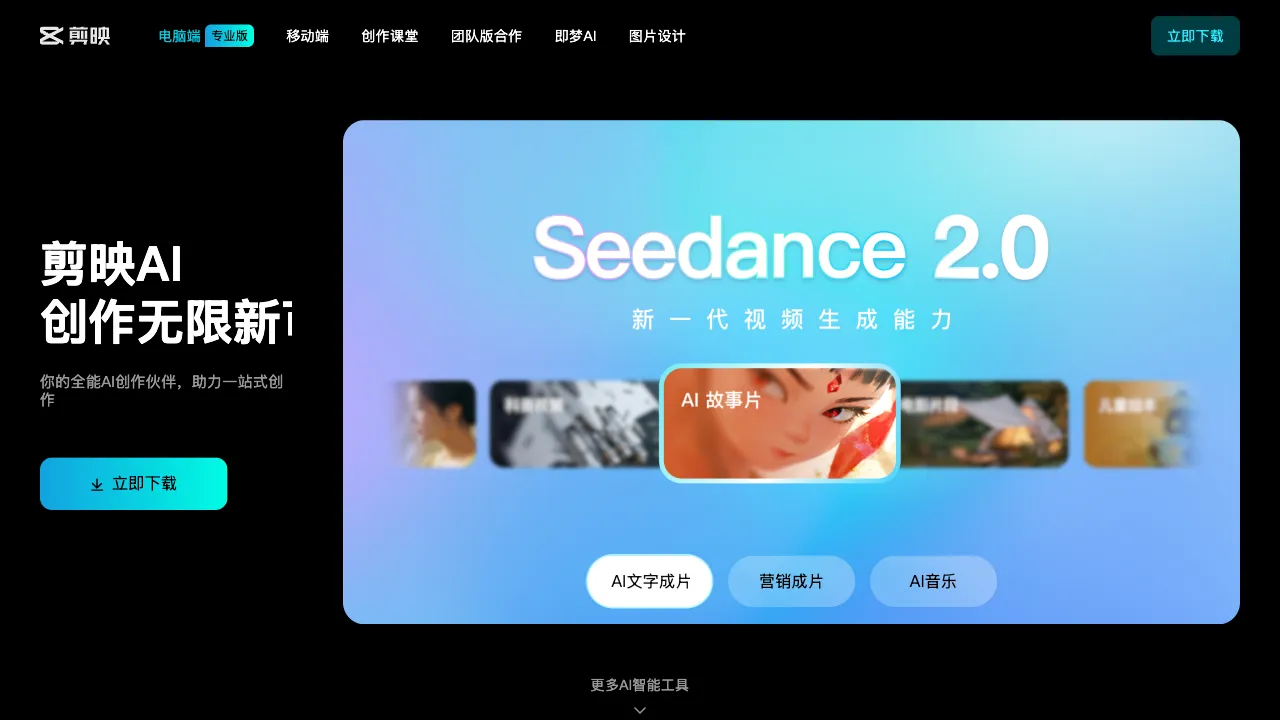
Video creators have a frequent yet tedious need: while editing, you suddenly lack an image—a B-roll shot to fill space, a decent cover, or a texture asset. The traditional approach is to switch to another tool (searching a stock library or opening an AI painting app) to generate it, download it, and then import it back into the video editor. This back-and-forth switching breaks your creative flow. CapCut’s solution is very "ByteDance": since you’re already editing videos here, integrate AI image generation directly into the editing workflow—no switching required, generate on the fly, use immediately.
What Is CapCut AI Image Generation?
CapCut AI Image Generation is an AI image creation feature built into CapCut (the international version of Jianying), China’s largest short-video editing tool: it generates images from text descriptions, seamlessly integrating into CapCut’s editing workflow. It is accessible on both the mobile app and the desktop professional version. Backed by ByteDance’s ecosystem, the generated images can be used directly for publishing on platforms like Douyin. Its positioning is not that of an independent painting tool, but rather a "convenient entry point for supplementary images within the video creation process"—integration, not image quality, is its core value.
Core Features
Text-to-Image
Generate images with one click using Chinese descriptions and preset styles, supporting mainstream styles such as realistic, anime, illustration, Chinese traditional style, cyberpunk, oil painting, and watercolor. Native Chinese support and preset operations make the barrier to entry extremely low for video creators with no prior experience.
Image-to-Image (Reference Image)
Upload a reference image plus a text description to generate materials with a similar style—when you have a satisfactory reference and want to batch-produce materials in the same style, this saves you from repeatedly tweaking prompts. It is a practical scenario for video supplementary images.
AI Cover Generation
Optimized for video covers: generates cover images based on content or descriptions, adapted to submission dimensions for Douyin and WeChat Channels. Since covers directly determine click-through rates, this scenario-specific feature offers tangible value to creators.
Image Editing Assistance
Local inpainting (circle an area to change content), background replacement, and image expansion—basic adjustment capabilities after generation mean you don’t have to rely on a single perfect output.
Integration with the Editing Workflow: The Core Differentiator
Its biggest feature—and the entire reason for its existence—is that generated images go directly into the timeline as supplementary images, covers, green screen backgrounds, or stickers—zero tool switching. For video creators, this convenience of "generation right at hand" outweighs the quality advantages of any independent painting tool.
Comparison with Similar Tools
vs Jimeng (ByteDance’s Independent AI Creation Product): Both belong to ByteDance, but their positioning is distinct—Jimeng is a professional AI creation platform with stronger image/video quality and models; CapCut AI Image Generation is a lightweight supplementary image tool within the editing scenario. Use Jimeng for high-quality works, use CapCut’s built-in feature for convenient supplementary images while editing. ByteDance covers both needs with one ecosystem.
vs Tongyi Wanxiang / Wenxin Yige: Independent painting platforms offer more complete functions and styles; CapCut AI Image Generation wins on integration, offering zero switching costs for CapCut users.
vs Midjourney / SD: Quality and controllability are orders of magnitude higher, but they require English prompts and have a high learning curve, making them unsuitable for scenarios like "quickly producing a video supplementary image"—the tool positioning is fundamentally different.
Who Is CapCut AI Image Generation For?
Heavy CapCut Users / Short-Video Creators: People who use CapCut daily to edit videos and need supplementary images or cover assets—it’s right at hand, with zero switching costs for maximum efficiency. This is the core audience.
AI Painting Beginners: Chinese input, simple interface, and almost zero learning cost for existing CapCut users make it one of the lowest-barrier entry points for experiencing AI image generation.
Content Operators Without a Technical Background: People who don’t understand SD or learn English prompts but need supplementary materials.
Douyin / WeChat Channels Producers: Covers and supplementary images generated within ByteDance’s ecosystem can be published directly, making the entire workflow smoothest.
Limitations
Image quality has a noticeable gap compared to professional tools; details and artistic feel fall short of MJ or high-quality SD; prompt understanding is limited, requiring repeated trials for complex descriptions; it does not support advanced features like LoRA or ControlNet, resulting in low customizability—it is designed for "quickly producing basic materials," not fine-grained creation.
Free quotas are limited; frequent use consumes CapCut membership benefits or requires separate payment.
Pricing
There is a certain amount of free generation quota daily; more generations require a CapCut membership or purchasing credits, subject to official CapCut guidelines.
The value judgment for CapCut AI Image Generation is simple: Are you already using CapCut to edit videos? If yes—it is your most convenient supplementary image tool, and its integration advantage is irreplaceable; if no—you need an independent AI painting tool. It does not try to be the best drawing software; it just wants to be that "convenient button to pull out a picture anytime" at hand for video creators—in this positioning, it hits the mark perfectly.