

When asked to rank translation tools, most people immediately name Google Translate as the leader, DeepL as the favorite among quality-focused users, and Youdao and Baidu as dominant players in China—while Microsoft’s Bing Translate is rarely the first choice. Yet a fact often goes unnoticed: for users in mainland China, Google Translate’s web service has effectively withdrawn, DeepL’s accessibility fluctuates, and Bing Translate remains one of the few stable, directly accessible options among major international translation services.
This "availability"—the most basic metric—is precisely Bing Translate’s sharpest advantage in domestic scenarios. Coupled with Microsoft’s pervasive integration of its translation technology across Office, Teams, and Edge, it is a product with low visibility but massive usage.
What Is Bing Translate?
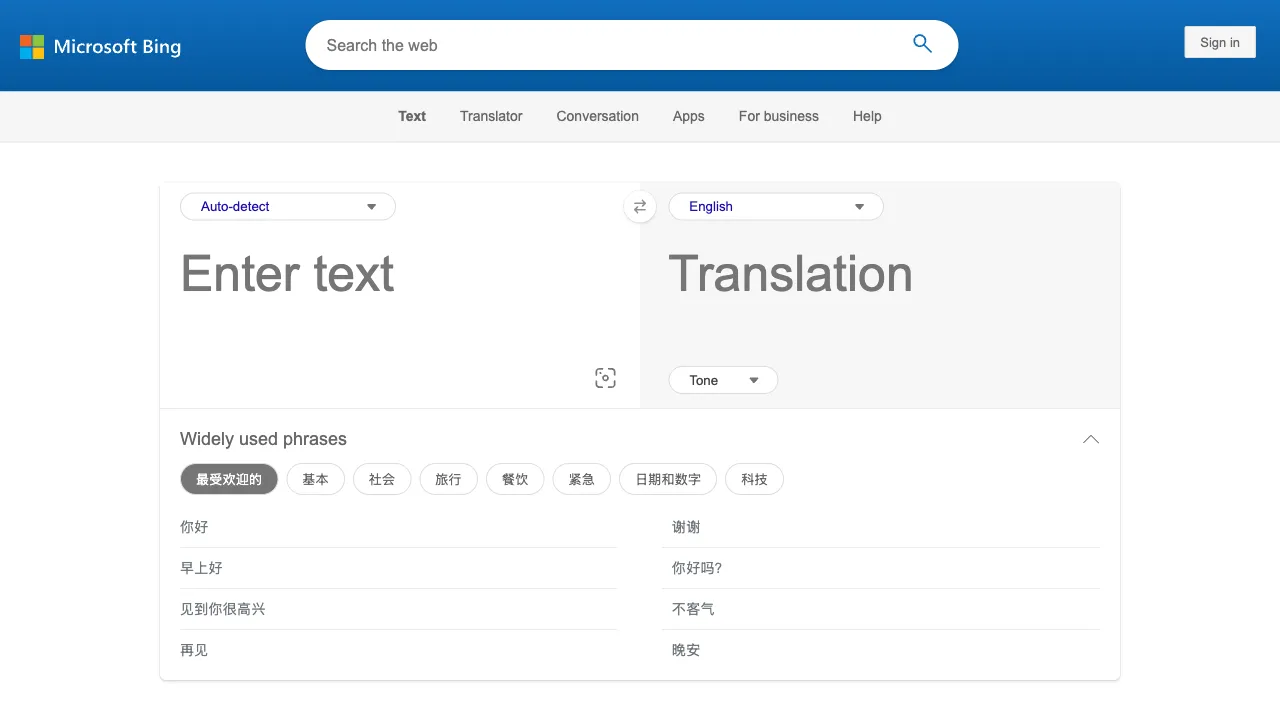
Bing Translate (bing.com/translator) is the web portal for Microsoft Translator, supporting mutual translation among 130+ languages. It is not an isolated web tool, but rather the public-facing window into Microsoft’s entire translation technology ecosystem—the same engine powers mobile apps (iOS/Android), the Azure Translation API, and all translation capabilities within Word, Teams, Outlook, and the Edge browser.
Technically, Microsoft was one of the earliest proponents of Neural Machine Translation (NMT) and has continuously integrated large language model capabilities into its translation engine in recent years, placing its quality for major language pairs in the industry’s top tier.
Core Features
Text Translation
Basic experience: Paste text, auto-detect the source language, and instantly receive the translation. The web interface is clean and ad-free—a significant usability advantage in an environment where domestic translation tools are typically cluttered with promotional content.
Language coverage: 130+ languages, including many low-resource ones—cold-language pairs from Southeast Asia, Africa, and Scandinavia are all supported. This breadth is a clear advantage over DeepL (which supports 30+ languages). When handling content in less common languages, it is often one of the few viable options.
Real-Time Voice Conversation Translation
A standout feature of the mobile app: Two people facing each other, speaking different languages, can use the app to recognize, translate, and display bilingual text in real time—essentially a pocket-sized interpreter. It supports split-screen mode (phone placed flat, displaying each person’s language on opposite sides), which is thoughtfully designed.
This feature is genuinely useful for emergency communication during travel (asking for directions, ordering food), cross-language business reception, or unexpected situations. The multi-person conversation mode also allows multiple devices to join the same session, with each person speaking and viewing translations in their own language, enabling small multilingual meetings to run seamlessly.
Photo Translation
Point your camera at menus, street signs, or manuals to recognize text in the image and overlay the translation. A standard capability for travel scenarios, performing at the same level as Google Lens.
Offline Translation Packs
Language packs can be downloaded within the app, enabling basic translation without an internet connection—a fallback capability for flights or when abroad without data. Travelers should download destination language packs in advance.
Deep Integration with the Microsoft Ecosystem
This is Bing Translate’s true moat; many people use it daily without realizing it:
- Word/PowerPoint/Excel: Select text to translate instantly, or translate an entire document with one click while preserving formatting.
- Teams: Real-time meeting subtitles and translation, plus one-click translation of chat messages—language barriers in cross-border meetings are resolved at the tool level.
- Outlook: Translate foreign-language emails in place.
- Edge browser: Full-page translation; for Edge users, this is powered by Bing Translate.
For those working within the Microsoft office ecosystem, "translation" is not an action that requires switching contexts, but a native capability embedded in every interface—this workflow-level smoothness is something standalone translation tools cannot provide.
Azure Translation API
Enterprises and developers can access the same translation engine via Azure AI services, supporting batch document translation, custom glossaries, and domain-specific models. It offers a generous monthly free character quota, with pay-as-you-go pricing for overages, making it one of the mainstream choices for enterprise-grade translation integration.
Comparison with Similar Tools
vs Google Translate: The long-standing benchmark for comprehensive quality and language coverage, with equally deep ecosystem integration (Chrome, Android); however, its unavailability in mainland China is a decisive flaw. In overseas environments, choice depends on habit; in domestic environments, Bing Translate is the practically usable option.
vs DeepL: DeepL is widely recognized as superior in fluency and "human-like" quality for European language pairs (English-German-French, etc.), making it the go-to choice for professional document translation; however, its language coverage is narrow, Chinese quality is mediocre relative to its European standards, and access within China is unstable. Choose DeepL for deep needs in English/European languages; choose Bing for broader coverage and stability.
vs Youdao/Baidu Translate: Domestic tools have deeply optimized Chinese-English mutual translation using local corpora, delivering solid quality for daily use, enhanced by dictionaries and example sentences; however, they lag behind Microsoft in language coverage and international ecosystem integration. For pure Chinese-English daily translation, domestic tools are often more convenient; for multilingual and office-integration scenarios, Bing is stronger.
vs ChatGPT/Large Language Models: LLMs offer higher upper limits for translation quality, can adjust style and tone per request, and explain cultural context, reshaping the landscape of translation tools; however, they require opening a chat interface and writing prompts, making them inconvenient for batch or embedded scenarios. The growing consensus is to use dedicated translation tools for quick lookups and LLMs for fine-tuned work.
Who Should Use Bing Translate?
Users in China needing stable international translation services: Direct beneficiaries of Google Translate’s withdrawal; free, directly accessible, ad-free, and fully capable as a permanent browser-based translation entry point.
Microsoft office ecosystem users: Professionals writing in Word, meeting in Teams, or receiving foreign emails in Outlook rely on the Bing engine built into the ecosystem. Actively leveraging it (especially real-time subtitle translation in Teams) can significantly improve cross-language collaboration experiences.
International travelers: The combination of voice conversation translation, photo translation, and offline packs covers all high-frequency travel scenarios; the app is worth installing before departure.
Users handling low-resource language content: With coverage of 130+ languages, it is often one of the few usable options for cold-language pairs.
Enterprise developers: The Azure Translation API’s free quota and enterprise-grade features (glossaries, batch documents) provide mature infrastructure for product internationalization.
Limitations
It is "all-around" rather than "specialist": each individual feature is competent, but European language precision lags behind DeepL, Chinese-English localization is not as refined as Youdao’s, and flexibility trails LLMs—no single feature makes it indispensable, except for its stability and availability.
Translation of professional domain texts (legal, medical, literary) still requires human proofreading; this is the common boundary for all machine translation systems.
Pricing
The web version and mobile app are completely free with no usage limits. The Azure API offers a generous monthly free tier (typically 2 million characters) for individual developers, with pay-as-you-go pricing for any usage beyond that.
Bing Translation is the kind of "unsexy but reliable" infrastructure product: you wouldn’t excitedly recommend it to friends, but when other translation tools fail, you need a quick translate in Office, or you’re looking up a niche language, it’s always there—and always works well. For a free tool, that’s a high compliment.