

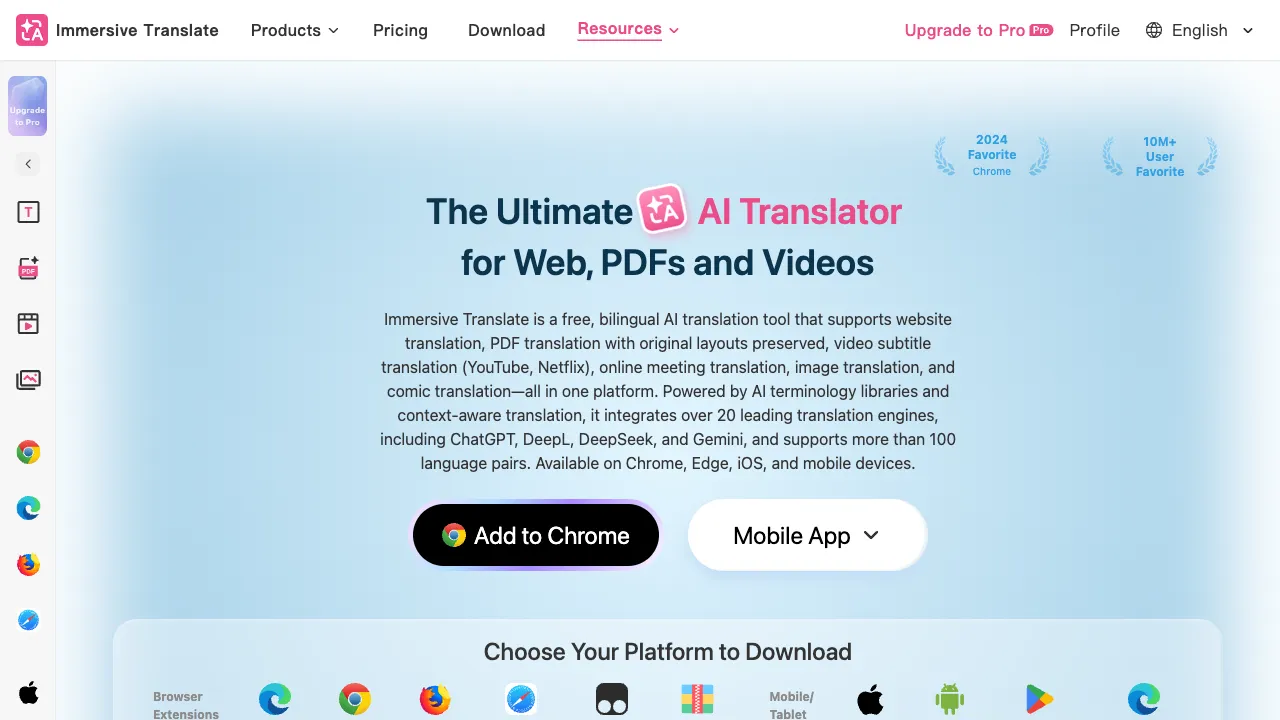
If you frequently need to read English content—foreign articles, overseas reports, academic papers, or international news—Immersive Translate is likely one of the best auxiliary tools available today. It is not an independent translation platform but rather a browser extension that allows you to see Chinese translations while reading the original text, presenting both languages side by side for easy comparison.
What Is Immersive Translate?
Immersive Translate is a browser translation extension (supporting Chrome, Firefox, Edge, and Safari) developed by founder Peng Bo in 2022. It gained rapid popularity in 2023, accumulating millions of users.
Its core innovation lies in its "bilingual comparison" display method: instead of replacing the entire page with Chinese, it displays the Chinese translation below each English paragraph, keeping both the original text and the translation visible simultaneously. For users looking to improve their English reading skills or those who need to verify the original phrasing, this experience is far superior to replacing the entire page with Chinese.
Core Features
Webpage Bilingual Translation
On any webpage, clicking the extension icon or using a keyboard shortcut allows Immersive Translate to automatically identify text paragraphs and add translations below each one.
Coverage: The tool supports various page types, including article bodies, news sites, social media posts (Twitter/X, Reddit), Wikipedia, technical documentation, and more.
Translation Quality: Based on multiple translation engines (user-selectable)—including DeepL (most recommended for users in Europe and the US), Google Translate, OpenAI/Claude (paid AI translations with the highest quality), Microsoft Translator, Tencent Translate, Youdao Translate, and others. Choosing DeepL or an AI engine yields significantly higher quality than standard machine translation.
PDF Bilingual Translation
Reading PDFs is a high-frequency requirement for academics and professionals, yet many translation tools handle PDFs poorly (causing layout distortions and mixed text/image issues). Immersive Translate has specifically optimized PDF translation:
- Open PDFs directly in the browser to start bilingual translation with one click.
- Preserves the original PDF layout, displaying translations below each paragraph of text.
- Supports academic papers, reports, and technical documents.
This feature is highly practical for researchers and professionals who need to read large volumes of English literature, transforming the workflow from "translate first, then read" to "read while viewing translations," which drastically improves efficiency.
Video Subtitle Translation
On video platforms such as YouTube, Netflix, and Coursera, Immersive Translate can add Chinese translations below the original language subtitles (bilingual subtitles).
This is a game-changer for those learning foreign languages or watching international video content—eliminating the need to switch back and forth between translation tools and the video player. Displaying both languages simultaneously enhances both comprehension and learning efficiency.
EPUB E-book Translation
Supports translation of e-books in EPUB format with bilingual comparison display, ideal for reading English e-books while referencing Chinese translations.
Hover-to-Translate Translation
Hover your mouse over any English word to see its definition. This is useful for quickly looking up unfamiliar words without interrupting the overall reading flow.
Keyboard Shortcuts
You can set keyboard shortcuts to quickly start or stop translation, enabling flexible usage: "turn on when needed, turn off when not."
Translation Engine Selection
Immersive Translate supports multiple translation engines, with quality generally ranked as follows:
Highest Quality:
- OpenAI/Claude API (Paid; requires your own API Key): Offers the best translation quality, particularly for professional texts, technical documentation, and academic content, with strong contextual understanding.
- DeepL (Has a free tier): The most well-known AI translation engine in Europe, offering excellent Chinese-English translation quality.
Medium Quality:
- Google Translate (Free): Stable, covers many languages, and sufficient for daily use.
- Microsoft Translator (Free): Translation quality is comparable to Google Translate.
- Tencent Translate/Youdao Translate: Better understanding of Chinese-specific contexts.
For daily reading, the free versions of Google Translate or Microsoft Translator are sufficient; for professional documents and academic papers, the higher quality of DeepL or AI engines justifies the additional cost.
Comparison with Other Translation Tools
vs. Built-in Browser Translation (Google): Google Translate replaces the entire page, whereas Immersive Translate offers bilingual comparison, providing a better reading experience and supporting more translation engines.
vs. Standalone DeepL Website: DeepL requires copying and pasting text for translation, while Immersive Translate works directly within the browser without requiring you to leave the page you are reading.
vs. ChatGPT Translation: While ChatGPT offers high-quality translation, it requires manual copying and pasting, which is inefficient. Immersive Translate integrates AI translation engines (including OpenAI API) while maintaining a seamless reading experience.
Who Is It For?
Those who frequently read English content: Researchers, students, analysts, programmers, and English enthusiasts who need to digest large amounts of English material daily will find that Immersive Translate significantly lowers the barrier to reading foreign languages.
English learners: Bilingual comparison is an excellent method for language learning—seeing the Chinese meaning alongside the English expression. The bilingual display of video subtitles is particularly helpful for practicing listening comprehension.
Professionals who need to reference original texts: Many work scenarios require verifying the original phrasing after translation (e.g., contract clauses, technical specifications). Bilingual comparison makes this process smoother.
Users interested in overseas information: For those following Twitter/X, Reddit, or international news, Immersive Translate ensures that language is no longer a barrier to accessing information.
Pricing
- Free version: Full access to core translation features, supporting free engines like Google Translate and Microsoft Translator.
- Pro version (approx. $9.9/month or $99/year): Higher frequency translation calls (unlimited speed), increased quotas for DeepL integration, and priority support.
The free version is sufficient for most users—its main features are fully functional. You only need to upgrade if you find that translation speeds become a bottleneck.
Installation and Usage
- Search for "Immersive Translate" in the Chrome Web Store (or your browser’s extension store) and install it.
- After installation, open any English webpage and click the extension icon to start translating.
- In the extension settings, select your preferred translation engine (Google is the default, but you can switch to DeepL or others).
The entire setup takes about five minutes.
Immersive Translate is the kind of tool that becomes indispensable once installed—for anyone who needs to read English content, it solves a genuine pain point effectively. I recommend it to anyone who frequently processes English information, regardless of their English proficiency level.