

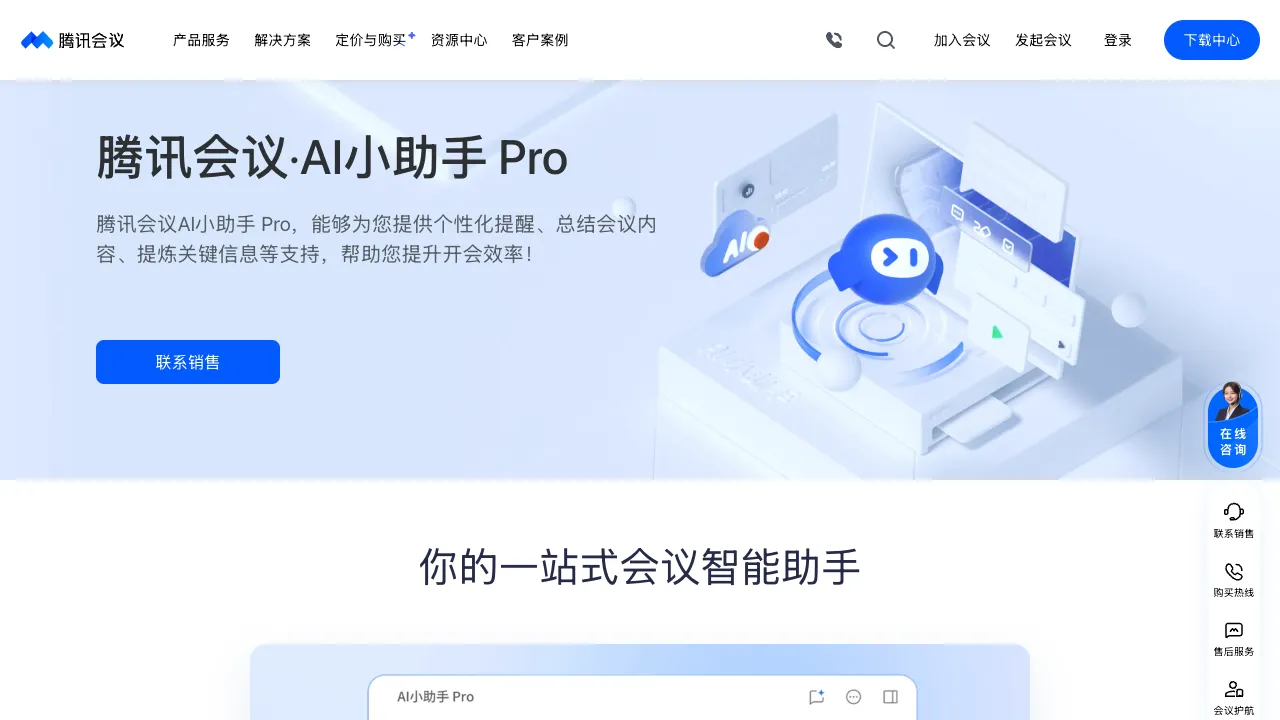
After a meeting ends, who takes care of organizing the minutes? In the past, this relied entirely on people—either assigning one person specifically to take notes, having everyone rotate duties, or spending an hour or two recalling and compiling details after the meeting. Tencent Meeting’s AI features have taken over this task: it records the meeting, automatically transcribes the audio, organizes it into structured meeting minutes, and even extracts action items for you.
What Is Tencent Meeting AI?
Tencent Meeting is a corporate video conferencing product under Tencent and one of the largest video conferencing platforms in China by market share. The AI features are an overlay on top of its basic video conferencing capabilities, with the core focus being intelligent post-meeting organization—converting meeting audio recordings into ready-to-use text records.
The AI features require no additional installation; they are already integrated into both the Tencent Meeting app and desktop client. After recording a meeting, you can find the AI-generated minutes in the "Meeting Recordings" section.
Core AI Features
Intelligent Meeting Minutes
The most core feature of Tencent Meeting AI: it performs speech recognition and content organization on recorded meetings to automatically generate structured meeting minutes.
The generated results typically include:
- Meeting Summary: A brief overview of the core topics and conclusions of the entire meeting.
- Segmented Organization: Divides meeting content by time segments or topics, making it easy to quickly locate specific parts.
- Speaker Identification: Distinguishes content from different speakers so you know who said what (requires voiceprint recognition during the meeting or manual speaker setup).
- Action Item Extraction: Automatically identifies tasks, action items, and next steps mentioned in the meeting.
Real-Time Captions
Captions are displayed in real time during the meeting. Unlike post-meeting transcription, this is synchronized. It helps participants hear each other clearly and can assist with cross-language communication (when paired with translation features).
Speech Recognition and Search
After the meeting, the transcribed text record can be searched in full. If you want to find what someone said or when a specific keyword was mentioned, a direct search will locate the corresponding timestamp for easy playback verification.
AI Q&A
Some versions support asking questions about the meeting content—such as "What decisions were made in this meeting?", "Which tasks is XX responsible for?", or "What are the risks of this plan?"—with the AI answering based on the meeting content, similar to having a consultable meeting assistant.
Speaking Statistics for Multi-Person Meetings
You can view the speaking duration and proportion of each participant. This provides reference value for hosts in managing the meeting pace and understanding which participants have low engagement.
Practical Use Cases
Weekly Project Meetings: For weekly progress syncs, use AI to organize this week’s progress, next week’s plans, and individual action items after the meeting, then send them to relevant members. This replaces the previous manual work of organizing meeting minutes.
Client Communication Meetings: Record and archive client requirement discussions or post-sales meetings. You can later check specific commitments made or solutions discussed, avoiding disputes like "That wasn’t what I meant."
Internal Review Meetings: For plan or design reviews, AI minutes accurately record opinions from all parties and final decisions, forming a document with verifiable evidence.
Remote Collaboration Teams: When members are in different time zones and some miss the meeting, reading the AI-organized minutes to understand the content is much faster than scrolling through the entire video recording.
Comparison With Other Tools
vs Feishu Mi Ji (Lark): Feishu Mi Ji is the AI meeting minutes feature within the Lark ecosystem. It has high transcription accuracy and deep integration with Lark Docs and Lark Calendar; if your team uses Lark, Mi Ji is the more natural choice. Tencent Meeting AI integrates more smoothly with the WeChat and WeCom ecosystems, making it suitable for users in the Tencent sphere.
vs DingTalk AI Meetings: A video conferencing product from Alibaba that also includes an AI meeting recording feature. Its advantage lies in integration with DingTalk Tasks and Docs; the choice depends on which collaboration tool your team uses.
vs Zoom AI Companion: Zoom’s AI meeting assistant, covering features like meeting summaries, email drafting, and action item extraction. It is primarily aimed at overseas markets or multinational teams. Tencent Meeting AI has higher accuracy for domestic Mandarin recognition and is more suitable for Chinese-language scenarios.
vs Tongyi Tingwu (Alibaba): Tongyi Tingwu is an independent audio/video transcription and organization tool that isn’t limited to meetings; it can also process podcasts, courses, interview recordings, etc. It offers more professional features and supports uploading external audio/video files. Tencent Meeting AI is more deeply integrated into the meeting workflow, making it more convenient for meeting users.
Who Is Tencent Meeting AI Suitable For?
Professionals Who Attend Meetings Frequently: Managers, project managers, and salespeople with many weekly meetings can save significant post-meeting organization time with AI minutes.
Teams Requiring Meeting Archives: In business scenarios requiring compliance or traceability, AI-generated records are more reliable than relying on human memory.
Teams Already Using Tencent Meeting: Existing users don’t need to migrate to a new tool; the AI features are used directly within the existing platform, with zero migration cost.
Teams With Frequent Cross-Departmental Collaboration: When meeting conclusions need to be synced to those who didn’t attend, AI minutes are far more user-friendly and readable than video recordings.
Limitations
The accuracy of AI transcription depends on speech quality—high background noise, heavy accents, or speaking too quickly will reduce recognition accuracy, requiring manual proofreading of the minutes.
Speaker identification isn’t always accurate in practice; errors often occur when multiple people speak simultaneously or when microphones switch, requiring post-meeting corrections.
Recognition of complex professional terminology and industry-specific vocabulary sometimes fails, reducing the reliability of minutes for specialized fields.
Advanced AI features require a paid version of Tencent Meeting; the free version has limited AI capabilities. Enterprise key accounts have dedicated solutions, while individual users and small teams’ feature permissions depend on their specific subscription plans.
Pricing
The free personal version of Tencent Meeting supports basic meeting recording and limited AI features, while the commercial and enterprise editions include full AI minutes capabilities. For specific pricing and feature details, please refer to the official Tencent Meeting website.
The core value of Tencent Meeting’s AI lies in time savings—transforming post-meeting minutes compilation from a manual process that “takes one to two hours” into an automated task completed in “just a few minutes.” This benefit is tangible for teams that hold frequent meetings. If your team already uses Tencent Meeting, enabling the AI recording feature offers nearly cost-free efficiency gains.