

There is a physical fact about writing that is often overlooked: speaking is much faster than typing. The average person types at 40–50 characters per minute but speaks at 200–300 characters per minute. Moreover, our thoughts are often more coherent when speaking; the pauses inherent in typing can interrupt the flow of thought. The truth behind many people’s claim that they “can’t write” is that they “can’t think while typing.” If you ask them to speak aloud, their logic and material are usually there. The only question is: how do we transform scattered spoken content into polished written text?
This is precisely a question iFlytek is best qualified to answer. Built on speech recognition technology, its recognition engine is embedded in the voice input methods of almost every domestic smartphone. iFlytek Writing combines this core competency with the writing capabilities of its Spark (Xinghuo) large language model: you speak, and AI turns your speech into text.
What is iFlytek Writing?
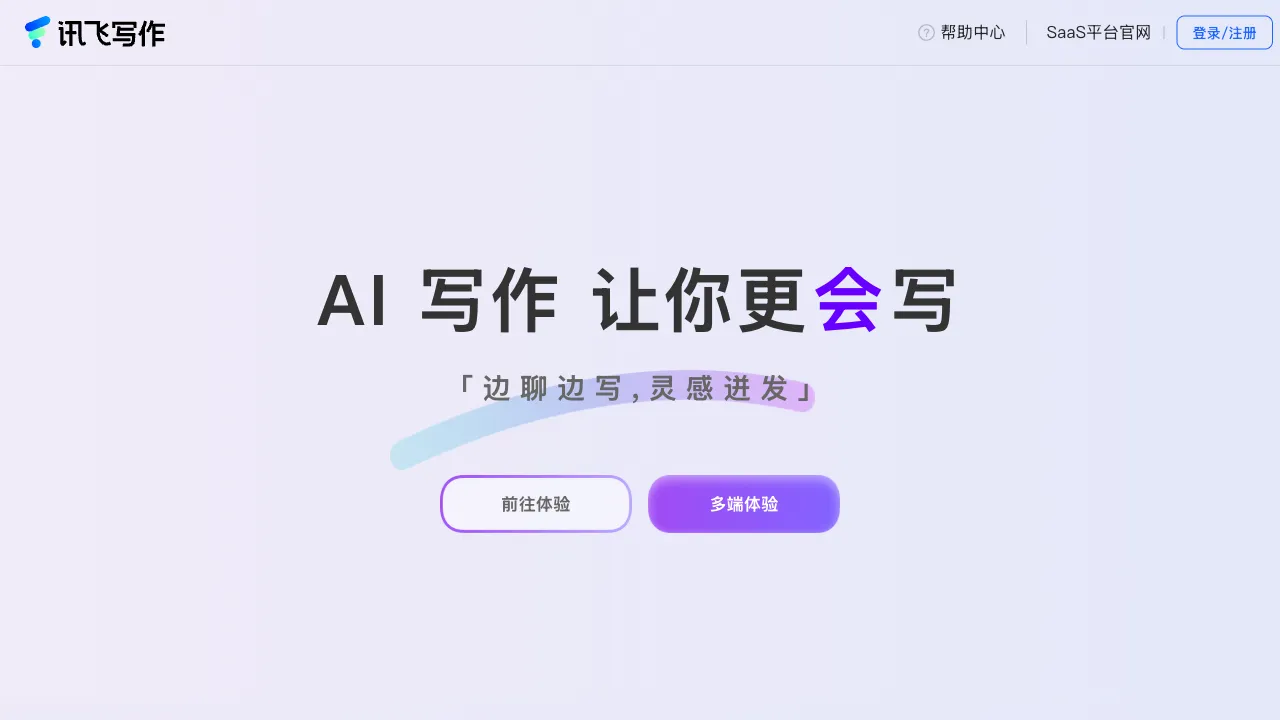
iFlytek Writing is an AI writing assistant under iFlytek. Its features cover conversational writing, scenario-based template writing, content polishing, paraphrasing for originality, and material collection, all powered by the iFlytek Spark large model. Its unique advantage among domestic AI writing tools is its deep integration with iFlytek’s voice technology—a voice-driven writing workflow that competitors simply cannot match.
Core Features
Voice Writing: The True Differentiator
Let’s start with its flagship feature. There are two ways to use voice:
Dictation: Speak the content you want to write directly into the tool—even if it’s scattered, filled with filler words, or jumps from topic to topic. After speech-to-text conversion, AI organizes this raw spoken material into structured written text. Dictating key points after a meeting to generate minutes, or speaking out inspiration during a walk to draft an article, “mouth-driven writing” liberates those who type slowly or whose thoughts move faster than their fingers.
Voice-Command Driven: Deliver instructions during the writing process (e.g., “rewrite this paragraph,” “change the title”) via voice, further reducing interaction friction.
This feature benefits a wider audience than intuition might suggest: middle-aged and elderly users, professional drivers handling text work during commutes, and anyone whose mouth is faster than their hands.
AI Conversational Writing
A chat-style writing guide: tell the AI what to write, who it’s for, and any specific requirements. After generation, continue the conversation to adjust—“make the tone more formal,” “expand on the second paragraph.” For users who don’t know where to start, this dialogue breaks a large writing task into manageable responses, lowering the barrier to entry through conversational interaction.
Template Writing
Scenario-based templates cover the standard shelf of domestic writing tools:
- Workplace: Weekly/monthly reports, summaries, meeting minutes, plans/proposals, business emails
- Study: Paper assistance, literature reviews, essays
- Marketing: Product copy, event posts, ad headlines
- Creative: Story openings, poetry, dialogue
The standard workflow is to input key points and generate a first draft. Quality improves alongside iterations of the Spark model.
Polishing and Paraphrasing
Optimization at the language level (wording, fluency, tone switching) and paraphrasing that preserves semantic meaning. As usual, the boundaries are clear: assisting in diversifying expression is legitimate; plagiarism and academic fraud are the user’s responsibility. Moreover, school detection systems are evolving—use authoritative plagiarism-checking tools for a final review before submission; don’t submit AI-paraphrased results without verification.
Material Collection
Web search for cases, data, and citations needed for writing, compensating for the large model’s lack of real-time knowledge updates. This is practical when writing about current events.
Comparison with Similar Tools
vs Metaso (Misa) Writing Cat: Writing Cat has spent years refining its error-correction and rewriting engine, making Chinese proofreading its strong suit; iFlytek’s voice integration is a dimension Writing Cat lacks. For editing and finding errors, choose Writing Cat; for dictation, choose iFlytek. Each has its home turf.
vs Biling AI: Biling has a larger template library; iFlytek’s card remains its voice capability backed by the Spark model. Template enthusiasts should choose Biling; voice users should choose iFlytek.
vs iFlytek Spark (General Assistant): They are from the same family—Spark is the underlying general-purpose dialogue model, while iFlytek Writing is a specialized product built on top of it, offering preset workflows and a more convenient writing toolchain. Those accustomed to using Spark directly may not need to switch; for an out-of-the-box writing workflow, the specialized product offers a better experience.
vs WPS AI: The advantage of office suite-embedded AI is that it’s “right inside the document”; iFlytek Writing is a standalone tool, winning on voice capability and writing focus.
vs Smartphone Voice Memos + Manual Organization: Many people’s current “dictation workflow” involves recording audio and then typing it out manually—iFlytek Writing automates this chain, which is its most direct value proposition to target users.
Who Should Use iFlytek Writing?
Those who type slowly or dislike typing: The core audience for voice writing—ten minutes of dictation equals forty minutes of typing. This time-saving calculation is especially worthwhile for middle-aged/elderly users and those in physical roles needing text output.
Professionals with many meetings and high verbal output: Recap key points into the tool after a meeting, and minutes are automatically generated; idea-driven managers dictate thoughts while AI organizes them into proposal frameworks—an “office-by-mouth” efficiency workflow.
Those with long commutes: Use fragmented time on the road to advance text work via voice, turning “time when you can’t type” into productive time.
Those with standard writing assistance needs: For templates, polishing, and paraphrasing, it competes directly with similar tools, backed by Spark’s solid Chinese language foundation.
Usage Tips
You don’t need to strive for eloquence when dictating—AI’s ability to organize frees you from that pressure. Feel free to speak as you think; let AI structure it afterward. This yields better results than the tense output of trying todeliberate (ponder) every word while thinking.
Speech-to-text accuracy drops in noisy environments. For important content, review the transcribed text before letting AI process it to avoid propagating errors.
The common pitfalls of AI-generated content need no elaboration: a first draft is not the final draft. You must inject your specific information and judgment manually, and maintain boundaries in academic and formal contexts.
Pricing
Offers free usage quotas; paid memberships (monthly/annual subscriptions) unlock more generation counts and advanced features. Refer to the official website for specifics.
The criterion for deciding whether iFlytek Writing is worth trying is simple: Recall if you often have things to say but are too lazy to type them out. If so—take out your phone, speak for three minutes about something you’ve been wanting to write recently, and see what AI organizes it into. For many, this will be the first time they realize: it’s not that I can’t write; it’s just that I shouldn’t use my hands to do it.