

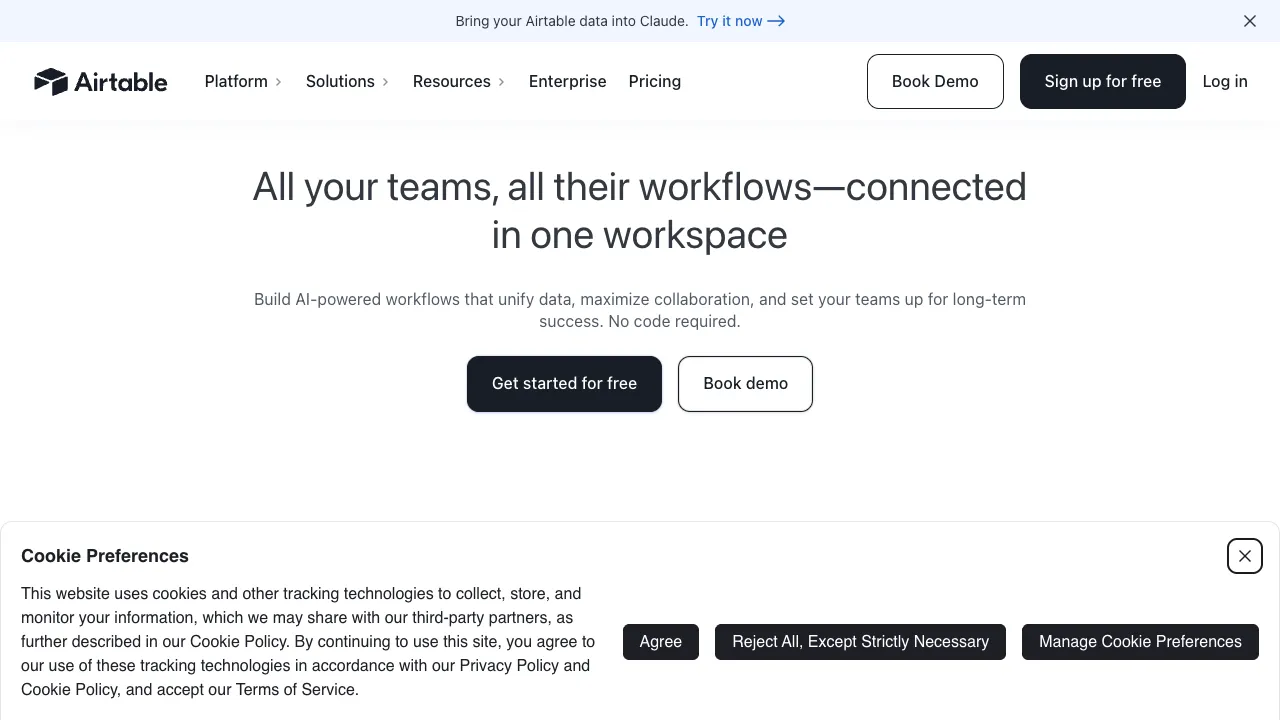
Airtable looks like a spreadsheet but is essentially a database. It packages the structured power of databases into an interface anyone can use, enabling non-programming teams to build their own project management systems, CRMs, and content calendars—now enhanced with AI automation and agent capabilities.
What Is Airtable?
Airtable is a no-code platform for building databases and applications:
- Spreadsheets as Databases: Each table holds structured data where fields have specific types (text, attachments, dropdowns, links, dates, etc.), allowing you to establish relationships between different tables.
- Multiple Views: The same dataset can be switched among various views—Grid, Kanban board, Calendar, Gallery, or Gantt chart—to suit the needs of different roles.
- Automation: Set trigger conditions to automatically execute actions, such as sending notifications or updating status when a new record is added.
- AI Capabilities: Built-in Airtable AI can summarize, categorize, generate content for, and translate field data; it also supports building AI agents that read and write data to handle workflows.
Two Things That Happened in 2026
The AI layer took shape. Airtable's AI now comes in three layers: Cobuilder generates apps without code, Omni is the conversational agent, and Hyperagent runs autonomously with a full computing environment and can be deployed into Slack. In January 2026 the company added Superagent, a product line for orchestrating teams of AI agents on a task. On billing, each plan carries a monthly pool of AI credits; building apps and agents with Omni does not consume them, running AI does, and once the pool is empty AI features stop until the next cycle.
It was acquired. On August 4, 2026, Bending Spoons announced an all-cash deal to buy Airtable at an enterprise value of $1.285 billion (roughly $2.25 billion in equity value once Airtable's cash is included), and the acquisition closed on September 4, 2026 — Airtable is now part of Bending Spoons. Bending Spoons says it will invest in the product, customer support and go-to-market, but after earlier acquisitions of Evernote, WeTransfer, Vimeo, Eventbrite and AOL it repeatedly made sweeping changes to products, teams and pricing — Evernote's individual paid plan, for example, became far more expensive after the acquisition. That's worth factoring in before you put Airtable at the center of a critical workflow: export backups regularly and watch for pricing and terms changes.
Getting Started: Build a Base That Works
- Start from a template: content calendars, CRMs and project trackers all have ready-made templates that beat starting from a blank table.
- Adapt the fields to your real work: choose the right type for each field (date, single select, linked record), because views, filters and automations all depend on field types.
- Connect related tables with linked records — for example, link a Customers table to an Orders table — instead of copying the same information into several tables.
- Create a view for each role: a Kanban board for the operations team, a calendar for the owner, a summary for the boss.
- Add automations and AI fields last: get the process running smoothly first, then have it send notifications automatically or use AI to tag new records and write summaries.
Who Is It For?
- Operations / Project Teams: Build content calendars, project boards, and task trackers.
- Sales / Marketing: Create lightweight CRMs, manage leads, and schedule events.
- Product / Data: Manage requirement repositories, asset libraries, and structured information.
Key Features
- Easy to Use Like a Spreadsheet, Powerful Like a Database: Low barrier to entry with high potential for scaling.
- Flexible Views: Present one dataset in multiple ways so different users can get exactly what they need.
- Scalable: Rich templates, integrations, and APIs allow it to connect seamlessly into your existing toolchain.
- AI-Native: Embeds summarization, categorization, and generation directly into data fields and workflows.
Usage Tips
Plan your table structure and relationships before importing data; modifying the schema later incurs higher costs. Leverage views and filters so each collaborator sees only their relevant records. Free plans have limits on record counts, attachment storage, and automation runs—upgrade as your dataset or team grows. Always spot-check AI-generated classifications for accuracy, especially when used externally or for decision-making.
How It Compares
- If you lean toward documents and knowledge management, with tables as only one part: Notion AI.
- To move data between multiple systems and trigger complex processes: a workflow tool such as n8n, which can work alongside Airtable.
- For teams in China that need local network access and localized support: domestic products such as Feishu Bitable fit better.
- If you're worried about pricing and product changes after the acquisition: keep important data in an exportable format and look into alternatives in advance.
Pricing
Free tiers are available with caps on records, storage, and automations; collaborative features, larger capacities, and advanced AI capabilities require paid plans.