

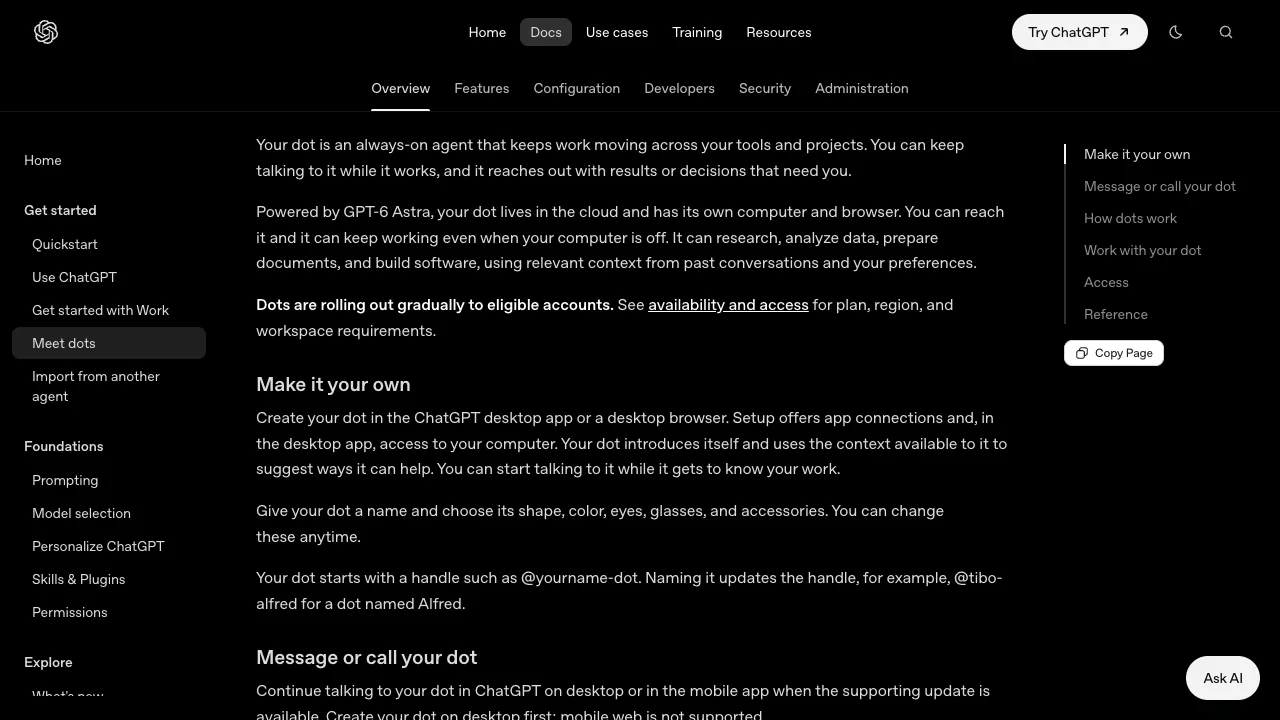
ChatGPT Dots are always-on agents launched by OpenAI on September 29, 2026. Each dot has a cloud computer and browser, runs on GPT-6 Astra and can keep working while your computer is off. Unlike a regular ChatGPT conversation, it keeps progressing assigned work between conversations.
Assigning work
Dots can research, analyze data, prepare documents and build software, using relevant conversation context and preferences. Connected apps support work across tools, within the accounts and permissions you grant.
We suggest starting with one bounded task, such as a sourced report from specified files. Set a deadline, output location, budget and actions requiring approval. Review the first delivery before expanding ongoing work. ChatGPT, Slack and Teams contact methods require setup.
Availability and pricing
The first dot is included in an eligible Pro or Business Premium plan, with an allowance for deeper work. Work and Codex tasks it starts or manages still consume those products’ limits.
Current documentation distinguishes plans: Pro 100, 200 and 500 access is for adults over 18 outside the European Economic Area, United Kingdom and Switzerland. Business Premium is rolling out worldwide. Enterprise is also rolling out worldwide, disabled by default until an administrator enables it. Eligibility does not guarantee immediate access. Regional exclusions should not be applied indiscriminately to every plan. Mainland users must also meet ChatGPT’s supported-region and account requirements.
Create a dot in the desktop app or desktop browser first, then continue in the mobile app when its supporting update arrives. Mobile web is unsupported.
Boundaries for ongoing work
OpenAI’s auto-review checks actions that may affect accounts or share information against instructions, rules and safety requirements. Some actions need approval; sensitive tasks such as password changes remain with you. Review consequential work because these controls do not guarantee correct output.
We recommend a small project for existing paid ChatGPT users who need ongoing follow-up. For occasional questions, ordinary ChatGPT is more direct. Limit app permissions, specify approval rules for external messages and payments, and stop unexpected activity. For a self-managed execution environment, compare OpenClaw.