

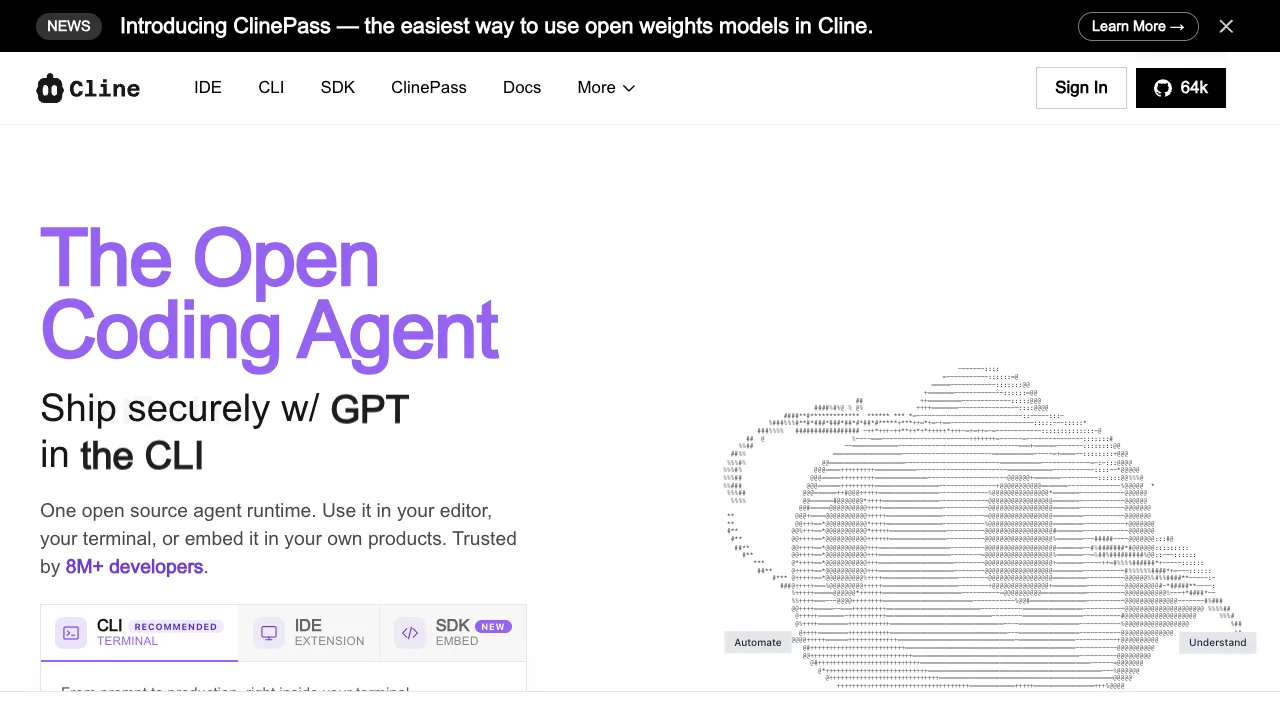
Cline is an open-source coding extension for VS Code. Connect an API key from a service such as Claude or OpenAI to use a coding agent in your existing editor. The extension is free to download; model calls are billed by the service you connect.
What is Cline?
Cline (formerly known as Claude Dev) is an open-source AI coding agent extension for VS Code, available for free download on the VS Code Marketplace. It allows you to use an AI agent directly within VS Code—not just for code completion, but for true multi-step task execution: modifying files, running commands, viewing output, and acting based on the results.
It is model-agnostic: Claude, GPT, Gemini, DeepSeek and local models served through Ollama all work. You bring your own API key and pay for actual usage; the extension itself is Apache 2.0 open source with no subscription.
Core Capabilities
File Editing
Cline can directly read and modify any file in your project. If you say in the chat, "Change this method in UserService to be asynchronous," it reads the file, understands the code, makes the modification, and presents a diff for your review, which you can then accept or reject.
Every file modification displays a complete diff, showing you exactly what was there before and what has changed now, rather than operating as a black box.
Terminal Command Execution
Cline can run commands in your terminal:
- Install dependencies (
npm install xxx) - Run tests (
npm test) - Start the development server
- Execute any command you instruct it to run
Before executing each command, Cline requests your confirmation (or you can set up auto-approval). This design ensures that the agent’s actions are controllable rather than fully autonomous.
Multi-step Task Execution
This is Cline’s core capability, distinguishing it from standard code completion tools. You give it a task:
"Add user authentication to this Next.js app using NextAuth.js, support Google OAuth, and use Prisma + PostgreSQL for the database."
Cline will:
- Analyze the existing codebase structure
- Plan the necessary steps
- Install required packages
- Create and modify necessary files
- Automatically read error messages and fix them when errors occur
You watch the entire process from the sidelines; Cline tells you what it is doing at each step, and you can stop or intervene at any time.
Browser Control (Experimental Feature)
Cline has experimental browser control capabilities—it can open a browser, interact with web pages, and read page content. This enables tasks that require interaction with external services.
Bring Your Own API, Pay-as-you-go
Cline’s most unique business model: you connect your own API key and pay Anthropic, OpenAI, etc., based on actual usage. Cline itself is free. This means:
- Light usage costs may be lower than subscribing to Cursor Pro ($20/month)
- Heavy use can cost more than a subscription tool, since model APIs bill per token and one task often takes five to fifteen calls
- You have precise control over your usage, with no risk of "running out of quota"
In practice, a complex task (modifying hundreds to thousands of lines of code) typically consumes only a few cents to tens of cents in API fees.
What Was Added in 2026
Beyond the VS Code extension, Cline now ships a CLI and, since May 2026, an embeddable SDK for building custom agents on the Cline runtime. Around it are an MCP Marketplace of community-built tool integrations and Cline Kanban, an orchestration UI that runs parallel tasks across Cline, Claude Code, and Codex at once.
On payment, the main path is still bringing your own API key and paying the model provider directly, but there is also ClinePass at $9.99 a month covering open-weight models, plus custom enterprise pricing. Architecturally, the extension talks to your chosen model provider directly — code does not pass through Cline.
Comparison with Cursor
This is the most common comparison, as both tools share significant functional overlap:
Cline’s Advantages:
- Fully Open Source: You can inspect the code yourself, providing peace of mind for users with security concerns.
- No Need to Change Editors: If you have deeply customized your VS Code environment, there is no need to migrate to Cursor.
- Pay-as-you-go API Costs: Lighter users may find this more cost-effective.
- More Flexible Model Selection: You can use DeepSeek (cheaper), Gemini, or any other supported model,not subject to Cursor’s model selection restrictions.
Cursor’s Advantages:
- More Complete IDE Experience: Tab-based code completion, codebase indexing, and a more mature UI.
- Predictable Fixed Monthly Fee: Avoids unexpected API bills from large tasks.
- Larger Ecosystem: More tutorials and community support.
Who Should Use Cline?
VS Code power users: Try Cline in an existing project if you prefer to keep your editor. Check whether its multi-step edits and permissions fit how you work.
Developers Preferring Open Source: Those who do not wish to use closed-source tools for code or have concerns about sending company code to third-party servers. Since Cline is open source, you can audit the code yourself.
Cost-Conscious Developers: If your usage frequency is low (a few times a week rather than heavy daily use), paying per API call may be cheaper than Cursor’s monthly fee.
Developers Wanting Specific APIs: For example, if you have a corporate Azure OpenAI account or want to save money using DeepSeek, Cline’s model flexibility is an advantage.
Users Wanting to Try AI Agent Coding: Since Cline is completely free (you only pay API fees), it is one of the lowest-cost ways to try out the AI agent coding experience.
Installation and Configuration
- Search for "Cline" in the VS Code Marketplace and install it.
- Open the Cline panel in the sidebar.
- Enter your API key (Claude/OpenAI/etc.).
- Start using it.
The entire configuration process takes no more than 5 minutes, which is the smoothest aspect compared to Cursor—no need to install new software or import configurations.
Usage Tips
Start with Claude's current main tier. Cline supports many models, but on code comprehension and multi-step execution the Claude line has long been the community's default recommendation; drop to a cheaper or local model when budget matters more.
Set Reasonable Auto-Approval Rules. Each of Cline’s actions can be configured to require manual confirmation. It is advisable to keep manual review for file writes and command executions, while auto-approving file read operations. This balances security with convenience, avoiding frequent clicks for confirmation.
Provide Sufficient Context for Tasks. "Fix this bug" is too vague; "After user login, the redirect goes to /dashboard, but now it jumps to 404. I suspect a routing configuration issue; the specific code is in app/auth/callback/route.ts"—such detailed descriptions allow Cline to address the problem more directly.
Monitor API Costs. Complex tasks consume many tokens. Cline’s interface displays the consumption for the current session, so check it regularly to avoid unexpected bills.
If you want to keep VS Code, try Cline on a small change. Check file edits, command permissions and API spend before assigning longer tasks.