

There’s a self-deprecating joke in frontend development that’s been around for twenty years: the “slice-and-dice guy.” A designer hands over an image, and an engineer painstakingly recreates it pixel by pixel in HTML/CSS. The awkwardness of this process lies in its importance without value addition: layout, colors, and spacing are all explicitly defined in the design mockup. What the engineer is essentially doing is “manual translation,” with creativity hovering near zero, yet it genuinely consumes hours of time. Thus, “turning images directly into code” has long been the holy grail of frontend toolchains. From early slicing software to today’s AI vision models, generations of tools have been trying to break down this wall.
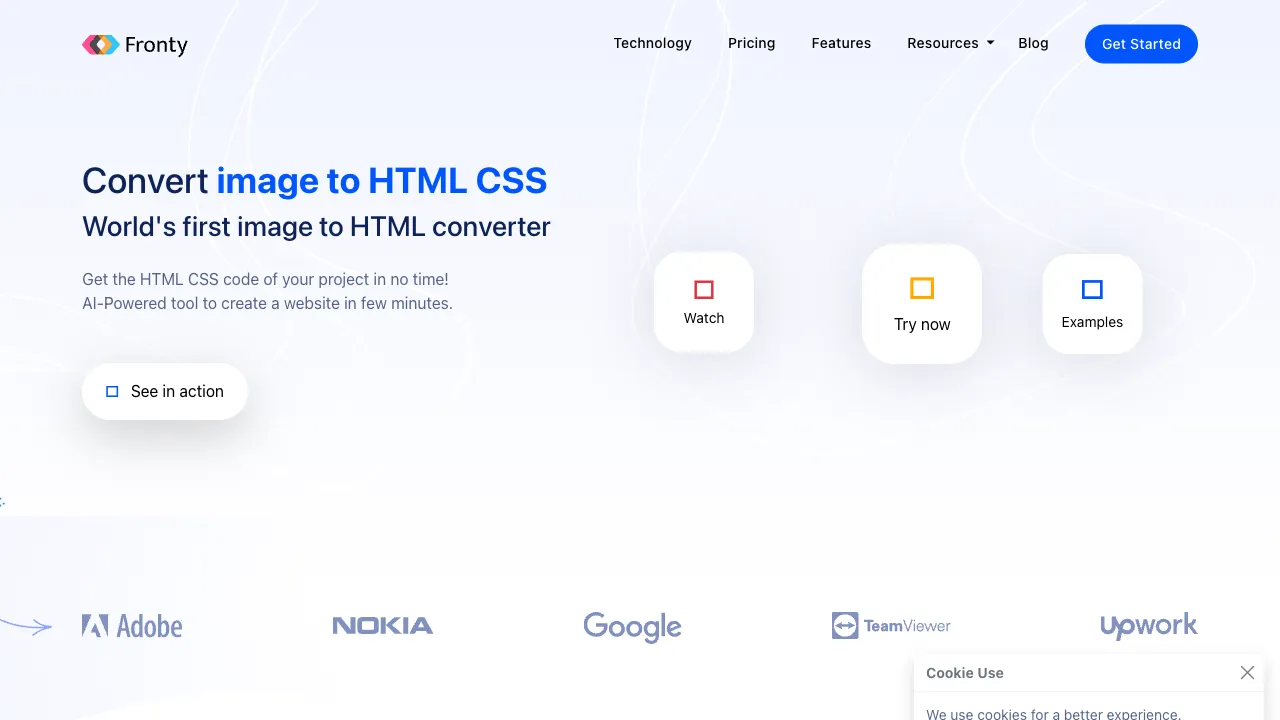
Fronty is a specialist in this track: upload a UI image, and AI produces the corresponding HTML/CSS—while bundling post-conversion editing, hosting, and publishing into a single, seamless workflow.
What is Fronty?
Fronty (fronty.com) is an Image-to-Code AI tool: feed it any UI image (a Figma screenshot, an exported design mockup, a web page screenshot, or even a photo of a hand-drawn sketch), and the AI identifies the layout structure, colors, fonts, and component elements to generate clean HTML/CSS code. Its accompanying trio features a visual editor (to continue editing without writing code after generation), responsive preview, and one-click hosting/publishing—from an image to an accessible web page, with zero lines of code written along the way.
Its positioning spans two user groups: for non-developers, it offers a path from “having a design mockup” to “having a webpage”; for developers, it serves as an accelerator for “auto-generating skeleton code.”
Core Features
Image-to-HTML/CSS Conversion
The core pipeline is simple: upload image → AI parses → output code. It identifies the key elements that make up a webpage—
- Layout structure: Recreating row/column relationships, grids, and Flexbox semantics
- Visual styles: Extracting color values, font sizes/weights, spacing, and borders
- Component recognition: Classifying types such as buttons, input fields, navigation bars, cards, and image placeholders
The generated code aims for “clear structure and readiness for further development,” with rendering effects aligned closely to the original image. By convention, let’s clarify the reality of accuracy first: the fidelity for standard layouts is considerable, but complex typography, custom fonts, and fine gradients will inevitably have deviations. AI provides a “high-fidelity skeleton,” not a “pixel-perfect replica.” The final 10% of refinement always remains in human hands.
Visual Editor
Generation is not the end but the starting point: drag to adjust layouts, click to change text or colors, add or remove elements—all within the browser without touching code. This editor layer is critical for non-developer users; without it, the generated code would be meaningless to those who don’t know how to code.
Hosting and Publishing
Publish directly after editing to receive an accessible URL (paid tiers support custom domains)—completing the “image-to-live” loop for landing pages or portfolio showcases entirely within the platform, bypassing all server and deployment hurdles.
Code Export
HTML/CSS files can be exported for local development and further processing—ensuring that for developer users, Fronty is not a walled garden.
Comparison with Similar Solutions
vs Figma Dev Mode: Figma’s Dev Mode provides “reference answers” (precise dimension and color annotations), but the code still needs to be written by humans; Fronty delivers the “completed homework.” They serve different stages in the design delivery chain: the former for professional collaboration, the latter for rapid output.
vs v0.dev/Bolt-style AI Generation: The newer generation of conversational AI generates modern framework code (React + Tailwind) aimed at developers for further development; Fronty’s input is an “existing image” rather than a “text description,” and its output is static HTML—choose Fronty-type tools when you have a design mockup to replicate, and v0-type tools when you want to generate a new page from a description. The entry point dictates the choice.
vs GPT-4V/Claude Image-to-Code: Multimodal large models are rapidly improving their ability to generate code from screenshots—flexible and often free—posing the greatest existential pressure on Fronty-like tools. Fronty’s remaining advantage lies in its productized closed loop (editor + hosting); its lead in pure code generation is being quickly eroded.
vs Wix/Squarespace Website Builders: Those are “template-first” website builders with full functionality (forms, e-commerce, CMS); Fronty is a “design-mockup-first” converter, serving complementary scenarios.
vs Hand-coding: The quality and controllability of skilled hand-coding remain the gold standard; Fronty saves the pure translation time of “building the skeleton from scratch”—developers should position it as a scaffolding generator to get its value right.
Who Should Use Fronty?
Designers: If you want your design mockups to instantly become clickable webpages—for portfolios, proposal presentations, or visual validation—without waiting in line for development resources, this grants designers their “right to publish independently.”
Entrepreneurs and Product Managers: For rapid output of landing pages or MVP showcases. If you have a design mockup (even if it’s just a borrowed screenshot), you can get a live page up, representing the shortest path to validate an idea.
Frontend Developers: As an auto-generator for skeleton code. Take the AI’s draft and refine it, outsourcing the pure manual labor of “slicing” to machines.
Small Teams with No Development Resources: For simple showcase page needs, no longer needing to worry about “finding someone to write a page.”
Limitations
The generated code is static: JavaScript interactions (pop-ups, form validation, animations) all need to be implemented separately. It solves “what it looks like,” not “how it moves.”
It does not output framework code like React or Vue, requiring manual migration for use in modern frontend engineering—a hard constraint for heavy engineering scenarios.
Code quality requires developer review before production: AI’s coding style may not align with team standards; stacking complex projects directly can bury maintenance debt.
The ceiling of recognition accuracy was mentioned earlier: the more standardized the design mockup, the better the result. Feed it a wildly typeset artistic draft, and the output will be awkward for both parties.
Pricing
The free tier allows you to experience core conversion features (with limits on project count, etc.); paid subscriptions unlock more projects, custom domains, and advanced features. Check the official website for specifics.
Whether Fronty is worth trying costs only five minutes: screenshot a web design you’re currently working on, drop it in, and see the fidelity of the output—if that “high-fidelity skeleton” saves you (or your developer) half a day of slicing time, the tool’s value is clear. The old dream of “images turning into code” isn’t fully realized yet, but it’s practical enough to warrant a spot in your toolbox.