

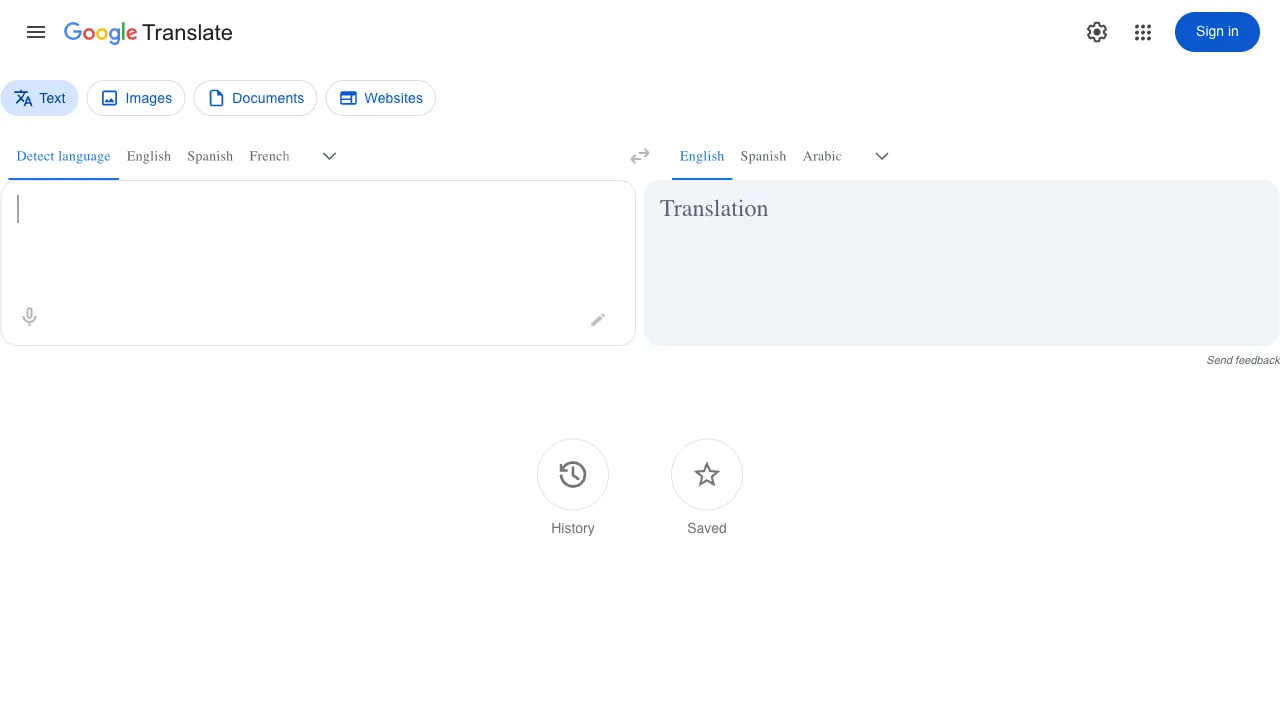
Among all free translation tools, Google Translate is likely the most widely used. Since its launch in 2006, it has undergone a generational technological upgrade from statistical models to neural machine translation. It supports over 130 languages and processes billions of translation requests daily. It may not be the most accurate tool, but it is certainly the most common and convenient one.
What Is Google Translate?
Google Translate (translate.google.com) is a free online translation service provided by Google. It supports multiple input methods—including text, voice, images, and documents—and covers mutual translation among over 130 languages. The release of Google Neural Machine Translation (GNMT) in 2016 significantly improved translation quality, shifting from word-by-word correspondence to semantic understanding of entire sentences before re-expression.
Its core advantages are that it is free, fast, always available, and requires no registration or account.
Key Features
Text Translation
This is the most basic function: input text, select the target language, and get an instant translation. The quality for common languages (such as English, Chinese, Japanese, Korean, French, German, and Spanish) is quite practical and fully sufficient for daily use. It features an "auto-detect" function, so you don’t need to know the source language; it determines it automatically.
Translation accuracy is high for short sentences and simple statements. However, for complex long sentences, technical terminology, or culture-specific expressions, adjustments or verification may be necessary.
Voice Translation
You can input by speaking directly or play back the audio of the translation result. Speaking Chinese into your phone will have it translate to English and read it aloud, providing a useful reference for spoken language and pronunciation. This feature is far more convenient than typing when traveling abroad.
The Google Translate app includes a "Conversation Mode." Two people facing each other can speak their respective languages, and the app will recognize and translate in real time for both parties. Supporting multiple language pairs, it is highly practical for travel communication or cross-language collaboration.
Image Translation
Take a photo or upload an image to recognize and translate the text within it. The app also features "Live Camera," which allows you to point your phone’s camera at road signs, menus, or labels; the translated content is overlaid directly onto the image in real time. This is a high-frequency need for travelers—for example, if you can’t read a menu in Japan, opening Google Translate and taking a photo will overlay all Japanese text with Chinese translations.
Text recognition works well for printed fonts but has lower accuracy for handwritten text.
Document Translation
You can upload documents such as Word files or PDFs for full translation while preserving the original formatting. This is very useful for those who need to process foreign-language materials; there is no need to copy and paste paragraphs. You can translate the entire document and then download the Chinese version directly.
Offline Translation
The app supports downloading language packs for local operation, allowing translation without an internet connection. If you are traveling to areas with unstable networks or wish to avoid data usage, simply download the necessary language packs in advance.
Web Page Translation
Chrome browser has Google Translate built-in. When visiting a foreign-language webpage, it will prompt to translate the entire page, turning the whole site into Chinese with one click. This is the most common way to browse overseas websites.
How Is the Translation Quality?
This is a complex question, as quality varies significantly across different language pairs.
English-Chinese and Chinese-English translation offer the best quality, trained on massive amounts of bilingual data daily. In most scenarios, the results can be used directly with only minor polishing.
Translating European languages (French, German, Spanish, Italian) into Chinese also yields quite good quality, representing a fundamental improvement over early machine translation.
Japanese and Korean translations into Chinese are generally accurate for daily expressions. However, when encountering culture-specific expressions, idioms, or honorific levels, the results are sometimes less than ideal.
For professional domain texts (legal contracts, medical literature, technical documents), Google Translate’s handling of terminology is unstable. It may sometimes substitute professional terms with common vocabulary or use transliteration, requiring proofreading by a professional.
Comparison With Other Translation Tools
vs DeepL: DeepL is widely recognized for having higher quality than Google Translate in European language mutual translation, producing more fluent and natural results. Many professional users consider DeepL their first choice. Google Translate’s advantages lie in its broader language coverage (over 130 vs. DeepL’s 30+), more comprehensive features (images, voice, offline), and being completely free.
vs Youdao Translation: Youdao is better optimized for the Chinese context, with a rich database of professional vocabulary. Its English-Chinese and Chinese-English expressions are often more idiomatic; for domestic users, Youdao can sometimes be more practical than Google Translate. Google Translate’s advantages are its wider language support and broader usage scenarios.
vs Microsoft Translator: The quality and features of both are comparable. Google Translate has a larger global user base and more training data. Microsoft Translator integrates better with the Office ecosystem, allowing direct invocation within Word and PowerPoint.
vs Baidu Translate: Baidu Translate has certain advantages in processing Chinese content, offers a more user-friendly interface for domestic users, and provides faster access speeds within China (without needing to bypass internet restrictions). Google Translate requires access to Google services to be used in China, which is the main barrier in practical usage.
vs ChatGPT/Claude Translation: Large language models can produce translation quality that surpasses dedicated tools, particularly in context understanding, cultural expression, and long-document translation. The downsides are the inability to translate images and documents, lack of voice features, relatively higher costs (Claude/GPT-4 charge by usage), and less convenience compared to Google Translate’s instant accessibility.
Practical Usage Tips
Short sentences yield better results than long ones: If the translation result seems odd, try breaking a long sentence into several short ones, translating them separately, and then piecing them together yourself. The effect is usually better.
Verify professional content after translation: Translated legal, medical, or financial documents can serve as references, but it is not recommended to use the translated results directly for professional decisions. It is advisable to have a professional confirm key content.
Image translation affects layout: After translating documents or images, formatting may sometimes shift, especially with PDFs. If formatting is important, manual adjustment will be necessary.
Use Chrome for web page translation: Chrome has Google Translate built-in. When browsing foreign-language webpages, simply right-click and select "Translate to Chinese," eliminating the need to open a separate translation website.
Use Cases
Traveling abroad: Menus, street signs, attraction descriptions, and real-time conversations—Google Translate’s image and voice features are essential for travel.
Reading foreign-language materials: Quickly grasp the gist of an article or translate an entire webpage into Chinese for easier browsing.
Emails and basic communication: Sending simple emails to foreign clients or understanding their replies; Google Translate is generally sufficient for everyday business communication.
Learning a foreign language: Checking how a word is used, listening to its standard pronunciation, and learning basic expressions.
Handling multilingual documents: Uploading documents for batch translation saves time compared to copying and pasting paragraph by paragraph.
Limitations
In mainland China, accessing Google Translate requires a connection to Google services, which is a practical hurdle for many users. Without reliable access, domestic tools like Youdao Translate or Baidu Translate are more realistic alternatives.
Translation quality has limits in specialized fields and cannot replace the high-quality work of professional translators, particularly for literary translation requiring creative adaptation or legal translation demanding extreme precision.
For commercial needs involving large-scale document batch translation, Google Cloud Translation API offers a paid version with more powerful features; the free translate.google.com is better suited to individual users’ daily needs.
Google Translate’s positioning is clear: free, convenient, and good enough. It isn’t the tool with the highest translation quality, but its use cases cover most ordinary users’ daily needs, and it’s completely free. When choosing a translation tool, many people adopt this strategy: use Google Translate for everyday tasks, and switch to DeepL or hire a professional translator when dealing with important content or requiring higher quality.