

AI image removal tools are everywhere, but the vast majority share the same architectural premise: your images must be uploaded to their servers. This brings two unavoidable costs—privacy (image data leaves your device) and business model (servers cost money, so "free" always comes with limits on usage counts, resolution caps, or watermarks).
Inpaint-web is a elegant rebellion against this premise: it packs the AI model directly into your browser. Leveraging WebGPU technology, inference runs on your own GPU, and images never leave your device from start to finish—thus eliminating privacy concerns at the architectural level. Since the author doesn’t pay server bills for every use you make, "unlimited free" becomes a sustainable promise. This open-source project serves as a counterexample to the notion that "online tools must be uploaded," earning tens of thousands of stars on GitHub.
What is Inpaint-web?
Inpaint-web (inpaintweb.lxfater.com) is an open-source, browser-based AI image processing tool developed by Chinese developer lxfater. Its core feature is inpainting (image restoration/completion): you paint over unwanted content in an image, and the AI intelligently fills it in based on the surrounding background, achieving seamless removal. The project also includes an AI image upscaling feature.
Its technical approach defines its personality: models are converted to ONNX format and run locally in the browser via WebGPU—meaning zero uploads, zero registration, zero cost, and no usage limits. The code is fully open-source and auditable.
Key Features
AI Brush Removal
Adjust the brush size, paint over the target area, and the AI fills it in instantly. On devices that support WebGPU, processing speed is quite fast—the reputation for being "blazingly fast" is well-deserved.
Here’s a realistic distribution of results to help you avoid pitfalls:
- Simple backgrounds (sky, walls, water surfaces, blurred backgrounds): Nearly seamless; the strongest use case.
- Natural textures (grass, bushes, sand): Good results, occasionally requiring touch-ups.
- Regular patterns (brick walls, tiles, text signs): Pattern continuity can be hard to maintain; this is a common challenge for all inpainting models.
- Large-area removal or key content reconstruction: The more the AI has to "create from nothing," the higher the chance of failure; multiple attempts are often needed.
Typical use cases: Removing passersby from tourist photos, clearing clutter from backgrounds, removing watermarks/marks from your own images, and repairing scratches on old photos.
Local Execution: Architectural Privacy Guarantee
This deserves special emphasis because it is the fundamental difference between Inpaint-web and 90% of similar tools: image reading, processing, and exporting all occur within your browser’s memory. The developer’s servers only deliver the webpage and model files; they never see your images.
For sensitive content like ID photos, family portraits with faces, or work document screenshots—where uploading to someone else’s server feels uneasy—local execution tools are the only option that provides complete peace of mind. If you’re still unsure, it works perfectly even offline (after the page loads), which is the most intuitive verification.
Image Upscaling
The included AI super-resolution feature also runs locally, enhancing clarity when enlarging small images, serving as a convenient supplement to removal tasks.
Open-Source and Deployable
Code is hosted on GitHub (lxfater/inpaint-web) under an MIT-style license. Technical users can deploy their own intranet version—this is the ready-made answer for enterprises needing an image removal tool that guarantees data never leaves the internal network.
Comparison with Similar Tools
vs Cleanup.pictures / BG Eraser and other cloud tools: The interaction is nearly identical; the difference lies entirely in the data path—cloud tools require uploads and have free-tier limits, while Inpaint-web runs locally and is truly free. Removal quality is comparable; there’s no reason for privacy- or cost-sensitive users to choose cloud-based options.
vs IOPaint (formerly Lama Cleaner): Also open-source, with more model choices and a higher potential ceiling for results, but requires installing a local Python environment. Inpaint-web is the zero-barrier "open-the-webpage-and-use-it" version. Choose IOPaint if you’re willing to tinker; choose Inpaint-web if you want convenience.
vs Photoshop Generative Fill: Represents the quality ceiling; Firefly models’ reconstruction capabilities for complex scenes far exceed those of lightweight models. The trade-off is subscription fees and learning curve. Professional retouching belongs in PS; quick daily fixes belong to free tools. Clear division of labor.
vs Mobile System Removal Features (iPhone Remove, Google Magic Eraser): System features are the most convenient for mobile scenarios. Inpaint-web’s niche is on PC—processing images on your computer, needing control over output, or when your device doesn’t support system-level removal.
vs SD WebUI inpainting: Offers the strongest controllability and generation capabilities (you can specify what to fill in), but deployment barriers and GPU requirements are in a completely different league.
Who Should Use Inpaint-web?
Privacy-sensitive users: Local processing is its primary reason for existence; it’s the top choice for removing sensitive images, period.
High-frequency users: E-commerce professionals and content creators who edit dozens of images daily will find cloud tool free tiers insufficient. An unlimited-free local tool eliminates that subscription cost entirely.
Everyday users for quick fixes: Occasionally removing a passerby or fixing a blemish? Open the webpage, get it done in thirty seconds, no registration, no tricks.
Developers and tech enthusiasts: A complete open-source example of running AI models via WebGPU; those interested in browser-based machine learning should read its code. Teams needing internal image tools can deploy it directly.
Usage Tips
Paint slightly larger than the target object, including shadows and reflections—erasing the person but not the shadow is the most common giveaway.
Handle large targets in stages: remove the main subject first to check results, then touch up remnants. Gradual approximation yields higher success rates than painting one huge area at once.
Results have randomness; if unsatisfied, repaint and regenerate. Trying a couple of times often yields pleasant surprises.
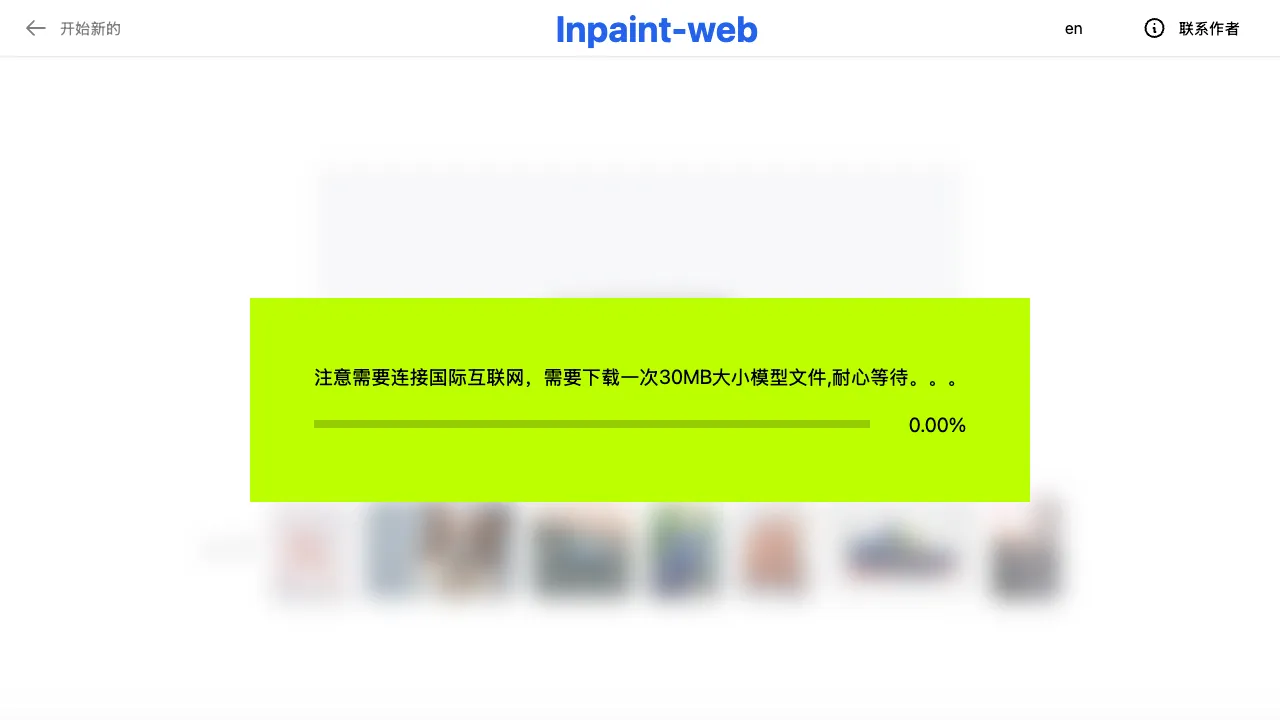
The initial load requires downloading model files (tens of MBs), after which they are cached. Device GPU and browser version (new Chrome/Edge supporting WebGPU) determine speed; older environments may slow down or become unusable—this is the price paid for privacy and free access in a local solution.
Pricing
Completely free, open-source, with no limitations or commercial design.
Inpaint-web is a small but beautiful footnote to the spirit of open source in the AI tool era: one developer used clever architectural design to turn a feature that usually costs money and requires uploading into a free, privacy-safe public good. Bookmarking it is both collecting a tool and casting a vote for this way of doing things.