

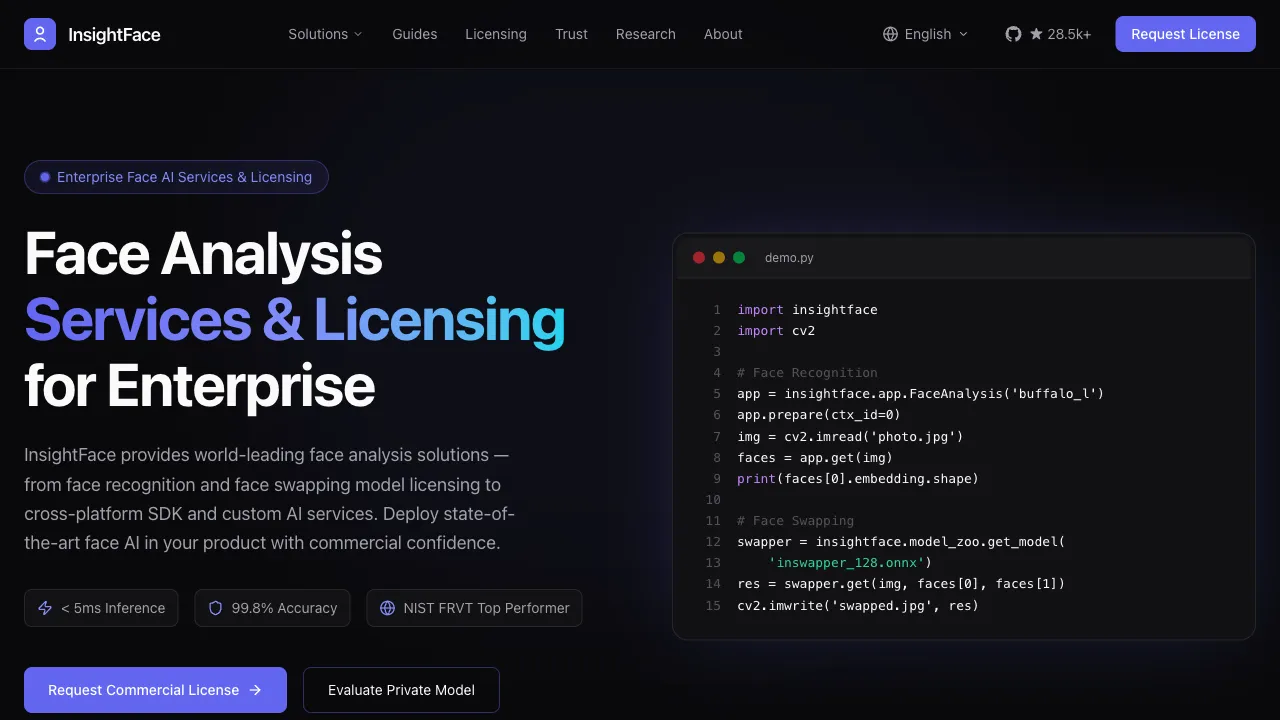
AI face-swap technology has evolved from academic research into a tool accessible to the general public over the past few years. Early DeepFakes required professional GPUs and extensive training time; today, a Discord bot can accomplish the task in seconds. InsightFaceSwap is one of the most technically robust tools in this space—originating from InsightFace, a highly influential open-source facial analysis project in academia, it translates years of technical research into a face-swap service usable directly within Discord.
What Is InsightFaceSwap?
InsightFaceSwap is an AI face-replacement service provided by the InsightFace team, operating as a Discord bot. InsightFace itself is an open-source facial analysis framework that has accumulated years of expertise in facial recognition, attribute analysis, and alignment. With multiple research papers published at top-tier conferences, its technical credibility in the field of facial AI is considerable.
The InsightFaceSwap Bot encapsulates these capabilities into an extremely simple workflow: upload an image and enter a command in Discord to receive a face-swapped result in seconds. Since many AI art users already frequent Discord (particularly Midjourney users), InsightFaceSwap’s integration feels natural—generate an AI image, immediately invoke the face-swap, and complete the entire workflow within the same interface.
Core Features
High-Quality Face Replacement
InsightFaceSwap’s face-swap process involves several technical stages:
Facial Detection and Localization: Automatically identifies facial regions in an image, supporting multi-face images by precisely locating each face.
Facial Alignment: Geometrically aligns the source face with the target position, accounting for differences caused by head angle and expression changes. This ensures the swapped face’s orientation and expressions match the original image naturally.
Appearance Blending: This is the most critical step determining swap quality. InsightFaceSwap’s technology includes specialized optimizations for edge transitions, skin tone adaptation, and lighting blending. The result is a seamless connection between the swapped face and the original image’s neck, ears, and hair edges, with lighting direction and color harmonizing with the source—avoiding the obvious "pasted-on" look.
Detail Restoration: Enhances details in the post-swap image to prevent edge blurring and maintain skin texture.
It is precisely this accumulation of technical detail that leads users to describe InsightFaceSwap as "smoother than Midjourney’s built-in face swap," with clear advantages in edge naturalness and skin tone coordination.
Use within a Midjourney workflow
This is the most common use case for InsightFaceSwap. AI-generated characters from Midjourney often have exquisite facial features, but by default, these faces are randomly generated rather than representing a specific person. If you want "the person in this image to be a specific individual," a face swap is required.
The workflow is straightforward:
- Generate a satisfactory image in Discord using Midjourney (composition, background, clothing, and pose are all set).
- Invoke the InsightFaceSwap Bot and use the
/swapidcommand to swap faces on that image. - Receive the face-swapped result in seconds.
This eliminates the tedious process of rewriting prompts and regenerating images repeatedly to control facial features, handing direct control over "specific character appearance" to the face-swap step.
Multi-Face Image Processing
When an image contains multiple faces, you can:
- Selectively replace only specific faces
- Batch-replace all faces in the image (each mapped to a different source face)
This is particularly useful for creators handling group photos or producing composite images with multiple characters.
Face ID Management
Supports saving multiple reference faces using the /saveid command (bound to different ID names), allowing repeated use of the same source face without re-uploading each time. This significantly boosts efficiency for creators who need to maintain a consistent character appearance across multiple images.
Technical Background
InsightFace’s technical accumulation in the field of facial AI provides the foundational guarantee for InsightFaceSwap’s quality. The project has conducted specialized research in the following areas:
ArcFace Facial Recognition: The ArcFace algorithm published by the InsightFace team is one of the most influential works in facial recognition, achieving top-tier results across multiple benchmarks.
Facial Alignment and Pose Estimation: Handling facial recognition under large angles, occlusion, and expression changes is technically challenging. InsightFace has conducted deep research in this area, with these capabilities directly applied to the alignment processing in face swapping.
Face Swapping (SimSwap, etc.): InsightFace has researched various face-swapping methods, applying the most optimal technical routes to InsightFaceSwap’s actual service.
This "research team directly building a product" origin gives InsightFaceSwap a more solid technical foundation compared to many hastily assembled tools.
Detailed Usage Guide
InsightFaceSwap is provided as a Discord bot. Follow these steps:
Join the Server: Visit the InsightFaceSwap Discord server (via the invitation link on the official website) or invite the Bot to your own server.
Save Reference Face:
/saveid name: [pick a name] upload: [upload a clear photo containing the target face]It is recommended to use a frontal, clear, unobstructed single-face photo as the reference; higher quality yields better swap results.
Execute Face Swap:
/swapid name: [the ID name you saved earlier] image: [upload the target image to swap onto]Within a few seconds to ten-plus seconds, the result will appear in the chat for download and saving.
Change Reference Face: You can update the reference face for any ID at any time using /saveid, overwriting previous settings.
Ethics and Compliance
Face-swap technology is an area requiring serious ethical consideration. Before use, it is essential to distinguish between appropriate and inappropriate scenarios:
Legal and Appropriate Uses:
- Replacing AI-generated character faces with your own face for personal entertainment content
- Artistic processing of authorized character images in creative video and photography projects
- Creating fictional character appearances for game development
- Commercial projects with explicit written consent from the individuals involved
Inappropriate Uses:
- Synthesizing others’ facial images into any content without their consent
- Creating misinformation or deepfakes that could be mistaken for reality
- Any use intended to deceive, defame, or harm others
- Commercial use infringing on others’ portrait rights
Chinese law explicitly protects portrait rights. Using others’ facial images for commercial activities or causing damage without consent may lead to legal liability. Users must determine the boundaries of appropriate technology use themselves.
InsightFaceSwap’s terms of service contain explicit prohibitions, and the platform has abuse detection mechanisms; however, the ultimate responsibility for legal and compliant use lies with the user.
Comparison with Other Tools
Reface (App): Reface is a lightweight, mobile-focused entertainment app for face swapping with an intuitive interface, suitable for general users quickly creating fun content. Its features are limited, with low customization. InsightFaceSwap offers higher quality and deeper integration into AI image creation workflows, making it better suited for creative scenarios requiring specific results.
DeepFaceLab: DeepFaceLab is professional-grade face-swap software capable of cinematic-quality results, widely used in film VFX. However, it requires a GPU, extensive training time, and has a high learning curve. InsightFaceSwap is a lightweight tool delivering results in seconds for single images; the two serve different purposes and have distinct applicable scenarios.
FaceFusion: FaceFusion is the open-source successor to DeepFaceLab, also pursuing high quality and supporting video face swapping. InsightFaceSwap focuses on images, offering greater lightness and speed, making it suitable for scenarios requiring rapid image output.
Midjourney’s Built-in Face Swap: MJ’s face swap feature is known for its convenient integration, but its swap quality—particularly in edge naturalness—lags behind InsightFaceSwap. This is the source of the claim that the latter is "smoother than MJ."
Limitations
Swap quality depends heavily on the reference image. Blurry, angled, or obstructed reference images will result in suboptimal swaps. It is best to use frontal, clear, evenly lit close-up photos as references.
For target images with complex lighting conditions (strong side/backlighting, dramatic contrast), skin tone blending may appear unnatural, requiring fine-tuning in tools like Photoshop.
Accuracy decreases for large-angle profile faces (exceeding 60 degrees), where extreme angles may result in distortion or edge anomalies.
Pricing
InsightFaceSwap offers a free usage tier, allowing registered users to perform a set number of face swaps daily at no cost. Once the free quota is exhausted, additional usage can be unlocked through subscriptions or pay-as-you-go plans. For exact pricing details, please refer to the latest information on the official website and Discord server.
InsightFaceSwap represents a strong option in current AI face-swapping technology, effectively balancing technical depth with ease of use. In appropriate scenarios for AI-driven creative content production, it provides an efficient technical solution for the need to "specify a particular person's likeness."