

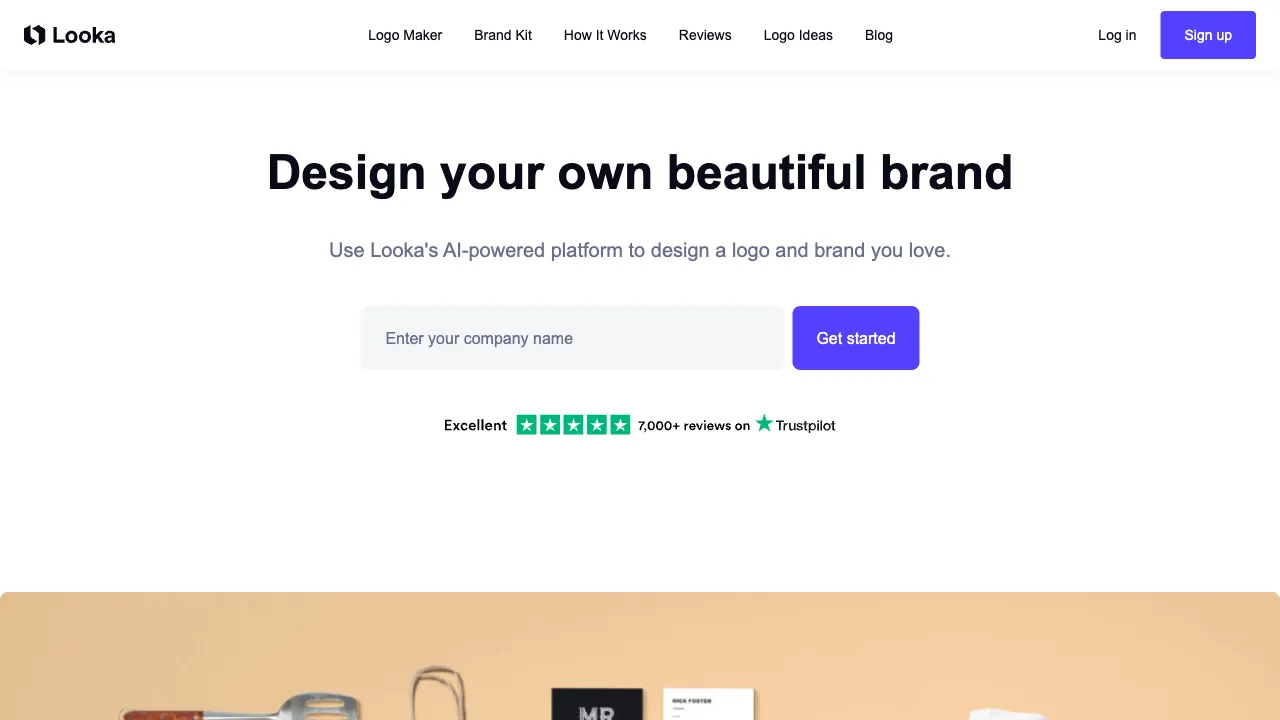
The starting point of brand visuals is the logo, but many entrepreneurs and small business owners get stuck at this stage: hiring a professional designer is expensive, designing it yourself feels overwhelming, and using free online tools often results in a cheap-looking output. Looka aims to resolve this contradiction—using AI technology to enable people without a design background to create professional-grade brand visuals.
What is Looka
Looka (formerly Logojoy, founded in 2016) is a Canadian company focused on AI-powered brand design services. It is more than just a logo generation tool; it is a comprehensive brand visual platform that provides a systematic solution for brand visuals ranging from logos and business cards to social media assets and brand guidelines.
Looka’s user base primarily consists of startups, small and medium-sized enterprises (SMEs), freelancers, and individuals who need to quickly establish their brand visuals.
Core Features
AI Logo Generation Process
Looka’s logo design process is designed to be user-friendly. From entering your information to viewing logo options takes approximately 5–10 minutes:
- Enter Brand Information: Brand name and slogan (optional).
- Select Industry: Looka offers a rich categorization of industries to help the AI understand your brand’s background.
- Visual Preferences: Choose your preferred logo styles (modern, classic, minimalist, bold, etc.) and color preferences.
- Generate Options: The AI generates dozens of logo candidates, covering various combinations of graphics and fonts.
- Select and Edit: Pick your favorite options and adjust colors, fonts, graphic size, and position in the online editor.
The entire process includes guided steps for visual selection. Even if you don’t understand design principles, you can guide the AI to generate options that match your aesthetic by simply choosing “I like this style” or “I don’t like that.”
Logo Quality
The logos generated by Looka are considered above average in quality among AI logo tools, with several key characteristics:
- True Vector Logos: Unlike bitmap images, vector files can be scaled infinitely without losing quality.
- Complete Typography Combinations: Includes combinations of graphics, brand names, and slogan fonts, rather than just an icon.
- Multiple Variants: Horizontal, vertical, graphic-only, and text-only versions to cover different use cases.
- Color System: Primary colors, secondary colors, and black-and-white versions.
Brand Kit
This is the biggest difference between Looka and simple logo generation tools. After selecting a logo, Looka can generate a complete brand visual kit:
- Business Cards: Double-sided designs with customizable contact information.
- Envelopes and Letterheads: Suitable for physical business correspondence.
- Email Signatures: HTML format that can be directly used in email clients.
- Social Media Avatars: Square logos formatted for various platform specifications.
- Social Media Cover Images: Cover images for platforms like Facebook, Twitter, LinkedIn, etc.
- Favicon: Icons for website browser tabs.
This suite of materials covers the main scenarios where your logo needs to appear in daily brand operations, eliminating the need to hire a designer separately for these adaptations.
Brand Guidelines
The brand guideline document generated by Looka includes: brand colors (with specific HEX, RGB, and CMYK values), font names and usage specifications, and logo usage guidelines (correct vs. incorrect usage). This document can be shared with printing factories, partners, or future designers to ensure visual consistency across all scenarios.
Logo Website
Looka also offers a one-click website building feature: based on your logo and brand colors, it generates a simple brand website suitable as an online business card for your enterprise.
Comparison with Other Tools
vs BrandMark: Both are AI logo generation tools with similar positioning, offering vector logos and brand materials. BrandMark may offer more diverse logo style options, while Looka’s brand kit features are more comprehensive (including business card design), making the overall experience feel more like a complete brand service platform.
vs Canva Logo Tool: Canva is more of a template editor where you manually change text and colors within a set of templates; Looka generates original options based on your input via AI. These two modes suit users with different habits. Canva offers more free features, while Looka provides higher logo originality.
vs 99designs: 99designs is a crowdsourced design platform where designers bid on your project, delivering human-designed logos with higher quality and customization levels. However, the cost is higher (starting from hundreds of dollars) and the timeline is longer (days to weeks). Looka is faster and more affordable, making it suitable for the startup phase; once your brand grows and requires finer polishing, you can consider 99designs or hiring a professional designer.
vs Biaoxiaozhi (Domestic): The domestic market has AI logo tools like Biaoxiaozhi, which have advantages in handling Chinese brand name fonts and aligning with domestic aesthetic preferences, often at more affordable prices. Looka is stronger for English brands and international scenarios. If your brand primarily targets the domestic market, local tools might be more suitable.
Who Should Use Looka
Early-stage Startups: Need to quickly establish brand visuals but have limited budgets. Looka’s pricing is far lower than professional design agencies, and it delivers options faster, making it suitable for MVP-stage brand needs.
Freelancers: Personal brands require professional visual packaging—business cards, LinkedIn avatars, email signatures—which Looka addresses in one go.
E-commerce Brands: Opening stores on platforms like Shopify, Etsy, or Amazon requires a brand logo and complete visual identity; the suite of materials generated by Looka can be used directly.
Side Hustle Projects: For side projects that don’t warrant a large budget but still need to look professional, Looka offers excellent cost-performance value.
Non-technical Founders: If you don’t know design tools like Figma or Illustrator and have no designer friends, Looka requires no design skills and provides guided steps throughout the process.
Pricing
The model is one-time logo purchases plus an optional annual brand kit subscription. Designing is entirely free, and payment is only triggered when you decide to download files.
| Plan | Price | What you get |
|---|---|---|
| Basic logo | $20 one-time | A single PNG file |
| Premium logo | $65 one-time | PNG, EPS, SVG and PDF vectors, colour variations, full copyright ownership |
| Brand Kit | $96/year | 300+ pre-generated branded asset templates (business cards, email signatures, social profile images, letterheads, brand guidelines) |
| Brand Kit with website | $129/year | The above plus a complete website with hosting, SSL and SEO tools |
| Ecommerce | $299/year | Up to 100 products, zero transaction fees |
For most small businesses the $65 premium logo is the best value — pay once for vector files and full copyright ownership, with no recurring fee.
Limits worth reading: design elements are non-exclusive (your logo composition is yours, but individual icons and fonts come from a shared database); the website builder is proprietary drag-and-drop with no HTML/CSS editing and no WordPress plugin support; and each subscription supports one logo.
Check current pricing at looka.com.
Limitations
Limited Originality: AI-generated logos lack the uniqueness of top-tier designer customizations; their graphic language tends to be relatively generic. If your brand requires a highly unique visual identity, there is an upper limit to what AI generation can achieve.
Average Chinese Character Handling: Looka’s font library is primarily English-focused, so its support for Chinese brand name fonts and typography effects is inferior to that of Chinese design tools.
Inability to Control Details: The editor’s adjustment range is limited. If you have very specific design detail requirements, you may not be able to achieve them.
Randomness in Results: You may not find a satisfactory option every time you generate; you need to try different keywords and style directions, generating multiple times.
Practical Advice
Don’t make a decision based on the first batch of results: Looka generates dozens of options each time. Don’t just look at the first few; scroll through the entire list, as there are often pleasant surprises further down.
Color choices have a significant impact: Choose your color direction carefully during generation. Different color preferences will guide the AI toward entirely different styles. If you’re unsatisfied with the first batch, try regenerating with a different color palette.
Confirm that edits are possible before purchasing: After purchase, you can usually continue to modify colors and fonts within Looka’s editor. You don’t need to achieve perfection in one go; use the post-purchase phase for fine-tuning.
Test your logo across multiple scenarios: Before finalizing your logo, place it in several real-world contexts (e.g., on business card backgrounds, dark backgrounds, or at small sizes) to see how it performs and ensure it looks good in actual use.
Looka is one of the most highly regarded AI logo design tools in terms of user feedback. For entrepreneurs and personal brands seeking a complete visual identity package, it remains one of the most cost-effective solutions on the market today.