

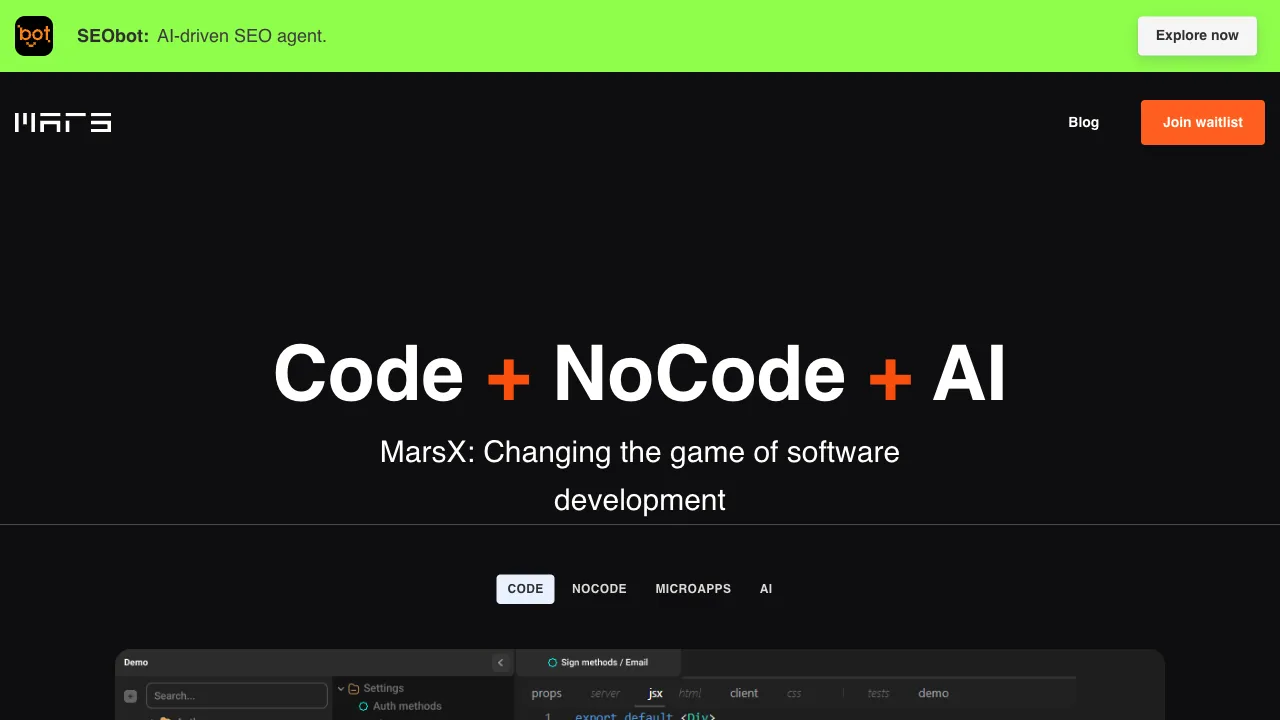
Status: still waitlist-only. The homepage's primary call to action is Join waitlist, with no open signup or trial, and prominent space goes to the team's other products (SEObot, Unicorn Platform). This page is kept for reference, but the tool is hard to recommend before signup opens.
"No-code" is a term that has been overused. Most tools claiming the no-code banner are fine for building landing pages or collecting forms, but once requirements get slightly more complex and involve real business logic, they either can’t do it or force you back into writing code. The so-called "no-code" experience often amounts to nothing more than "no-code for toys." MarsX aims to solve this exact pain point of mismatched expectations. It was created by Daniel Nguyen, a serial entrepreneur and prominent figure in the indie developer community (and author of products like socialscreenshot). He introduced an interesting concept to fill this gap: Micro Apps—breaking applications into reusable functional blocks that can be combined like building blocks to create truly usable tools.
What is MarsX?
MarsX (marsx.dev) is a development platform centered on "micro apps," with the goal of enabling people without programming backgrounds to build small applications with actual functionality. The philosophy is to decompose complex applications into reusable micro-app modules, allowing users to assemble existing modules to build tools rather than writing code from scratch. It also integrates three paradigms: AI, no-code, and traditional coding. Those who don’t code use building blocks, while those who do can drill down to the code layer for customization, attempting to break down the wall between "no-code" and "professional development."
Core Concept: Micro Apps
The soul of MarsX is a continuously expanding library of micro apps—pre-built functional modules:
- Forms & Data Collection: Surveys, registrations, feedback
- Content Display: Galleries, blogs, product catalogs
- Tools: Calculators, converters, query tools
- Data Visualization: Charts, dashboards
- UI Components: Navigation, sidebars, pop-ups
The key difference from traditional no-code drag-and-drop UI components is that micro apps typically come with complete business logic, not just UI elements—this makes the assembled result closer to a "usable application" rather than a "display page." You can search for the micro apps you need and integrate them into your project without needing to understand the underlying implementation.
How to Use It
Select a template (SaaS/internal tool/landing page, etc., close to your needs) → Combine micro apps (add functional modules from the library, configure parameters for each, and connect data sources) → Customize (those with technical skills can drill down to the code layer for deep modifications—this is the key differentiator for MarsX compared to pure no-code tools: it doesn’t lock you into drag-and-drop) → Publish & Deploy (platform hosting or export code for self-hosting).
The ability to "drill down into code" and "export code" are precisely its response to the "ceiling of no-code" problem—use building blocks when you don’t know how to code, and have an exit route when you need to break through.
Comparison with Similar Tools
vs Bubble: The veteran king of no-code application development, capable of building quite complex web applications, but with a steep learning curve; MarsX’s micro apps are more modular and easier to get started with, though potentially less flexible than Bubble. If you want to build complex applications and are willing to learn, choose Bubble; if you want quick assembly, choose MarsX.
vs Webflow: Webflow focuses on visually designed websites, primarily static or lightly dynamic; MarsX leans toward functional applications (with business logic).
vs Glide/AppSheet: Data-driven (generating apps from spreadsheets/databases), suitable for data-intensive internal tools; MarsX is more general-purpose and less dependent on data-source-driven models.
vs v0/Bolt.new: New-generation AI dialogue tools that generate complete application code, differing from MarsX’s "micro app combination" approach, but both aim to lower the barrier to development—the AI generation route has gained significant momentum in recent years, representing new competition for MarsX’s micro-app model.
vs Cursor/Copilot: Aimed at developers who can write code to accelerate their workflow; MarsX is aimed at people who cannot code, targeting different user groups.
Who is MarsX For?
Entrepreneurs with ideas but no coding skills: Quickly build demonstrable prototypes/MVPs to validate product concepts without hiring developers—the core audience.
Small teams needing internal tools: Internal needs like data queries, form collection, and lightweight workflows can be addressed faster and more cheaply by combining micro apps than by custom development.
Product managers validating requirements: Use MarsX to create interactive prototypes before investing development resources, test with users, gather feedback, and then decide on next steps.
Coding beginners: The micro-app library demonstrates how various functions are implemented; you can drill down to view the code, aiding in learning.
Limitations
It cannot escape the common ceiling of no-code/low-code: when requirements exceed platform support or require high customization, you will hit a wall—complex business logic, special performance needs, and deep system integration still make professional development indispensable.
The micro-app ecosystem is still under construction, with uneven coverage of needs; special requirements may not find ready-made modules, requiring you to supplement with code yourself. Platform dependency is another concern—the applications built are bound to MarsX; if the platform shuts down or raises prices significantly, migration costs will be high (the ability to export code partially mitigates this risk, so it’s worth confirming during selection).
As a product by an indie developer, its long-term investment and stability also need continuous observation, based on the current state of the official website.
Pricing
The site has no open signup and publishes no pricing tiers — the homepage's primary action is Join waitlist, which collects an email.
Prominent space on the page goes to the team's other products (SEObot, Unicorn Platform), and no statement has been made about MarsX's own availability or timeline.
Check the official site.