

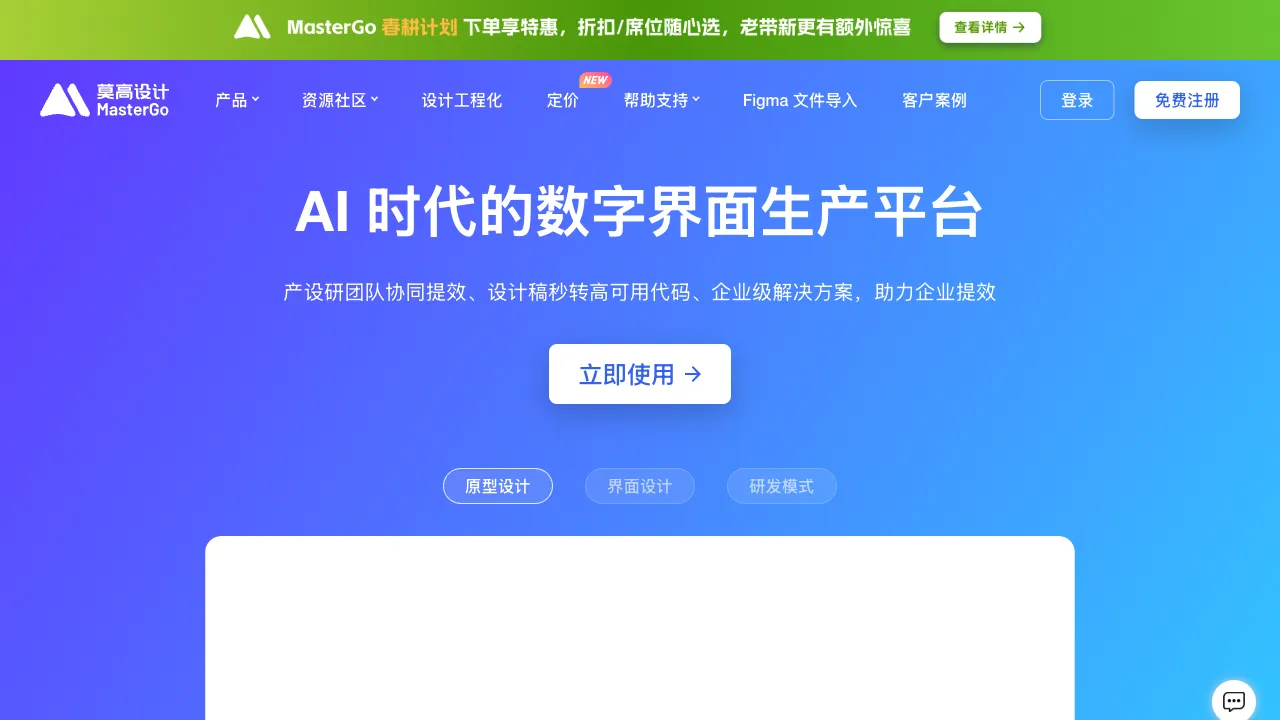
Figma has long been synonymous with collaborative design tools for product designers, with virtually every UI/UX team using it. MasterGo is a domestic competitor launched in China that benchmarks both its core features and design philosophy against Figma, offering a collaborative design platform for domestic enterprises. Building on this foundation, it adds AI capabilities—this is the positioning of MasterGo AI: a domestic alternative to Figma, augmented with AI-assisted design features.
What is MasterGo AI?
MasterGo (mastergo.com) is an enterprise-grade product design platform launched by Mogu Design, supporting functions such as UI design, prototyping and interaction, design system management, and team collaboration. MasterGo AI is the AI capability module integrated on top of this platform, helping designers improve work efficiency.
As a domestic product, MasterGo is better suited to the needs of Chinese enterprises in terms of data security compliance (domestic data storage), Chinese-language interface, and localized support, holding a certain market share among enterprise clients with high information security requirements.
Core Design Features
Interface Design
MasterGo provides vector graphic editing and UI component design functions similar to Figma:
- Graphic drawing (paths, shapes, boolean operations)
- Components and Styles management
- Auto Layout
- Responsive design support
- Design System management
The operational logic is highly similar to Figma, resulting in a low learning curve for designers migrating from Figma.
Prototyping and Interaction
Interactions can be added directly to design drafts to create clickable prototype demos:
- Page transitions and scrolling effects
- Pop-ups and hover interactions
- Conditional logic interactions
- Mobile gesture interactions
Prototypes can be shared online with product managers, developers, and clients without requiring any software installation.
Team Collaboration
Real-time multi-person collaboration is one of MasterGo’s core values:
- Multiple designers working simultaneously in the same file
- Real-time visibility of others’ edits
- Comments and feedback annotated directly on the design draft
- Version history, allowing rollback to previous versions
This collaborative approach is crucial for design teams distributed across different locations or collaborating remotely with clients.
AI Features
AI-Generated UI Design
MasterGo AI can generate UI design proposals based on descriptions. Inputting prompts like “Design a mobile e-commerce homepage” or “Generate a data dashboard for a backend management system” will produce corresponding design drafts that can be edited directly within MasterGo.
This is not an image, but editable UI components—after generation, you can adjust layouts, modify colors, and replace text just as you would with a standard design draft.
Design Suggestions and Optimization
AI can review existing designs and provide optimization suggestions:
- Accessibility issues (insufficient contrast, fonts too small)
- Layout consistency checks
- Component usage compliance tips
Automatic Copy Filling
Placeholder text (Lorem Ipsum) in design drafts can be automatically replaced by AI with example copy closer to actual business scenarios, making design reviews more realistic and reducing misunderstandings caused by “fake data.”
Code Generation Assistance
Converting design drafts to code supports generating code for frameworks such as CSS, React, and Vue. For designers who collaborate frequently with developers, code annotations and code generation can reduce communication costs between design and development teams.
Comparison with Other Tools
vs Figma: Figma is the industry standard, boasting the richest plugin ecosystem, the most community resources, and the smoothest international team collaboration; however, it requires a VPN to access in China, stores data overseas, and raises compliance concerns for large enterprises. MasterGo offers stable domestic access, data compliance, features that benchmark Figma, and is more friendly to domestic enterprises.
vs JSDesign: A similar domestic design tool with functions and positioning very close to MasterGo; it is also a domestic alternative competitor to Figma. The gap between the two is small, and the choice mainly depends on specific feature testing and team preferences.
vs Lanhu: Lanhu focuses more on design draft annotations and design-to-development delivery; its design tool features are less complete than MasterGo’s. It is suitable as a delivery companion tool for MasterGo or Figma.
vs Sketch: Sketch is a professional UI design tool exclusive to Mac with good functional depth; it does not support Windows or real-time collaboration. MasterGo is cross-platform and supports real-time collaboration, giving it a clearer advantage in team scenarios.
vs Adobe XD: Adobe has stopped updating XD, officially recommending migration to Figma. There is no need to consider this path.
Who Should Use MasterGo AI
Product design teams in large and medium-sized domestic enterprises: With strict data compliance requirements that make overseas tools difficult to use, MasterGo serves as a fully functional domestic alternative that meets these compliance needs.
Designers who collaborate closely with development teams: Code generation and design delivery features help reduce communication costs between design and development, improving collaboration efficiency.
Teams looking to migrate from Figma to domestic tools: With similar operational logic and lower migration costs, file import support helps ensure a smooth transition.
Designers who need AI assistance for rapid design output: AI-generated UI designs help quickly establish a design framework for fine-tuning, which is much faster than starting from a blank slate.
Limitations
The plugin ecosystem lags significantly behind Figma’s—while Figma boasts thousands of plugins, MasterGo’s selection is limited, meaning workflows dependent on specific plugins may not fully migrate.
Community resources (design templates, UI kits, reference materials) are far less abundant than Figma’s community; new users will need to build their own resource libraries.
AI capabilities are still catching up relative to Figma’s AI advancements; Figma remains ahead in the depth of integration for native AI features.
Pricing
MasterGo offers a free personal version with sufficient functionality for individual designers’ daily use; team and enterprise versions are priced per user, offering certain advantages over Figma. Please refer to the official website for specific details.
For domestic enterprises and teams with data compliance requirements, MasterGo is currently the most worthy alternative to Figma within China. Without specific compliance needs, Figma’s mature ecosystem still holds a clear advantage.