

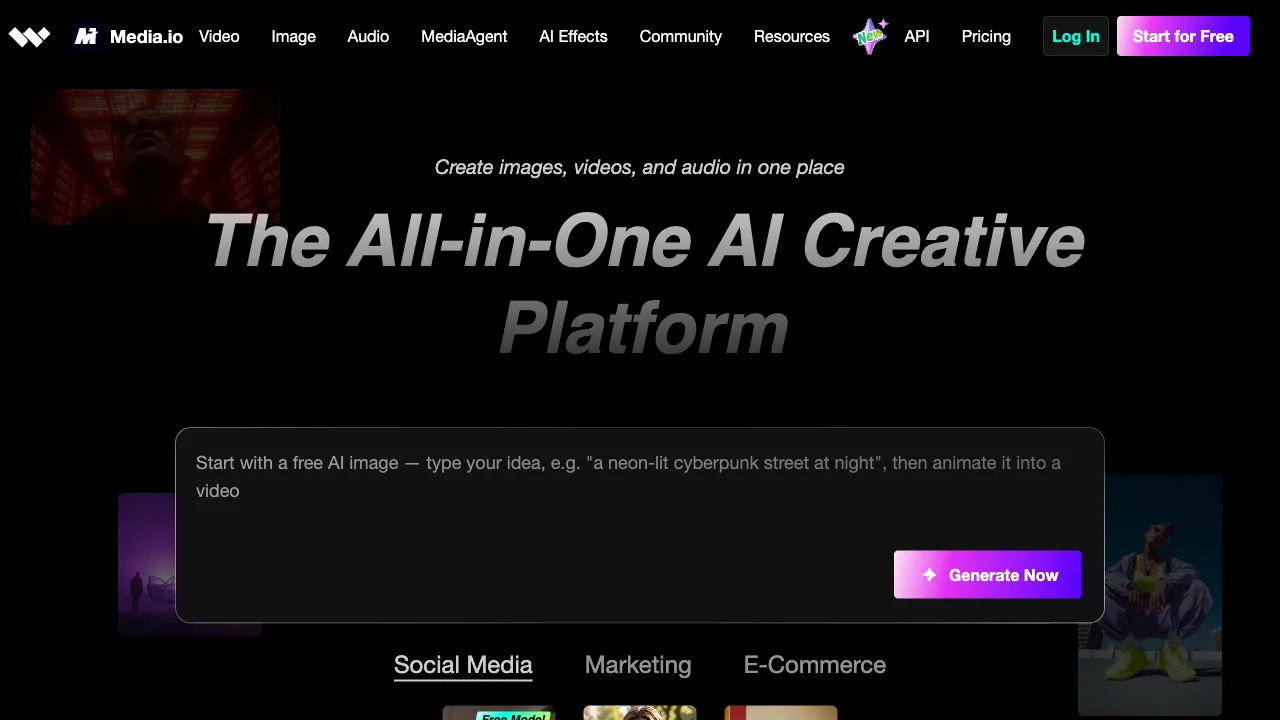
The product's scope has widened considerably. It began mainly as an online media conversion and optimisation tool; it now positions itself as an all-in-one AI video, image and music platform, adding an AI Studio (AI stories, viral video and image creation, an AI ad generator, music video workflows) and from-scratch generation of video, images, characters and audio alongside the original editing tools. The description below reflects the current product.
Video editing, audio processing, image editing, format conversion—these daily tasks for handling media files used to require installing various specialized software. Media.io aims to consolidate these workflows into a single web platform, leveraging AI-powered smart features to make media file processing simpler and faster.
What is Media.io?
Media.io is a browser-based online media tool platform launched by Wondershare. Wondershare is a well-known domestic multimedia software company with products such as Filmora (Wondershare Filmora) for video editing and Recoverit for data recovery; Media.io represents their cloud-based collection of multifunctional media tools.
The platform positions itself as a "portable, multifunctional online tool"—requiring no software installation, it works directly in the browser, making it suitable for ad-hoc media file processing or completing basic media tasks on devices without professional software installed.
Core Features
Video Processing
Video Format Conversion: Supports mutual conversion between mainstream video formats (MP4, MOV, AVI, MKV, WebM, etc.) to resolve compatibility issues across different devices and platforms. Upload a video, select the target format, and download the converted file—all within the browser.
Video Compression: Reduces video file size while maintaining acceptable image quality, ideal for uploading to platforms with file size limits (email attachments, specific social media platforms).
Video Trimming and Clipping: Cut unwanted parts from the beginning or end of a video, or extract specific segments from longer videos without needing to install editing software; all done online.
AI Video Enhancement: Uses AI to improve video quality, including super-resolution (increasing resolution), noise reduction, and image stabilization.
Audio Processing
AI Background Noise Removal: Upload an audio or video file, and the AI automatically identifies and removes background noise (air conditioning hum, crowd chatter, wind), preserving the primary voice content. This is particularly useful for recordings with suboptimal quality, such as podcasts, meeting recordings, and interview videos.
Audio Format Conversion: Mutual conversion between formats like MP3, WAV, AAC, FLAC, and OGG.
Audio Extraction: Extracts the audio track from a video file and saves it as a standalone audio file.
Text-to-Speech (TTS): Input text, select a voice style, and generate an audio file, suitable for dubbing and audiobook production.
Image Tools
AI Background Removal: Upload an image, and the AI automatically identifies the foreground subject, removes the background, and generates a PNG file with a transparent background.
Image Format Conversion: Mutual conversion between formats like JPG, PNG, WebP, GIF, and BMP.
Image Compression: Reduces image file size while maintaining quality, suitable for website optimization and batch processing of images that need compression.
AI Image Upscaling: Uses AI super-resolution technology to enlarge low-resolution images while reconstructing details.
OCR Text Recognition: Extracts text content from images, supporting multiple languages.
Subtitle Processing
Automatic Subtitle Generation: Upload a video, and the AI automatically recognizes the speech content to generate time-synced subtitle files (SRT format), which can be downloaded for further editing.
Subtitle Translation: Translates existing subtitles into other languages, suitable for creating multilingual versions of content.
Burn Subtitles into Video: Overlays subtitle files onto a video to generate a video with embedded subtitles.
Comparison with Similar Tools
vs. Clideo, Kapwing: These online video tools share a similar positioning with Media.io as browser-based media processing tools. The differences lie mainly in feature breadth, the number of AI capabilities, and processing speed. Media.io’s advantage is its comprehensive feature coverage and competitive AI functions (noise reduction, enhancement, background removal).
vs. Adobe Express (formerly Spark): Adobe’s online tools lean more toward content creation (design, typography), whereas Media.io focuses on technical processing (format conversion, compression, quality enhancement); their emphases differ.
vs. Desktop Professional Software (Premiere Pro, Audition): Media.io is a lightweight tool that handles simple tasks well but lacks the depth and fine-grained control of professional software. For complex editing and mixing tasks, professional software remains irreplaceable; for quick, simple processing tasks, Media.io’s zero-installation barrier is a clear advantage.
vs. Sister Product Filmora (Desktop Version): Wondershare’s Filmora is a full-featured desktop video editing software, while Media.io is lighter weight; they complement each other—use Media.io for quick online processing and Filmora for complete editing workflows.
Suitable Scenarios
Ad-hoc Use: When traveling or using temporary devices, if you need to perform simple tasks like video format conversion or background removal without installing software, Media.io handles everything in the browser.
Batch Format Conversion: When converting a batch of videos or images, Media.io supports batch processing, which is more efficient than manual individual conversions.
Podcast and Recording Processing: For audio with poor recording quality, use Media.io’s AI noise reduction to improve sound quality, making it suitable for self-media creators doing post-production.
Content Creators’ Daily Workflow: Self-media operators frequently need to handle media files in various formats; as an "all-rounder" tool that does a bit of everything, Media.io reduces the hassle of switching between different applications.
Non-Technical Users: For those unfamiliar with professional software but needing to perform basic media processing, Media.io’s interface is relatively simple and intuitive, offering a low entry barrier.
Pricing
The site offers a free trial entry point, but no tiers or amounts appear on publicly readable pages, so no figures are given here. Trust the pricing page at media.io.
The current capability set splits three ways:
- AI Studio: AI Story (character-driven story creation), viral video and image creation, an AI ad generator for product ads and conversion creatives, and a music video generation workflow
- Generate from scratch: Video AI (video from images and prompts), Image AI, Characters (reusable characters and personas) and Audio AI (music and audio from text)
- Editing and enhancement: video watermark remover, AI talking avatar, AI lip sync, motion control and video background remover; AI hairstyle changer, image object remover, image background remover, image enhancer, upscaler and old photo restoration; plus audio tools such as noise reduction and vocal removal
Limitations
Restrictions on Free Version: The free version typically has lower file size limits and may restrict processing time; handling large files requires a paid plan.
Privacy Considerations: Media files must be uploaded to the cloud for processing. For files containing sensitive content (meeting recordings, personal videos), users should assess privacy risks and consider whether cloud tools are appropriate.
Network Dependency: As an online tool, it relies on network connectivity; uploading large files is affected by internet speed, and user experience may suffer in unstable network conditions.
Limited Feature Depth: As a broad-coverage tool platform, the professional depth of each individual feature does not match that of specialized vertical tools (e.g., dedicated noise reduction or format conversion tools).
Media.io is suitable for users who "occasionally need to process media files and don’t want to install too much software"—as an all-purpose but not deeply specialized toolbox, it is sufficiently practical for daily media file needs.