

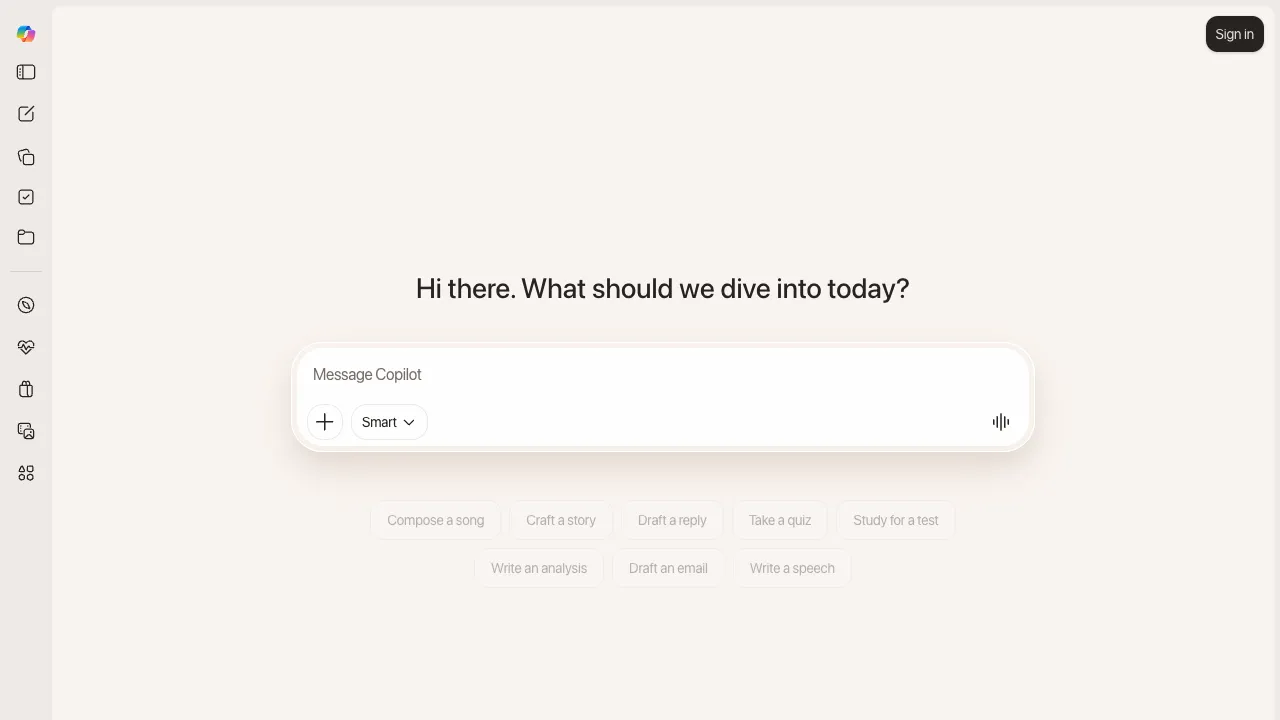
Copilot is Microsoft's AI assistant brand, and its defining trait is how many entry points it has: it's a free chat assistant on the web and in an app, and it's also built into Windows and the Office (Microsoft 365) suite, putting AI where people already work every day.
What Microsoft Copilot Is
Copilot is really a whole product line spanning different entry points:
- Copilot (web / app): a free AI assistant for everyone that can chat, write, answer questions, generate images and search the web.
- Copilot in Windows: built into the operating system, available anywhere on the desktop to help with tasks and look things up.
- Microsoft 365 Copilot: built into Word, Excel, PowerPoint, Outlook and Teams, working with your documents and data — drafting in Word, analyzing in Excel, building decks in PowerPoint and summarizing meetings in Teams.
September 2026: A Major Overhaul of Copilot for Work
On September 25, 2026, Microsoft released a new Copilot app aimed mainly at people signed in with a Microsoft 365 work account, in three parts:
- Home: brings together Chat for quick questions and Cowork for longer tasks in one entry point, with Word, Excel and PowerPoint usable right inside it.
- Code: lets people who can't write code build small apps, dashboards and automations in natural language, on the same foundation as GitHub Copilot.
- Autopilot: an always-on agent with its own identity that can be @mentioned in Teams and Outlook, follows up on threads and runs recurring work.
Billing now splits into two layers: the per-user subscription license covers chat and Office features, while Code, Autopilot and frontier models (Microsoft named models from OpenAI and Anthropic) are billed by usage. Most of these features arrive first in the Frontier early-access program, with ordinary business customers following later. For our full analysis, see the news story "Microsoft's New Copilot Lands Just Before Quarter-End".
Where Each One Fits
- Everyday questions and creation: the free web version is enough for copy, research and images.
- System-level convenience: Windows users can call up the assistant anytime.
- Deep work: Microsoft 365 Copilot works with company documents, email and calendars, which is its biggest difference from general chat assistants.
Strengths
- Deep integration with Windows and Office: it lives inside the software you use every day.
- Context awareness: the business version can answer based on your own files and data.
- Broad coverage: from the free web version to paid business plans, there's a tier for individuals and organizations alike.
Tips
- Individuals can start with the free version for chat, writing and search.
- Microsoft 365 Copilot depends heavily on how well documents are organized: with messy file names and permissions, it may miss what it should find or surface what someone shouldn't see, so clean up permissions before rolling it out.
- Before a company turns on usage-billed features such as Code and Autopilot, set spending caps and allowed models.
- For data analysis and formal documents, have a person review the output before using it.
How It Compares
- If you work mainly in Google's office suite: Gemini for Workspace is a better fit.
- If you just need a general chat assistant: standalone products such as ChatGPT or Claude ship new features faster.
- For team-level AI in company work: see our detailed page on Microsoft 365 Copilot.
Pricing
The web version and basic Copilot remain free. Individual paid tiers have been folded into Microsoft 365: the official consumer pricing page (checked 2026-09-06) lists Microsoft 365 Personal at $9.99/month or $99.99/year, Family at $12.99/month or $129.99/year, and Premium at $19.99/month or $199.99/year (with the fullest AI features); Copilot Pro is no longer listed separately. On the business side it's still a Microsoft 365 Copilot subscription, with Code, Autopilot and similar features billed by usage from September 2026.