

There is a famous "translation loss" in the product development workflow: between the wireframes drawn by product managers (a few gray boxes with placeholder text) and the final high-fidelity design deliverables lies an entire visual engineering process involving color schemes, typography, spacing, border radii, and shadows. This "translation from skeleton to skin" has traditionally been done manually by designers, taking hours or even days per page. A more subtle cost lies in communication: discussing whether "users will like it" while staring at black-and-white wireframes requires everyone to imagine the final result, but each person’s mental image differs.
Noya uses AI to turn wireframes into high-fidelity designs. Its core team comes from Airbnb’s design tools group and has ties to the open-source Lona project.
What is Noya
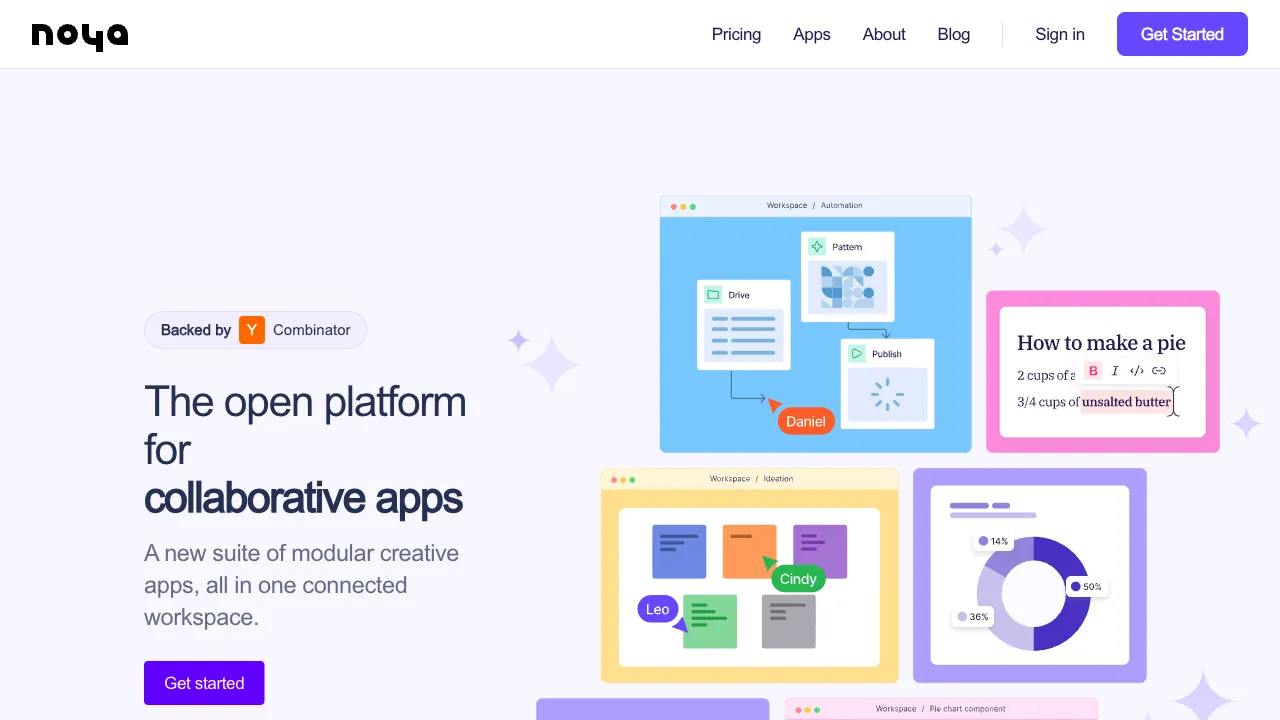
Noya (noya.io) is an AI-driven UI design tool with the core capability of "Wireframe to Hi-Fi": you sketch rough wireframes (just boxes, buttons, and text placeholders), and the AI identifies the UI semantics within them, rendering them in real-time into high-fidelity interfaces that adhere to a design system. Buttons gain standardized border radii and colors, placeholder images become real photos, and typography hierarchies form automatically. The entire product is designed around "rapidly turning ideas into viewable interfaces," with outputs exportable to developer-friendly formats like React code.
Core Features
Real-Time Wireframe-to-Hi-Fi Conversion
The main workflow feels almost magical: draw gray boxes on the left, see finished designs on the right. Drag a rectangle labeled "button," and a real, design-system-compliant button appears on the canvas simultaneously; place a few card placeholders, and a fully formed card list becomes visible instantly. Delivering high-fidelity results while merely sketching wireframes—this is the core promise of Noya, and the reason it has garnered attention in the design community.
Its intelligence lies in constraining generation within a design system: outputs are not AI-generated "roughly good-looking" designs, butStandard renders based on mature component libraries (such as Material or Tailwind). This ensures visual consistency and brings the design file just half a step away from code implementation.
Natural Language Style Adjustments
Speak naturally to your design: "Change the primary color to deep blue, make it more tech-focused," "Simplify the navigation bar," or "Make buttons circular." The AI applies these adjustments globally, eliminating the need to edit elements one by one. It is an efficiency powerhouse during exploratory phases: with the same set of wireframes, you can test three distinct style directions in just three sentences.
Design System Consistency and Code Export
Global visual language consistency (avoiding amateurish inconsistencies like alternating border radii of 4px and 8px or mixed fonts) combined with developer-focused export capabilities means that designs based on real component libraries incur far less loss when translated into code compared to freehand-drawn designs. This represents a structural improvement in the handoff from design to development.
Comparison with Similar Tools
vs Figma: The industry-standard platform with an unshakable ecosystem and collaboration features, while its AI capabilities are continuously strengthening. Noya’s "real-time wireframe-to-hi-fi" is a specialized experience Figma currently lacks. In practice, they are complementary: use Noya to quickly explore directions, then move to Figma for final polish and collaboration. Of course, Figma will eventually catch up in this direction, which is the Sword of Damocles hanging over all vertical tools.
vs Uizard: A comprehensive competitor in the same track, offering hand-drawn sketch-to-UI, screenshot-to-design, and text-to-interface capabilities within a mature standalone editor. Noya focuses more narrowly on the single point of "wireframe to hi-fi," excelling in real-time performance and design system constraints. Choose Uizard for breadth of features; choose Noya for depth of experience in this specific niche.
vs Galileo AI/v0 (Text-to-Interface): Those tools start with text, generating entire pages from a single description. Noya starts with wireframes where layout intent is clear. Those who have already figured out their layout should use Noya; those with only vague concepts should use text generation. The entry point dictates the choice.
vs Manual Hi-Fi Design: The upper limit of designers polishing every element manually remains irreplaceable; formal deliverables are still the domain of humans. Noya eats away at the workload for "exploration phases" and "communication mockups"—work that was never worth meticulous polishing in the first place, where speed matters more than perfection.
Who Should Use Noya
Product Managers: The primary beneficiaries—wireframes they draw directly transform into "visually compelling" mockups. Requirement reviews shift from collective imagination to WYSIWYG (What You See Is What You Get), fundamentally improving communication efficiency with designers, developers, and stakeholders.
Indie Developers: For solo projects without a designer, wireframing skills plus Noya provide a respectable starting point for interfaces. Paired with code export, the bottleneck in the design phase is largely removed.
Designers for Rapid Sketching: Use it to batch-produce candidate options during the exploration phase, reserving manual time for post-finalization polishing—let AI be the sketchpad and humans act as art directors.
Startup Teams in the MVP Phase: When product direction is undecided, investing in high-fidelity design is not worth it. Noya’s "quickly viewable" output perfectly matches the real needs of this stage.
Limitations
The output is "good-looking within constraints," not "stunning design." The flip side of design system constraints is homogenization; brand-specific unique visual languages still require original work by designers.
It focuses primarily on static visuals; motion, complex interaction states, and responsive details exceed its automation scope. Formal deliverables still require professional polishing, so maintain realistic expectations.
As a new product from a startup, its feature set and pricing are still iterating rapidly. Stability and ecosystem (plugins, collaboration) do not yet match mature platforms, so rely on the current state of their official website—this is a standard risk when trying out vertical tools.
Pricing
Two products, two ways to pay:
- Noya, the main tool (wireframe to design): third-party directories list it from about $10/month, with a free version available
- Noya UI, the component kit: a one-time $149 purchase covering all current components and templates plus everything added later; the exported code drops into your own project and builds on popular open-source component libraries
Be aware that the $10/month figure comes from a third-party software directory rather than Noya's own pricing page — no unified public price list is published, so trust what noya.io actually shows you.
Also read the product's centre of gravity carefully: the wireframing tool on GitHub (noya-app/noya) is still labelled experimental, and the team says it is not currently trying to grow the open-source community. Noya UI is the narrower, more finished of the two.