

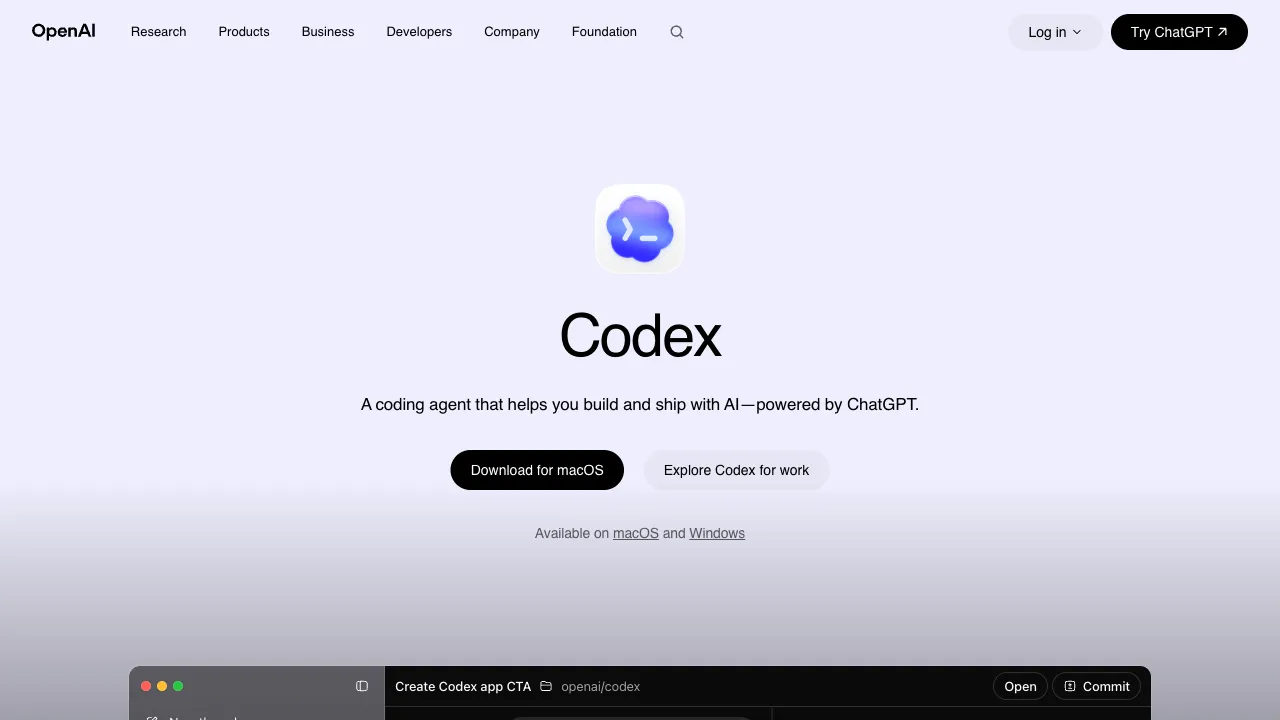
In 2025, the competition in AI programming tools has entered a new phase: shifting from "code completion" to "programming agents." These agents don’t just help you write a single line of code; they understand your entire codebase, autonomously plan, and execute multi-step tasks. OpenAI Codex (the 2025 version) is a representative product in this direction. Notably, do not confuse it with the early GitHub Copilot underlying model named Codex from 2021; although they share the same name, they are completely different things.
What is OpenAI Codex?
OpenAI Codex, released in 2025, is a cloud-based AI programming agent integrated into the ChatGPT interface (available to ChatGPT Plus/Pro subscribers). Its core capability lies in understanding your codebase and autonomously executing programming tasks within a cloud sandbox environment—writing code, running tests, fixing bugs, and handling pull requests. You give it a task, it executes it, and then shows you the results.
This differs from GitHub Copilot’s code completion and ChatGPT’s conversational coding. Codex is a true agent: it has its own execution environment, can run code, can handle files, and can automatically adjust strategies when encountering errors.
Core Capabilities
Codebase Understanding
Codex can connect to your GitHub repository, reading the structure and content of the entire codebase. When you propose a task, it doesn’t generate code from scratch; instead, it works based on an understanding of existing code—knowing your tech stack, existing coding standards and patterns, and how this feature integrates with other modules.
This codebase understanding is the key reason why Codex produces higher-quality output than standard AI conversational coding tools. For a task like "add a user authentication feature in the current framework," after reading your code, Codex will generate authentication code that aligns with your existing style, uses dependencies you’ve already installed, and integrates into your existing routing structure, rather than providing generic, context-free code.
Cloud Sandbox Execution
Codex operates within an isolated execution environment in the cloud. After writing code, it can actually run it in this environment to see if tests pass and if there are any runtime errors. If execution fails, it can view the error messages, adjust the code, and try again.
This "write–run–verify–modify" loop is Codex’s key capability, allowing it to generate not just code, but verified, runnable code. Compared to AI that only writes code within a chat dialog, this represents a significant gap in quality.
Parallel Task Processing
Codex supports submitting multiple tasks simultaneously for parallel processing in the cloud. You can submit "fix these three bugs" and "write unit tests for these two functions" at once; Codex handles them concurrently without requiring you to wait one by one. This is highly valuable for development scenarios involving many small tasks.
PR Review and Code Issue Diagnosis
Beyond writing new code, Codex can also perform code reviews: give it a PR, and it will analyze the code changes, pointing out potential issues, risks, and suggestions for improvement; give it a bug description, and it will locate the likely problem and propose a fix. For team leads, this capability can help accelerate the code review process.
Asynchronous Work Mode
One of Codex’s design features is its asynchronous work mode. You submit a task, it processes it in the background, and you can move on to other things; once complete, it notifies you of the results. This differs from Cursor’s synchronous mode of "real-time conversation with AI," making it better suited for a workflow of "throw the task over and wait for the result."
For tasks that don’t require full participation in the AI work process—such as writing unit tests or performing code refactoring—this asynchronous mode is more natural and doesn’t interrupt your primary workflow.
Comparison with Other AI Programming Tools
vs GitHub Copilot: Copilot offers "real-time code completion," generating suggestions as you write code in your editor; it is an auxiliary tool. Codex is an agent, an execution-oriented tool that takes tasks and returns results. Their roles are completely different, both have value, but they serve different purposes.
vs Cursor: Cursor is an IDE integrated with AI, where you collaborate with the AI in real-time, and modifications happen in your local codebase, allowing you to see everything as it happens. Codex works in the cloud, delivering results via PRs or code changes. Cursor is suitable for feature development requiring deep involvement, while Codex is better for batch small tasks and work that doesn’t require constant monitoring.
vs Claude Code (Anthropic): Claude Code is a command-line AI programming tool that also uses an agent mode, executing tasks in your local environment where it can read/write files and run commands. Codex works in the cloud, operating on code through GitHub integration. Claude Code emphasizes deep integration with local development, while Codex is better suited for teams based on GitHub workflows.
vs Gemini CLI: Gemini CLI is Google’s command-line AI agent, running in your local terminal and targeting developers who prefer command-line workflows. Codex is integrated into the ChatGPT interface, aligning more closely with the usage habits of general users.
Who Is It For?
Developers needing to handle large volumes of repetitive programming tasks: Writing unit tests, performing code refactoring, handling documentation generation—these are tasks with clear rules and are Codex’s strong suit. Batch processing can free up time for more creative work.
Team Leads and Engineering Managers: Hand over GitHub Issues and small tasks to Codex to generate initial PRs; developers then review and merge them, overall increasing team output speed.
Independent Developers and Side-Project Creators: If you maintain multiple projects alone, Codex can help handle time-consuming tasks that don’t require much creativity, allowing your limited energy to focus on core logic.
Limitations
Security Concerns with Cloud Execution: Code runs in OpenAI’s cloud environment. For codebases involving sensitive information or private data, you need to assess data security risks; enterprise users should pay particular attention to this.
Limited Handling of Complex Tasks: For complex feature development requiring deep understanding of business logic, Codex’s generated results may deviate significantly and still require substantial manual modification.
Dependence on GitHub Workflow: Codex primarily works through GitHub repositories. If your code isn’t on GitHub, integration can be friction-heavy.
Asynchronous Mode Isn’t Suitable for All Scenarios: If you are accustomed to real-time conversational development with AI, coding and adjusting simultaneously, Codex’s asynchronous mode may feel less fluid.
Practical Advice
Start with small tasks to get familiar: Give it clear, small tasks first—such as "write unit tests for this function" or "fix this known bug." Familiarize yourself with its working style and result quality before entrusting it with more complex tasks.
Be specific in task descriptions: "Add parameter validation to the createUser function in user-service.js, referencing the field requirements defined in UserSchema.js, and handle all errors using the existing AppError class" is far more specific than "help me improve the code," resulting in much higher quality output.
Review its output as a PR: Do not directly merge code generated by Codex. Check the logic, test coverage, and edge cases as you would for a junior developer’s PR before deciding whether to merge.
OpenAI Codex (2025 version) represents the evolution of AI programming tools from completion assistants to autonomous agents. In scenarios involving batch task processing and work that doesn’t require real-time supervision, it can provide efficiency improvements that traditional tools struggle to match.
Pricing
Codex has no price of its own — it ships inside ChatGPT, so your ChatGPT tier is your Codex tier:
- Free $0: enough to try it, little more
- Go $8/mo: more usage, but local only — delegating tasks to the cloud starts at Plus
- Plus $20/mo: web, CLI, IDE extension and iOS
- Pro from $100/mo: higher usage ceilings
- Business $20/user/mo billed annually ($25 monthly): adds GitHub, Slack and Linear integrations plus admin controls; Enterprise and Edu are custom-priced and run on a shared credit pool
On April 2, 2026 OpenAI moved Codex usage from per-message limits to token-aligned credits, metered the way API tokens are — same seat price, faster burn in a busy week. Free and Go cannot buy credits, which makes Plus the practical floor if you ever hit a limit mid-task. Cache writes are not charged.
On models: OpenAI announced on July 31, 2026 that for ChatGPT sign-in users, GPT-5.4 and GPT-5.4 mini left Codex on August 31, replaced by GPT-5.6 Terra and Luna. Both remain available through the API and in Codex sessions authenticated with an API key.
Prices and allowances change often — check the official site.