

There is an unsolvable role conflict in meetings: those seriously engaged in the discussion have no time to take notes, and those diligently taking notes cannot participate in the discussion—one person’s attention cannot be split between these two tasks simultaneously. Consequently, the reality of meeting minutes usually falls into one of two dead ends: reconstructing them from half-an-hour-old memory after the fact (where key figures and phrasing have long since distorted), or sacrificing one attendee to serve as a "scribe" throughout the entire session (wasting a portion of human cognitive capacity). In the era of cross-time-zone remote collaboration, this contradiction is further amplified by the surge in meeting volume.
Otter AI is a representative product that resolves this role conflict using AI, and it is also a pioneering player in the English-speaking world’s "AI meeting notes" category. Its solution is straightforward and decisive: let AI be that scribe—one that can transcribe in real time, distinguish who is speaking, and automatically deliver summaries after the meeting.
What Is Otter AI?
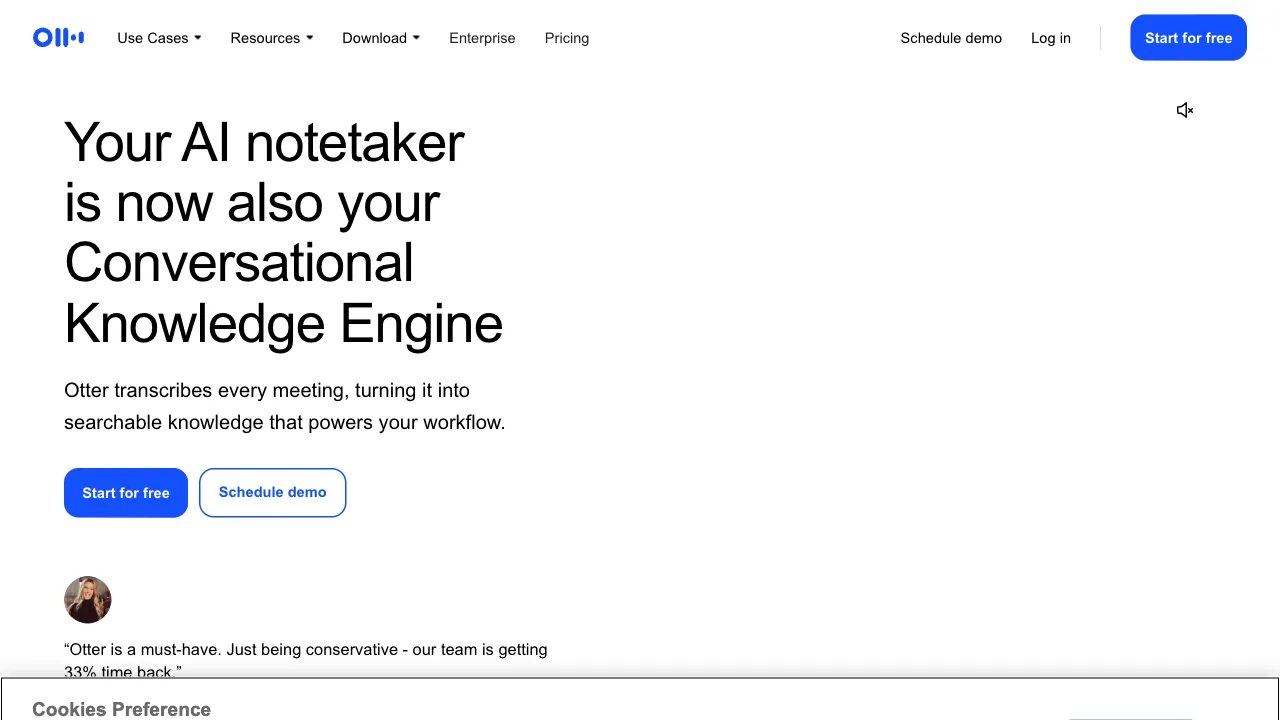
Otter AI (otter.ai) is an AI-powered meeting transcription and note-taking tool: it converts speech to text in real time, automatically distinguishes speakers, and generates meeting summaries and action item lists. It integrates deeply with Zoom, Google Meet, and Microsoft Teams—its OtterPilot bot can automatically join every one of your meetings based on your calendar, record the entire session, and deliver polished minutes afterward, all without manual intervention.
The product hasdeep cultivation (deeply cultivated) the English market for years, making it one of the most well-known and mature choices for English-language meeting scenarios.
Key Features
Real-Time Speech-to-Text
The core foundation: high-precision English speech recognition that outputs text as you speak, with synchronized scrolling on both mobile and web interfaces. Its adaptability to various accents (American, British, Indian English, non-native English) has been honed through years of real-world meetings—a point particularly important for multinational teams, because real international meetings are never dominated by broadcast-standard pronunciation.
Speaker Identification
If the transcription of a multi-person meeting turns into an indistinguishable mush of text, its readability drops to zero. Otter automatically segments and labels by speaker, producing dialogue-style records akin to a script—making it possible to verify who promised what or raised objections afterward. Pre-registering participants’ voiceprints can further improve identification accuracy.
AI Summaries and Action Items
Automatically generated post-meeting: key discussion points, decision conclusions, and action item lists (who, what, when)—the latter being the soul of meeting minutes and the part most easily overlooked during manual organization. Summaries are directly forwarded to attendees, compressing the "half-hour post-meeting minute compilation" process into a single click to send.
OtterPilot Automatic Meeting Attendance
Set it once, and the bot automatically attends all Zoom/Meet/Teams meetings according to your calendar—including those you personally miss. The classic dilemma of "two meetings clashing in schedule" now has a new solution: you attend one, while Otter "listens" to the other on your behalf; review the minutes afterward to catch up.
Full-Text Search and Retrospection
Transcripts of all historical meetings are searchable by full text. Questions like "who mentioned cutting the budget last month?" shift from an archaeological effort of sifting through chat logs to a simple keyword search, with the ability to pinpoint the exact timestamp in the original audio to verify the quote.
Comparison with Similar Tools
vs Fireflies.ai: The closest direct competitor, with a highly overlapping feature matrix (automatic attendance, transcription, summaries, integrations) and similar pricing; in terms of nuanced trade-offs, Fireflies offers broader integrations, while Otter boasts deeper real-time experience and brand heritage. Try both free versions for two weeks and decide based on feel.
vs Zoom/Teams Built-in Transcription: Platform-native features are free and require zero configuration, providing adequate basic transcription; Otter’s advantages lie in cross-platform unification (your meetings won’t be confined to a single platform), summary quality, and search experience. Use built-in features for light needs; use professional tools for heavy meeting users.
vs iFlytek Tingjian: The domestic go-to for Chinese meeting transcription, where Chinese recognition is iFlytek’s home turf; Otter’s Chinese capability is weak, so the choice between English and Chinese scenarios hardly requires hesitation—use Otter for English meetings, and iFlytek-series tools for Chinese meetings.
vs Feishu Miaoji: Try Miaoji first if the team uses Feishu meetings and documents. For meetings in Zoom or Google/Microsoft tools, check Otter’s corresponding connections.
vs ChatGPT Processing Transcribed Audio: A DIY route—first use a transcription service to generate text, then have the large model summarize it; flexible and cheap, but at the cost of manual processes, lack of real-time capability, and no speaker identification. Acceptable for low-frequency needs, but productized solutions are more worry-free for frequent meeting attendees.
Who Should Use Otter AI?
Frequent English Meeting Users: Employees of foreign enterprises, multinational teams, and those interfacing with overseas clients—the product was born for this scenario and only fully unleashes its power here.
Teams Without Meeting Assistants: The cost of an AI scribe is a fraction of that of a human assistant, with 100% attendance rate.
Roles Requiring "Audit Trails": Project managers, consultants, legal professionals—the searchable archive of verbal commitments and decision details serves as a chain of evidence in critical moments.
Podcast and Interview Creators: Converting recordings to text transcripts and extracting show notes; the standard prerequisite step for secondary content processing.
Managers Overloaded with Meetings: OtterPilot attends clashing meetings on your behalf, delivering minutes for catch-up—those whose calendars are packed best understand the value of this feature.
Usage Reminders
Recording Compliance Is a Red Line: Having an AI bot enter a meeting equates to recording; strictly comply with local laws (many jurisdictions require informed consent from all parties) and company policies, and notify participants in advance—this is both a legal requirement and professional courtesy.
Transcription quality degrades in noisy environments, when multiple people speak over each other, or with heavy accents; for critical figures in important meetings, rely on listening to the original audio. AI summaries may miss or misjudge key points; manually reviewing them before issuing formal minutes is responsible practice.
For Chinese meetings, switch directly to domestic tools; don’t force it.
Pricing
The free tier offers limited transcription minutes per month (suitable for trial and light needs); paid tiers unlock more duration, longer single-meeting limits, and team features via monthly subscription—check the official website for specifics. When calculated against the "post-meeting organization hours" it replaces, the payback period for the subscription fee is measured in days for professionals with dense meeting schedules.
Tools like Otter AI are quietly rewriting a default workplace rule: you can now focus entirely on meetings; from now on, the task of recording belongs to machines. If your calendar holds ten or more English meetings per week—don’t hesitate; let the AI scribe take up its post and return your attention to the discussion itself.