

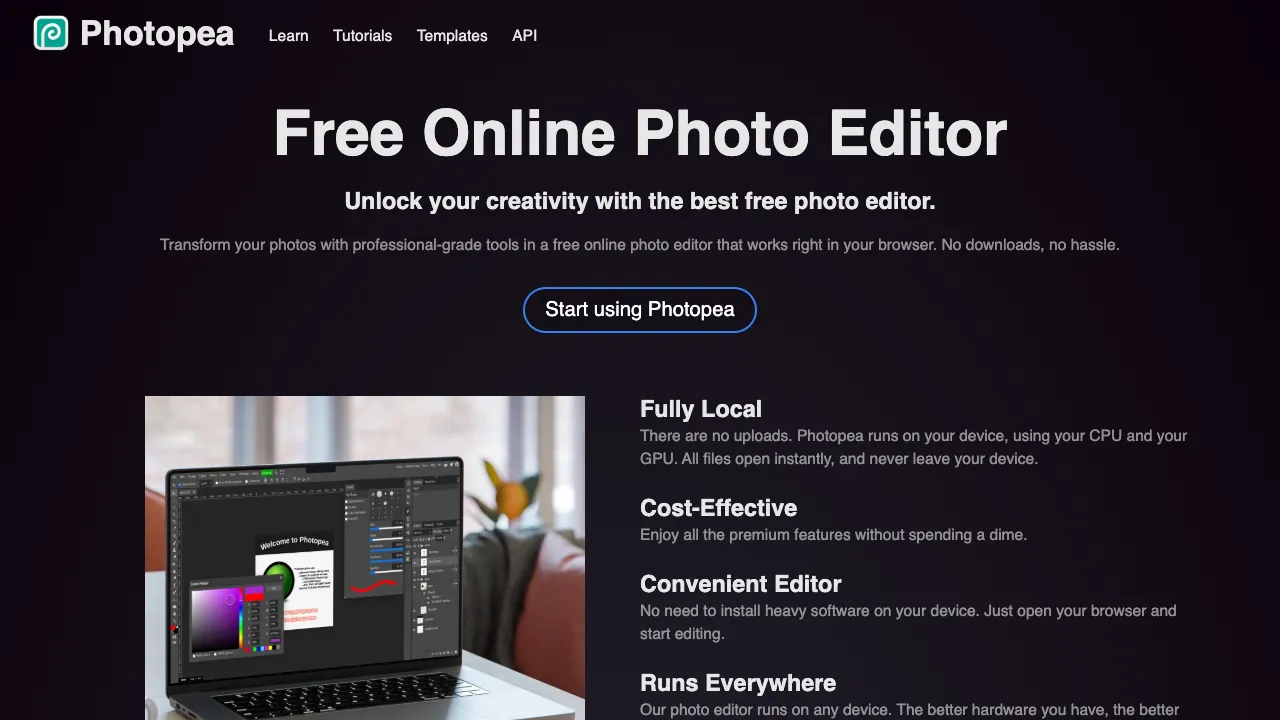
Photopea is an online image editor that's "free, install-free and opens PSDs." Its interface and controls closely mirror Photoshop, so anyone who has used PS can pick it up almost immediately — yet it runs entirely in the browser with no subscription. For people who need to edit images occasionally and don't want heavyweight software, it's very practical.
What Photopea Is
Photopea is a full-featured web image editor built on two things: compatibility with professional formats and an experience close to Photoshop.
- Professional formats: opens and saves PSD (Photoshop), XCF (GIMP), Sketch, XD, AI and more, making it a handy bridge between applications.
- Layers and masks: full support for layers, masks, blend modes and adjustment layers — the core of professional retouching.
- Raster and vector: bitmap retouching as well as basic vector shapes and typography.
- Filters and tools: pen, selections, healing brush, color adjustments and a wide range of filters.
2026 Updates
In July 2026 Photopea added a video Timeline and improved its Dehaze tool. On the AI side, one-click background removal, Magic Replace (generative fill and repair) and text-to-image are built in, mostly powered by third-party services. Generative object replacement is a paid unlock, one of the community's most common complaints, along with ads in the free version. The project has been developed single-handedly by Ivan Kutskir since 2013.
Your Files Stay on Your Computer
This is where Photopea differs from most online editors. According to its privacy policy, files you open in Photopea are never sent anywhere; they are processed entirely on your own device by your own hardware. The exceptions are opening a file from a URL, saving to a cloud drive you connect, or using features that call an external service (such as the AI generation features above).
Two direct consequences:
- Working with client material or unreleased designs is relatively safe, and ordinary editing needs no account.
- Always save before closing the page. Because your file isn't on a server, closing the tab without saving loses your changes. It also still needs an internet connection to load the page, so it doesn't work fully offline.
Getting Started: The Most Common Jobs
- Open a file: drag a PSD, PNG or JPG into the browser window, or use File → Open.
- Edit text in a PSD: double-click the text layer to edit; missing fonts are shown with substitutes, so confirm fonts before delivering.
- Remove a background: try the built-in background removal first, then clean up edges with selection tools or a mask if needed.
- Export: File → Export as offers PNG, JPG, WebP and more; save a PSD copy if you'll keep editing.
Shortcuts largely match Photoshop — for example Ctrl/⌘ + T for free transform and Ctrl/⌘ + J to duplicate a layer.
Who It's For
- Occasional editors: tweak an image, cut something out or assemble a poster without installing Photoshop.
- Viewing and editing PSDs: open and adjust a PSD from a designer even without PS.
- Students and tight budgets: learn Photoshop-style editing without paying — Photopea is nearly an equivalent practice environment.
Strengths
- No install, cross-platform: works on any device with a browser.
- Photoshop-style controls: similar shortcuts and menus keep switching costs low.
- Free: supported by ads, with core features free.
Tips
Photopea handles small and medium images smoothly, but because it runs in a browser, very large files or many layers perform worse than local professional software and strain memory. Keep extra PSD backups of important work. The free version shows ads; pay to remove them if they bother you. Overall, it works best as an "online Photoshop alternative that's always at hand."
How It Compares
Pricing
Core editing is free (with ads). A paid membership mainly removes ads and adds a longer undo history; some AI features, such as generative object replacement, require a paid unlock. Check the official site.