

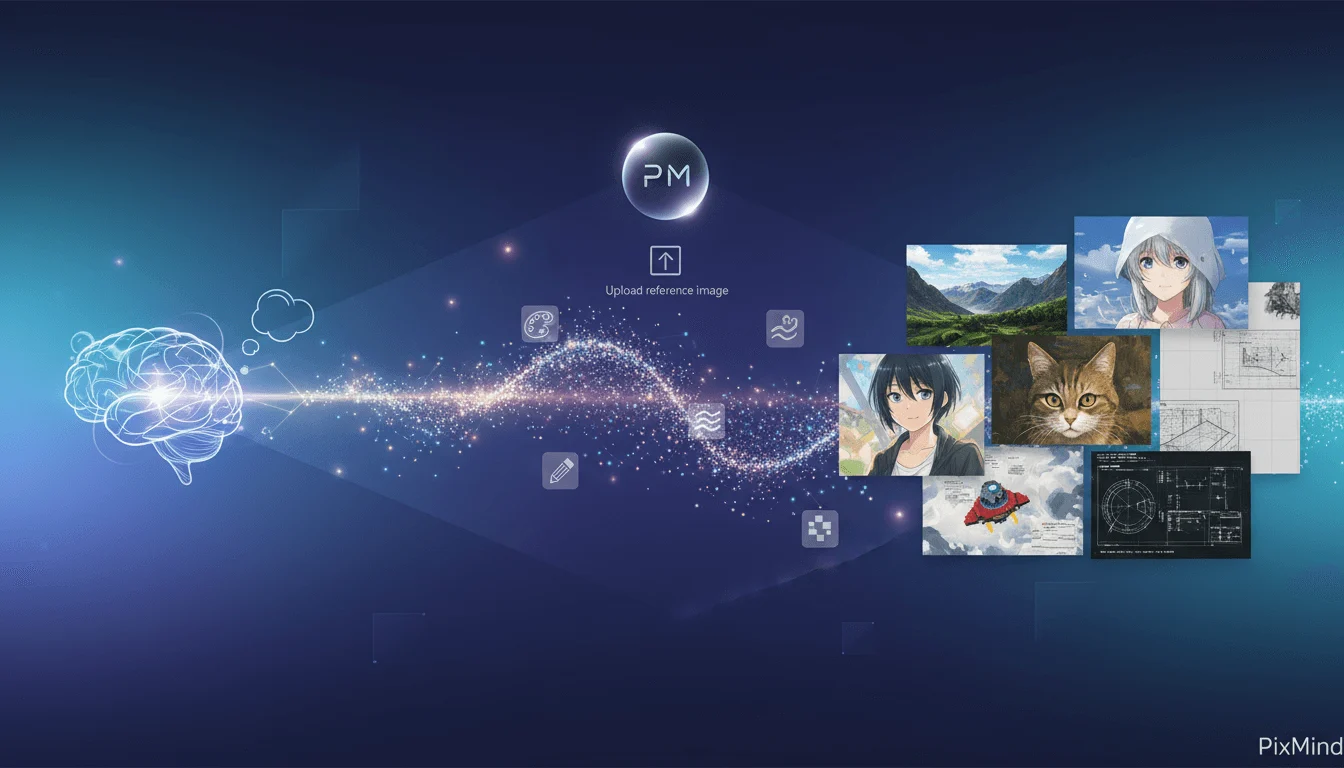
PixMind brings AI image generation, image editing and video generation into one creative workspace. Its website provides multiple model entry points and describes an infinite canvas and custom workflows for product photos, marketing visuals and short videos. Evaluate generation costs, editing capabilities and output usage conditions together when considering it for image and video work.
Images, video and workflows
Image tools include text-to-image, image-to-image, local editing, background removal and upscaling. Video entry points include text-to-video and image-to-video. Available models and settings depend on the current account interface; a model appearing on the website does not establish free access.
The workflow library offers product showcase, advertising and app explainer templates. According to PixMind, using a template creates a private copy with editable nodes in your account. The canvas and node workflows can help organize assets and reuse steps, but template examples do not guarantee equivalent results for your product or brand.
Getting started
- Sign in through the free entry point and check available credits and models.
- Try image editing with one product photo you have permission to use. Specify the subject, background and target dimensions.
- Try image-to-video or a product showcase template, checking product appearance, motion and subtitles.
- Track credits and rework per generation to assess your own costs before paying.
We suggest starting with one product and one short clip. Before scaling production, check whether the template preserves product details and brand requirements. This is editorial advice, rather than a model performance test.
Free access, credits and commercial use
PixMind offers free access, paid memberships and credit top-ups. Its pricing FAQ states that subscription credits reset each billing cycle without rollover, while purchased top-up credits do not expire. Check the current pricing and checkout pages for prices, model costs and promotional allowances.
The pricing page limits free-user outputs to personal use; commercial use requires a paid membership. Paid commercial rights still require checking model terms, source-asset licenses, trademarks and likeness rights. Confirm your plan's conditions before producing product advertisements.
API integration
The API Platform offers image, video and language-model access with API key management. Official examples use server-side credentials and generation-task queries. Developers should validate one request against the selected model's documentation before adding retries, status handling and budget limits.
The API page describes unified delivery, signed webhooks, billing ledgers and multi-provider routing as expanding capabilities. Do not assume every capability is fully available, or that website membership credits cover API use. Check API plans and billing separately before integrating.
Choosing a tool
We recommend considering PixMind for e-commerce and content teams that need both image and video experiments and reusable creative steps. For product cutouts and retouching, also examine Photoroom; for image generation and editing, consider Adobe Firefly. Compare the same authorized asset across tools, including output, editability and actual cost, rather than relying on model counts alone.