

China’s UI design teams have complex feelings toward Figma: in terms of product power, it redefined design collaboration, with global designers voting with their feet; in terms of user experience, fluctuating access speeds within China are daily occurrences, and the spinning loading wheel during large file uploads has become muscle memory. Deeper still is the anxiety of uncertainty—design files stored on overseas servers constitute a compliance red line for industries like finance and government services. Furthermore, Figma’s 2022 ban on certain domestic enterprise accounts turned the abstract worry of "core production assets being held by others" into a concrete precedent.
This is how the window for domestic design collaboration tools opened. Pixso is one of the key players among this batch of "Figma alternatives," and the addition of AI capabilities extends its narrative from mere "substitution" toward "differentiation."
What is Pixso?
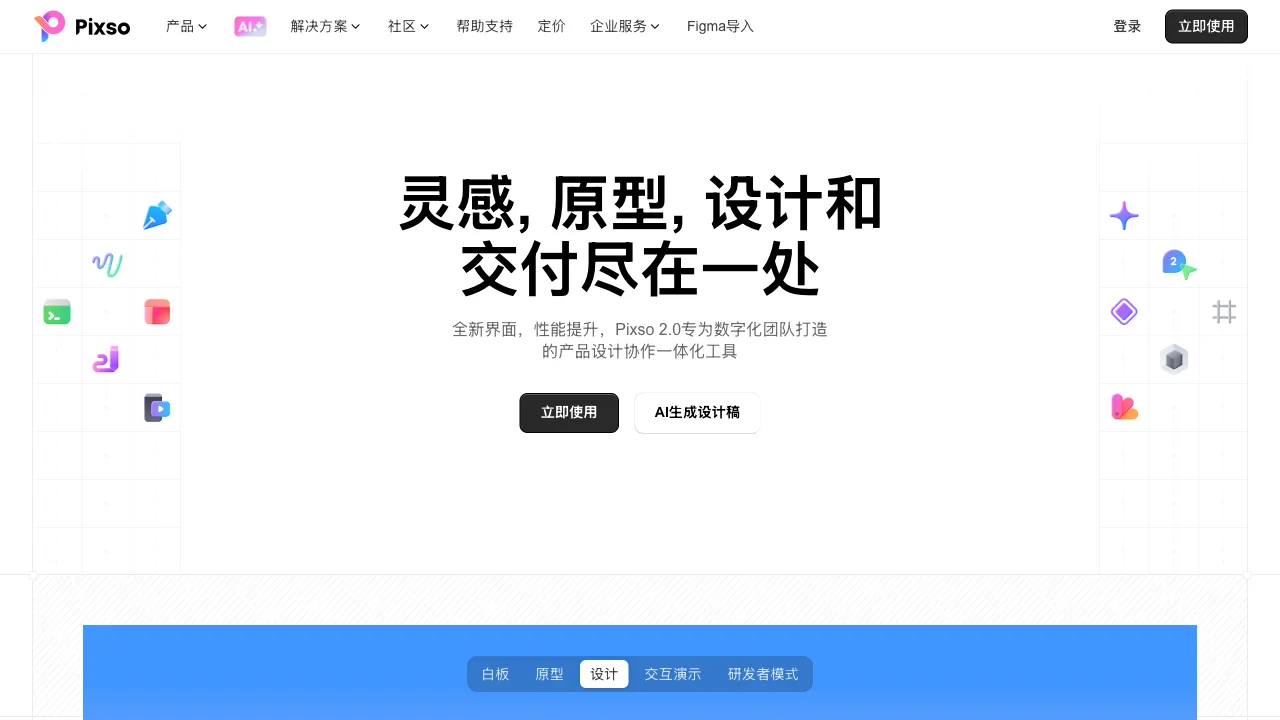
Pixso (pixso.cn) is a domestic online UI design and collaboration tool under Wondershare. Its product architecture fully benchmarks Figma: browser-based vector editing, component and style systems, auto layout, prototyping interactions, multi-user real-time collaboration, and design annotation delivery—the core links in the Figma workflow all have corresponding implementations in Pixso. It even supports direct import of Figma/Sketch/XD files, deliberately minimizing the technical friction of migration.
Recent key investment areas focus on AI: AI-generated interfaces, AI design assistants, and AI copy and image assistance, aiming to make "lowering the barrier to design" a second growth curve that transcends the alternative narrative.
Key Features
Core Design Collaboration
Vector Editing and Pen Tool: Basic capabilities for icon drawing and custom graphics, with precision meeting the daily needs of UI design.
Components and Design Systems: Reusable components, color/text styles, and variant management—the infrastructure for teams to maintain design specifications, ensuring consistency in large projects.
Auto Layout: Benchmarking Figma’s Auto Layout, elements adaptively arrange according to content, serving as alabor-saving lever for responsive design.
Prototyping and Interactions: Page transitions, animation effects, and interactive hotspots produce clickable high-fidelity prototypes for reviews and user testing.
Real-time Collaboration and Delivery: Multi-user collaboration on the same file, visible cursors, comments and annotations; in developer mode, it automatically annotates dimensions, color values, and spacing, supporting code snippet export, significantly reducing the handover cost between design and development.
Multi-format Import: Direct import of Figma, Sketch, and Adobe XD files allows old assets to betranslation (transferred) over, which is a critical link in whether an "alternative solution" can be implemented.
AI Capabilities
AI-Generated UI: Text descriptions generate interface layouts or components—"an e-commerce homepage with a search bar and card list"—with AI providing an editable design starting point. Currently, the output of such features is more suitable as drafts and inspiration, still distant from being directly usable, but as a cold-start tool, it indeed lowers the psychological barrier of a blank canvas.
AI Design Assistant: Recommends components based on context and provides normative suggestions for contrast, spacing, and hierarchy in design drafts, acting as an embedded "design specification sparring partner" for beginners.
AI Copy and Images: Generates placeholder copy for interfaces and assists with imagery, handy features when filling high-fidelity prototypes.
Resource Community
The built-in resource plaza offers a large number of free UI kits, icon libraries, and design templates, covering iOS/Material Design specifications and various App templates, ready to use via drag-and-drop—for beginners and scenarios requiring rapid output, the depth of the resource library directly equals efficiency.
Comparison with Similar Tools
vs Figma: In terms of comprehensive product power, plugin ecosystem (thousands of plugins), community resources, and collaboration refinement, Figma remains the global standard, and the gap is objective; Pixso’s cards are stable access, domestic data storage, Chinese support, and friendly pricing. The decision logic is actually clear: teams unconstrained by network and compliance issues have no problem using Figma; for constrained teams, Pixso is one of the most functionally complete domestic options.
vs JsDesign (JiShiSheJi): The most direct domestic competitor in the same track, both have highly similar functions, support Figma import, and are competing fiercely in AI and resource communities. Quality is hard to distinguish, and choice often depends on current differences in free policies and the feel after team trials—suggesting opening the free versions of both to run the same real project for comparison.
vs MasterGo: A design tool under Lanhu, belonging to the first tier of domestic tools, with synergy between its enterprise version and Lanhu’s annotation ecosystem as its feature. The three (Pixso/JsDesign/MasterGo) constitute the main competitive landscape of domestic design collaboration.
vs Sketch: The king of the Mac native era, its lack of cloud-based collaboration is a fatal flaw causing continuous loss of market share; new teams basically no longer list it as a candidate.
vs MockingBot (MoDao): Focuses on prototyping interactions and product demonstrations, with less depth in visual design than Pixso; PMs use MockingBot for interaction demos, while designers use Pixso for UI delivery—the roles differ.
Who is Suitable for Pixso?
Teams constrained by network/compliance: Data localization requirements in industries like finance, government, and healthcare, or teams simply fed up with Figma’s loading wheels—this is Pixso’s most solid base.
Budget-sensitive startup teams: The free version offers relatively generous features, and paid tiers are significantly more friendly to domestic teams than Figma’s dollar subscriptions.
UI design beginners and students: Chinese interfaces and tutorials help with learning. Concepts such as auto layout transfer to other design tools, though migrated files still need their styles and components checked.
Teams needing to integrate with domestic collaboration chains: Integration with domestic office ecosystems and localized customer support; having someone speak Chinese when hitting snags is a value often underestimated.
Limitations
Pixso and Figma have different plugin selections. List the tools you use for batch renaming, data filling or design checks, then confirm equivalents before migrating.
The practical depth of AI features is still in its early stages; "AI-generated UI" is more of a marketing highlight + draft tool, and one should not harbor expectations of "describing one sentence to get a finished product."
Product iteration follows Figma’s innovation rhythm, with few breakthroughs in original functionality—the label of "alternative" is both a market positioning and a metaphor for its ceiling.
Pricing
The free version supports basic design and collaboration (with limits on project numbers and historical versions); paid versions are subscription-based per seat, unlocking team spaces, full version history, advanced permission management, and more AI quotas, with pricing significantly lower than Figma’s equivalent tiers. Specifics subject to the official website.
Pragmatic advice for domestic design teams: If Figma works smoothly without issues, there is no need to switch just for the sake of switching; but every team deserves to run a real small project in Pixso (or JsDesign)’s free version as a "Plan B" drill—in terms of autonomous and controllable production assets, having a verified backup plan is itself a source of security.