

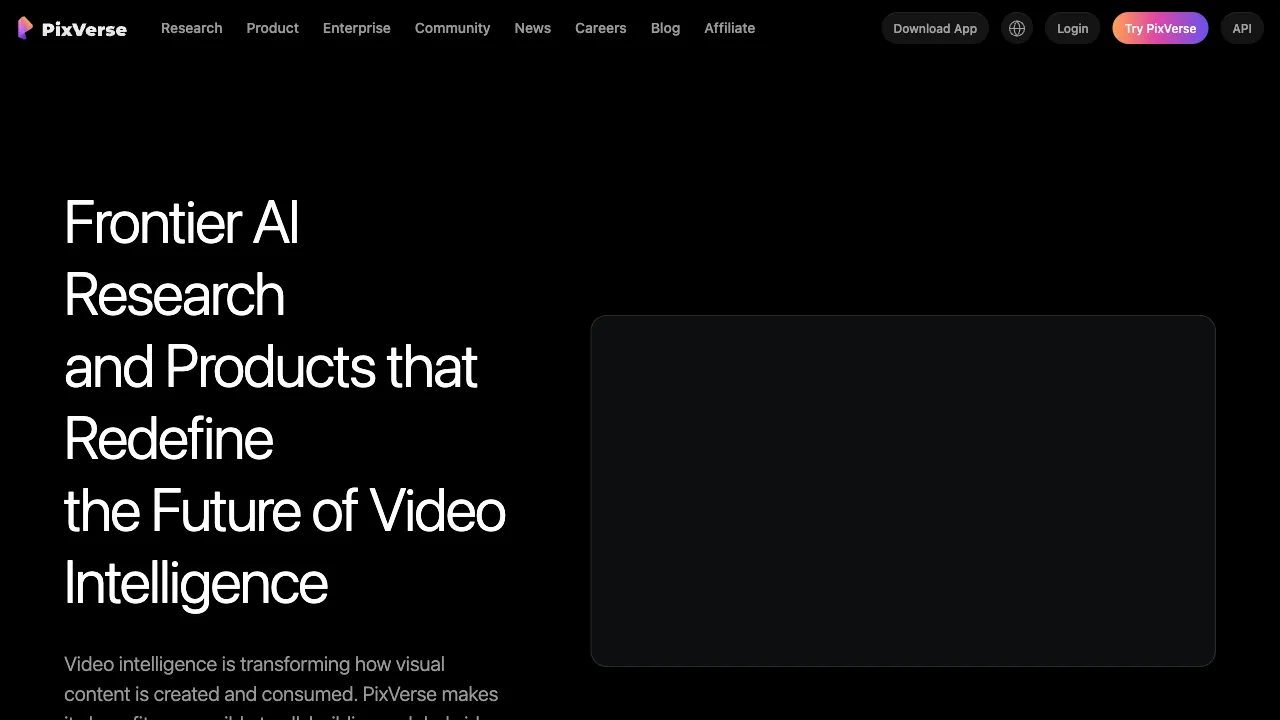
In the arena of AI video generation, Chinese teams are far more prominent than public perception suggests. Beyond Kling and Jimeng, there is a group that "blooms behind closed walls but fragrances abroad"—PixVerse is a prime example. It comes from Beijing-based AIsphere (founded by Wang Changhu, former head of visual technology at ByteDance). The product targets the global market, with its monthly active users on mobile apps once ranking in the top tier globally for text-to-video applications, and its download figures among peers being quite impressive. In other words: this is a video generation product made by a Chinese team that has carved out its own position through fierce competition in the international market.
Its market strategy is also clear: rather than engaging in an arms race to reach the "quality ceiling," it focuses on ease of use, speed, generous free tiers, and viral special effects—targeting the general creator audience rather than professional film production. This differentiated route has driven its growth.
What is PixVerse?
PixVerse (pixverse.ai, with a mobile app available) is AIsphere’s AI video generation platform. Its core capabilities include: text-to-video (generating clips from descriptions), image-to-video (animating still images), character consistency (maintaining the same character appearance across videos), and a series of viral special effect templates (social features like transformations, hugs, and liquefaction effects). Through multiple iterations of its self-developed video foundation models, generation speed is one of its main selling points—clips generated in the fast mode take only seconds, significantly reducing "waiting anxiety."
Core Features
Text-to-Video
Generate short clips from text descriptions, specifying style (realistic/anime/3D/cinematic), aspect ratio (landscape/portrait), and camera movement. Its anime-style generation has gained a strong reputation in the user community—the quality of output for ACG content is a relative strength, which is no coincidence given the team’s background in short-video technology.
Image-to-Video
Bring static images to life: subtle character movements, hair flowing, camera panning—a "resurrection technique" for existing image assets. Combined with start/end frame control (specifying initial and final frames, with AI filling in the motion), creators gain more tangible control over the visual narrative, a level of controllability that pure text-to-video cannot offer.
Character Consistency
Upload a reference image to lock in a character’s identity, maintaining the same face across clips—a product-level solution to the biggest pain point in AI video storytelling (characters changing appearance with every generation). It serves as infrastructure for continuous storytelling and virtual IP content.
Special Effect Templates: The Viral Engine
One-click template features (old photo hugs, AI transformations, trending meme effects) are the engine behind its viral spread on platforms like TikTok. Templates like "bringing old photos of deceased relatives to life for a hug" once triggered global emotional sharing. For ordinary users, templates lower the barrier of "knowing how to write prompts" to zero; for the product, each viral template acts as a round of free customer acquisition.
Editing and Extension
Peripheral capabilities such as video continuation (extending duration) and style adjustment complete the pipeline from generation to publishable content.
Comparison with Similar Tools
vs. Kling (Kuaishou): One of the quality benchmarks for domestic video models, with stronger realism in physical motion and more prominent long-video capabilities; PixVerse wins on speed, ease of use, and productized special effects. Choose Kling for maximum visual quality; choose PixVerse for speed and fun.
vs. Jimeng (ByteDance): Another mass-market domestic platform, tightly integrated with the Douyin ecosystem, offering an image+video suite; PixVerse’s main battlefield is overseas, and domestic users face network considerations when accessing its international version. Overseas creators find PixVerse smoother to use; those within the domestic ecosystem find Jimeng more convenient.
vs. Runway: The representative tool for professional creators, with deeper editing toolchains and film-grade control, but also more professional pricing; PixVerse is positioned for mass consumer use, offering far more generous free tiers and a gentler learning curve.
vs. Pika: An international competitor in the "ease-of-use" camp, with highly similar positioning and its own viral effects; both are beginner-friendly. Try the free tiers of each to see which feels better.
vs. Sora/Veo: Showcases the technical ceiling, but accessibility is another matter; PixVerse is a realistic option that you can use for free right now.
Who Should Use PixVerse?
Short-video creators: Rapid production of B-roll footage, creative effects, and meme content. The effect templates are designed specifically for this ecosystem—its core audience.
ACG content creators: A relative strength in anime-style generation, making it a targeted tool for AI short films and character animation in the ACG space.
AI video beginners: Generous free tiers + template-based features + fast output result in minimal friction for first-time users, helping newcomers build familiarity with AI video.
Social media enthusiasts: Emotional and entertainment-focused features like animating old photos or AI transformations are suitable for both personal use and sharing.
Overseas content teams: The product itself is a success story of going global; its effects and features naturally align with the content preferences of overseas platforms.
Limitations
Image quality and physical realism lag behind the top tier: deformations and artifacts in complex motions (water flow, fabric, multi-subject interactions) are still common—this is by design, as it does not aim for film-grade delivery.
Single clips are measured in seconds; long-form content requires stitching together multiple clips. Free-tier generation has limitations such as queuing and watermarks; serious usage will lead to subscription.
The flip side of special effect templates is homogenization: when everyone uses the same template, differentiation must come from your creativity and source material.
Pricing
The free tier provides daily credits (with watermarks and standard speed); subscriptions unlock more credits, fast-track generation, HD watermark-free output, and advanced features. See the official website for details.
PixVerse’s story offers another answer to "how to productize AI video": while top players compete on model benchmarks, maximizing speed, playability, and mass-market usability can also carve out a niche in the global market. If you haven’t tried AI video yet—take an old photo or a creative prompt, run it through its free tier, and watch what happens in about ten seconds: that moving image is the new toy this era offers to ordinary creators.