

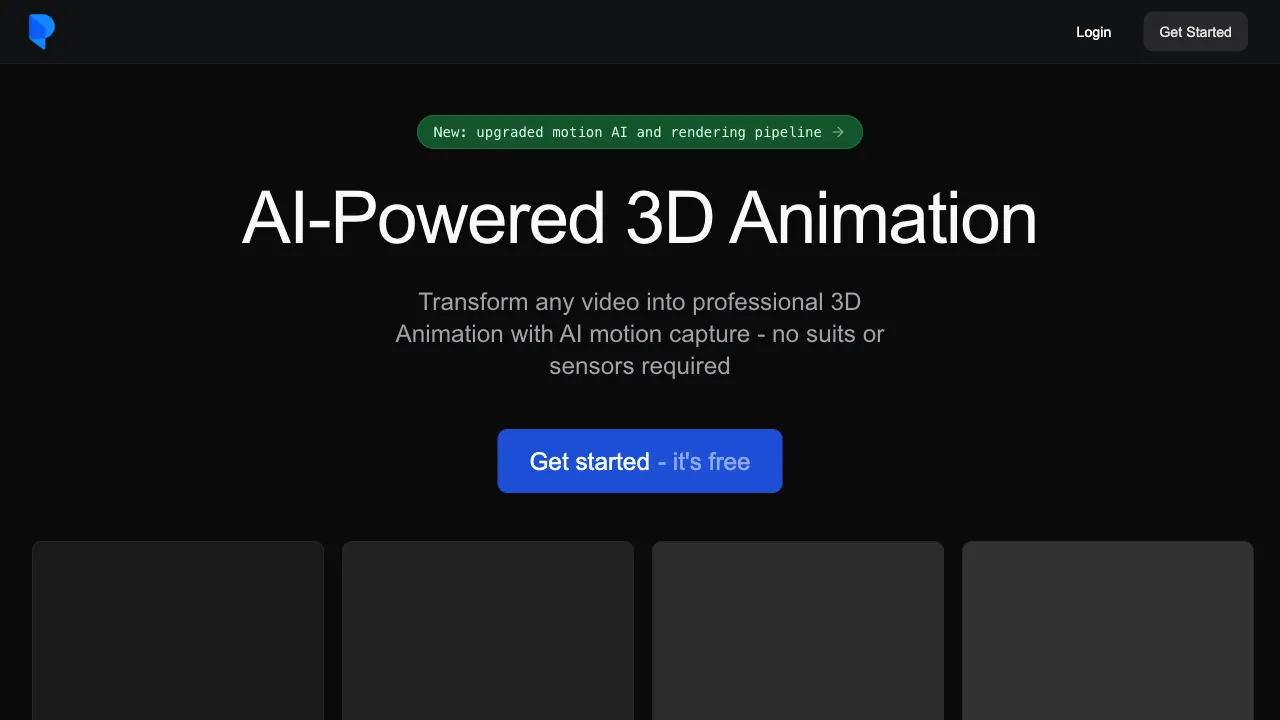
Motion capture (Mocap) is a critical technology for 3D animation in games and film—actors wear suits covered in sensors, and the movement data of their joints is recorded in real time to generate animation data for 3D characters. While this technology delivers high quality, it comes with a steep price tag: professional capture stages, specialized equipment, and skilled personnel mean production costs start at tens of thousands of dollars, making it unaffordable for most small-to-medium teams. Plask lowers this barrier using AI: by filming action videos with a standard webcam, the AI automatically extracts skeletal motion data and converts it into 3D animation.
What is Plask?
Plask is an AI-powered Video-to-Motion tool. Its core function is to extract skeletal motion data from human movement videos recorded with ordinary cameras, generating BVH or FBX motion files ready for 3D character animation.
The typical use case involves recording a movement (such as jumping, punching, running, or dancing) using your phone or webcam, uploading it to Plask, and letting the AI analyze the position and trajectory of each joint in the video. The output is standard motion capture data that can be directly imported into Unity, Unreal Engine, or Blender.
Plask also offers a browser-based 3D animation editor, allowing you to preview motion effects and adjust motion data directly within the platform without needing to export to external tools.
Core Features
AI Motion Extraction (Video to Motion)
This is Plask’s core feature. By uploading a video of human movement, Plask’s AI model (based on computer vision and human pose estimation technology) analyzes the position of the skeletal structure in each frame to reconstruct a complete 3D motion trajectory.
Video requirements: Keep the background simple, ensure the person is clearly visible, and avoid movements that are too fast or cause excessive occlusion. The better the video quality, the higher the accuracy of the extracted motion.
The extracted motion data is bound to a standard human skeleton. You can view it directly in the Plask editor or export it in universal formats.
BVH / FBX Export
Extracted motion data supports export in the following formats:
- BVH (Biovision Hierarchy): The most universal motion capture data format, supported by almost all 3D software.
- FBX: The standard format for game engines (Unity, Unreal Engine), containing both skeleton binding and animation data.
Once exported, you can apply the data directly to your own 3D characters (provided the character’s skeleton structure is compatible with Plask’s output or has been retargeted).
Browser-Based 3D Editor
Plask provides a no-installation-required, browser-based 3D animation editor with features including:
- Previewing extracted motion data and applying it to 3D characters.
- Basic trimming, cutting, and editing of motion data.
- Concatenating multiple motion clips.
- Adjusting the timeline and keyframes.
For users who do not wish to install professional 3D software, this editor offers a lightweight processing environment.
Motion Library
The platform includes a library of common motions (such as walking, running, and jumping) that can be used directly, eliminating the need to record every motion yourself.
Comparison with Other Motion Capture Tools
vs. Traditional Professional Mocap (OptiTrack / Vicon): Professional optical mocap systems offer extremely high precision (millimeter-level) and are the standard for film and large-scale game projects. However, they cost tens of thousands to millions of dollars and require specialized hardware and personnel. Plask offers “good enough” precision at nearly zero cost (requiring only a webcam). They serve entirely different use cases.
vs. DeepMotion: DeepMotion is Plask’s most direct competitor, also offering AI-powered video-to-motion conversion. The features overlap significantly; the main differences lie in pricing, precision details, and supported export formats. It is recommended to trial both and compare actual results.
vs. Mixamo: Mixamo (owned by Adobe) provides a vast library of pre-made motions that can be applied directly to characters without recording. If you need common motions (walking, running, jumping, basic combat), Mixamo’s pre-made assets are high-quality and more convenient than recording with Plask. However, for specific or personalized motions, video-to-motion tools like Plask have the advantage.
vs. Cascadeur: Cascadeur is a keyframe animation tool with physics assistance, suitable for hand-crafting animations from scratch. Plask extracts motion from video, making it ideal for converting real-world movements into 3D. They represent different production pipelines but can be used together (e.g., using Plask to extract a base motion and Cascadeur to refine it).
vs. iPhone / Apple ARKit Mocap: Facial mocap on Apple devices (requiring the TrueDepth camera with Face ID) is highly precise but limited to the Apple ecosystem. Plask supports ordinary webcams, offering better platform compatibility.
Suitable Projects
Indie Game Developers: With no budget for professional mocap, you can use Plask to extract a batch of basic motions from self-recorded videos and combine them with Mixamo’s library to build the game’s motion set at minimal cost.
Animation Students and Hobbyists: For learning 3D character animation and wanting quick access to “your own” motion assets, Plask is a faster entry point than hand-keying frames and can serve as a starting point for later refinement.
Small Animation Studios: During the rapid prototyping phase, when many reference motions are needed, Plask can quickly generate a batch of candidates for selection and refinement.
Dance Content Creators: Convert your dance videos into 3D motion data for use in VTubers, virtual idols, short video effects, etc.
VTubers and Virtual Streamers: Some VTubers use full-body mocap to make their avatars more lively. Plask provides a low-cost entry point into mocap. While it lacks the real-time performance of professional equipment, it is fully viable for pre-recorded videos.
Pricing
Plask offers a free tier that allows processing a limited number of videos and exporting basic functions. Paid subscriptions (Pro/Business) provide more processing credits, higher-precision outputs, and commercial usage rights. Specific pricing is available on the official website; for occasional personal projects, the free version is usually sufficient.
Limitations
Limited Precision: Compared to professional optical mocap, Plask’s precision is noticeably lower. Hand details (finger movements) are generally not captured, and fast motions (martial arts, gymnastics) suffer in accuracy. For projects requiring high-precision motion, Plask is not the right choice.
Heavy Dependence on Video Quality: Poor lighting, complex backgrounds, or severe occlusion will significantly degrade extraction results. Pay close attention to shooting conditions when using the tool.
Not Suitable for Real-Time Mocap: Plask processes videos offline; you upload a video and wait for processing. It is not suitable for VTuber live streams requiring real-time skeleton driving. Real-time mocap requires specialized solutions (such as VSeeFace + VMC protocol).
Limited Hand and Face Tracking: While full-body skeleton extraction is relatively mature, the precision for finger details and facial expressions is limited. Specialized tools are needed to handle these specific areas.
Plask has lowered the barrier to “converting real-world motion into 3D” to a level accessible to ordinary users. For developers and creators with motion capture needs but no professional budget, it is a tool worth serious consideration. Even if its precision does not match professional equipment, its pragmatic value of “something is better than nothing” is quite clear.