

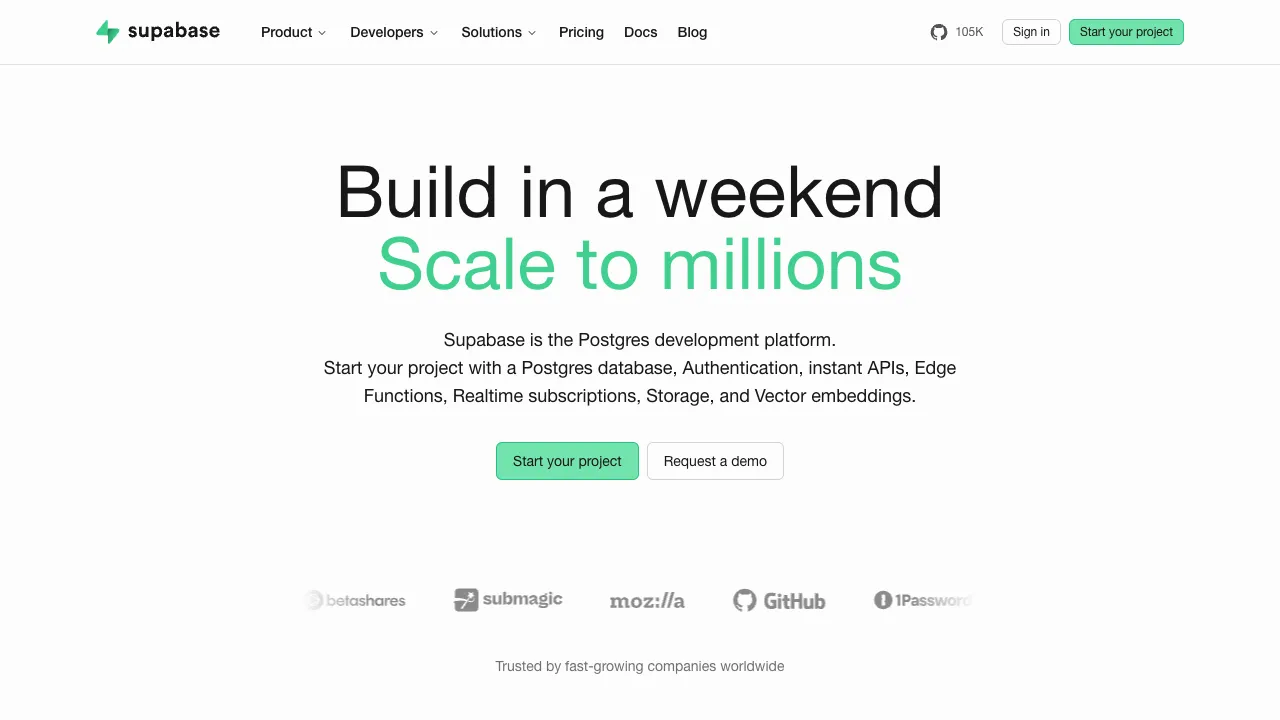
Supabase is often referred to as the "open-source Firebase": it provides a complete suite of ready-made backend capabilities—database, authentication, real-time subscriptions, file storage, and cloud functions—allowing frontend and indie developers to run applications without building their own servers. Unlike Firebase, its core is standard PostgreSQL, with data and tech stack that are open and portable.
What Supabase Is
When you create a Supabase project, you immediately get:
- Postgres Database: A full relational database where you can write SQL, create indexes, and use views and triggers, without being locked into proprietary formats.
- Auth: Email/password, magic links, and third-party OAuth (Google/GitHub, etc.) login are ready to use out of the box.
- Realtime: Data changes are pushed to clients in real time, making it convenient for collaboration, chat, and kanban boards.
- Storage: Host images and files with permission controls.
- Edge Functions: Deploy serverless functions to handle custom logic.
- Auto-generated API: Automatically get REST and GraphQL interfaces once tables are created.
Relationship with AI
Supabase includes the pgvector extension, allowing you to store vectors directly in Postgres for similarity search. This makes it a common choice for building RAG (Retrieval-Augmented Generation), semantic search, and AI application backends—keeping vector data and business data in the same database eliminates the need to maintain a separate vector storage system.
Where It Stands in 2026
Supabase closed a $500M Series F in June 2026 at a $10.5B post-money valuation, doubling its valuation in eight months. The change that matters more day to day is the MCP Server: AI coding tools can connect straight to your Supabase project to read, write, and manage it, and that integration is central to the company's current direction.
One cost note worth remembering: AI applications tend to have bursty reads, heavy file traffic, and growing sessions, so egress and monthly active users usually blow past the included allowance before database size does.
Getting Started: Connect a Project
- Create a project on the official site, choosing a region close to your users; find the Project URL and anon key in the project settings.
- Create tables in the table editor or SQL editor, and turn on RLS right away.
- Install
@supabase/supabase-jsin your frontend and initialize the client with the URL and anon key to read and write data:
import { createClient } from '@supabase/supabase-js'

const supabase = createClient('https://your-project.supabase.co', 'your-anon-key')
const { data, error } = await supabase.from('notes').select('*')- Write RLS policies that define who can read and write which rows. For example, let users read only their own notes:
alter table notes enable row level security;
create policy "own notes" on notes
  for select using (auth.uid() = user_id);
The anon key can live in the frontend; the service_role key must stay on the server — it bypasses RLS, so leaking it hands over the entire database. When an AI coding tool connects to your project over MCP, check which level of access it has, and prefer a development branch or test project.
Who It’s For
- Indie developers and small teams who want to quickly build an MVP without managing backend infrastructure.
- Projects using frontend frameworks like React/Vue/Next.js that need a plug-and-play backend.
- Developers building AI applications that require vector search capabilities.
Usage Advice
Make good use of its Row Level Security (RLS) policies to control data access permissions; this is the core of Supabase’s security model, and improper configuration can easily lead to unauthorized data access. Its open-source nature also means you can self-host, deploying the entire service on your own servers to avoid vendor lock-in.
How It Compares
- If you're already on Google Cloud and your data structure changes often: Firebase's document database fits better, though migrating later is costly.
- If you only need a vector database and your business data lives elsewhere: look at dedicated vector databases — see our vector database comparison.
- If you want full control: self-host Supabase, or use a managed Postgres and build auth and APIs yourself.
Pricing
The free tier is $0 (2 active projects, 500 MB database, 1 GB file storage, 50,000 monthly active auth users; idle free projects can be paused). Pro starts at $25/month with usage-based charges above the included limits, Team is $599/month with SOC2/ISO 27001 and longer backup retention, and Enterprise is custom. Paid plans include $10 of compute credit per project, with larger instances billed separately. pgvector is included free on every plan, with no extra charge for AI workloads. You can also self-host entirely. Check the official page for current figures.