

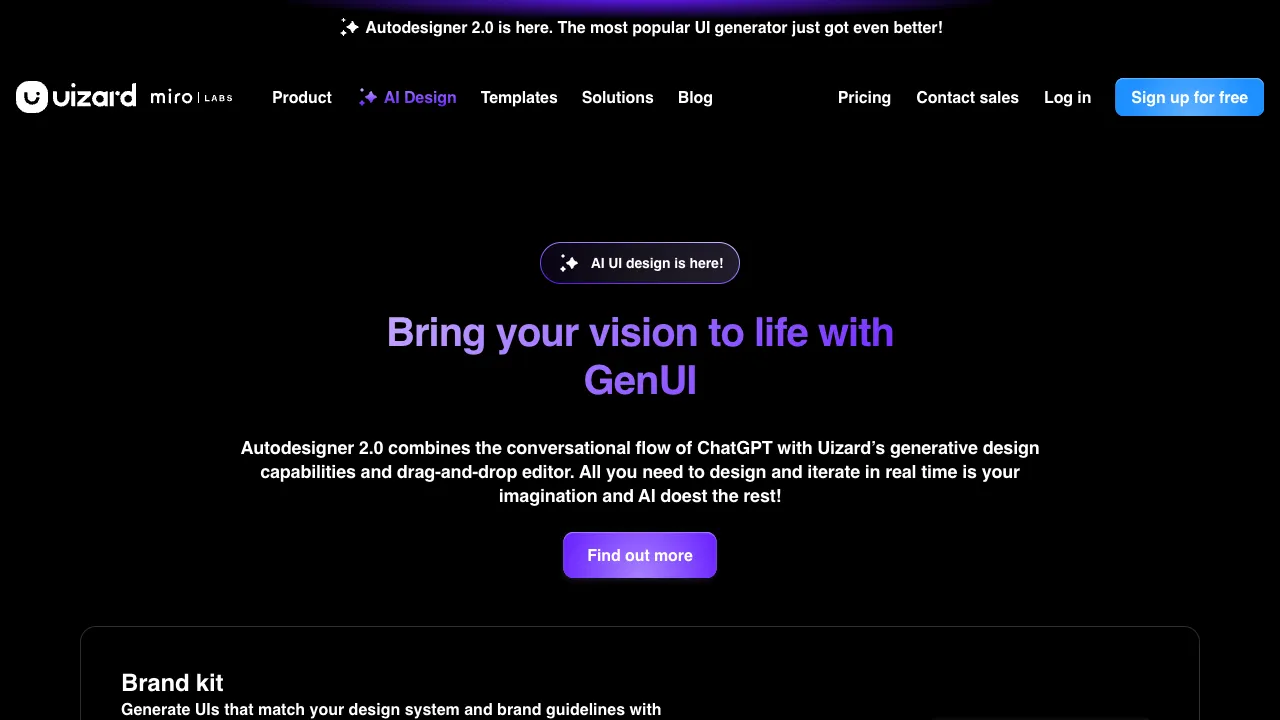
Many people have ideas but lack design skills. To turn a product concept from your mind into reality, you either spend months learning Figma or pay a designer to create prototypes. Even the best ideas often stall at this step. Uizard aims to solve this problem—enabling those without a design background to quickly generate interactive UI prototypes that look genuinely polished, not just rough drafts.
What is Uizard
Uizard (autodesigner.uizard.io) is an AI-driven UI prototyping tool. Its core function is to automatically generate complete multi-screen UI interfaces based on text descriptions or sketches. If you say, "A Pomodoro timer app with a dark theme, featuring a timer screen, task list, and statistics page," it will generate three screens with reasonable layouts and complete components, ready for demonstration or further refinement.
Uizard’s positioning has always been “enabling non-designers to create designs.” Its target users are not professional UI designers, but product managers, entrepreneurs, and developers who need to rapidly produce prototypes without design skills.
Core Features
Autodesigner: Generate Multi-Screen Interfaces from Descriptions
This is Uizard’s flagship feature. Input a natural language description of your product, select the platform (mobile/web) and style preferences, and the AI generates a complete multi-screen interface, including home screens, list pages, detail pages, etc. Each generated screen contains full components—navigation bars, buttons, cards, forms—rather than empty wireframes.
The generation speed is fast, typically showing results within seconds. While the quality doesn’t match professional designers’ hand-crafted work, it is sufficient for early-stage idea validation and quickly aligning stakeholders.
Screenshot/Sketch to Design File
If you have an app screenshot or a hand-drawn sketch, you can upload it to Uizard. The AI will convert it into an editable Uizard design file. This feature is useful for those who have reference images but don’t know how to recreate them—upload a competitor’s screenshot to get an editable prototype with a similar layout, then modify it from there.
Themes and Styles
Uizard offers preset color themes that allow you to switch the overall style with one click—from dark to light, from business-like to lively—without manually adjusting the color of each component. For users who don’t understand color theory, this feature solves the problem of “ugly-looking output colors.”
Editable Prototypes
The AI-generated interfaces are not static images; they are prototypes that can be edited within the Uizard editor: drag and drop components, modify text, replace images, and set page transitions. The editor is much simpler and has fewer features than Figma, but it is sufficient for creating product-manager-level prototypes.
Team Collaboration
Supports simultaneous viewing and editing by team members, with commenting features to facilitate multi-person discussions on prototypes. For small teams or startups, this eliminates the need to pay extra for a Figma Enterprise plan.
Comparison with Other Tools
vs Figma: Figma is a professional design tool with powerful features and rich component libraries, but it has a steep learning curve and requires time to master. Uizard sacrifices professionalism for ease of use—someone who knows how to make PPTs can get started with Uizard in 10 minutes, whereas Figma might take weeks. If your team has professional designers, Figma is the main tool; if not, Uizard is more suitable.
vs Creatie.ai: Both have AI UI generation features and similar positioning. Creatie.ai emphasizes the visual quality of the generated results, while Uizard focuses on usability for non-designers and rapid multi-screen prototype generation.
vs Galileo AI: Galileo also focuses on high-quality AI UI generation but leans more toward designer scenarios; Uizard targets a broader audience, including product managers and entrepreneurs with no design background.
vs Framer: Framer leans toward web prototypes and real website publishing, with strong design capabilities and code export options; Uizard focuses more on the early prototyping stage with lighter functionality.
vs Modao (MockingBot): Modao is a domestic product prototyping tool with AI features and a Chinese interface; Uizard has an English interface but stronger AI generation capabilities. For Chinese users, the operation might be slightly less intuitive.
Who Should Use Uizard
Product Managers Without Design Backgrounds: Need to create prototypes that “look like real products” to demonstrate to bosses or investors, or to align ideas with designers. Using Uizard is far more professional than drawing prototypes in PPT.
Entrepreneurs Validating Ideas Quickly: Have a product concept and want to create a prototype to show users, collect feedback, and decide whether to proceed. Uizard generates multi-screen prototypes in minutes, much faster than outsourcing and more realistic than learning Figma yourself.
Developers Planning Before Front-End Coding: Not skilled in design but need to clarify interface layouts first. Uizard helps you quickly visualize ideas before writing code.
Designers Creating Rapid Drafts: Not a replacement for Figma, but useful for rapidly generating initial drafts in several directions during the proposal phase, then selecting the most promising direction to refine in Figma. AI creates the first draft; designers optimize it.
Limitations
Uizard’s positioning means it has obvious ceilings. For professional design scenarios requiring pixel-perfect precision, its component library and editing precision are insufficient. The generated interfaces can sometimes be sloppy in details—spacing may not be perfectly standardized, and font hierarchy may not be clear enough—requiring manual adjustments.
AI-generated multi-screen interfaces sometimes lack consistency across screens. Within the same product, the visual feel of different pages may vary slightly, requiring unified adjustments.
Additionally, Uizard is primarily an English product. While it can understand Chinese descriptions, the interface effect for Chinese content is not as smooth as for English. Sometimes the generated text remains in English and needs manual replacement.
Pricing
| Plan | Price | Key limits |
|---|---|---|
| Free | $0 | 2 projects, 5 screens each, 10 templates, 3 Autodesigner 1.5 generations a month |
| Pro | $12/mo annually ($19 monthly) | 100 projects, unlimited screens, 500 generations a month, Autodesigner 2.0, developer handoff, SVG export |
| Business | $39/mo annually ($49 monthly) | Unlimited projects, 5,000 generations a month, custom brand kit, priority support |
| Enterprise | Custom | Design-system setup, SSO, dedicated support |
Autodesigner comes in two generations, and your plan decides which you get. The free tier runs the older 1.5 engine at lower fidelity; 2.0 is paid-only and generates a complete themed multi-screen project from a text prompt in around 30 seconds.
On ownership: Uizard was acquired in June 2024 by Miro, the online collaborative whiteboard company, and sits under Miro Labs. As of 2026 it still ships as a standalone product with its own uizard.io domain, pricing and login; deeper integration with Miro's platform is in development but is not yet the primary workflow.
Check the official site for current pricing.