

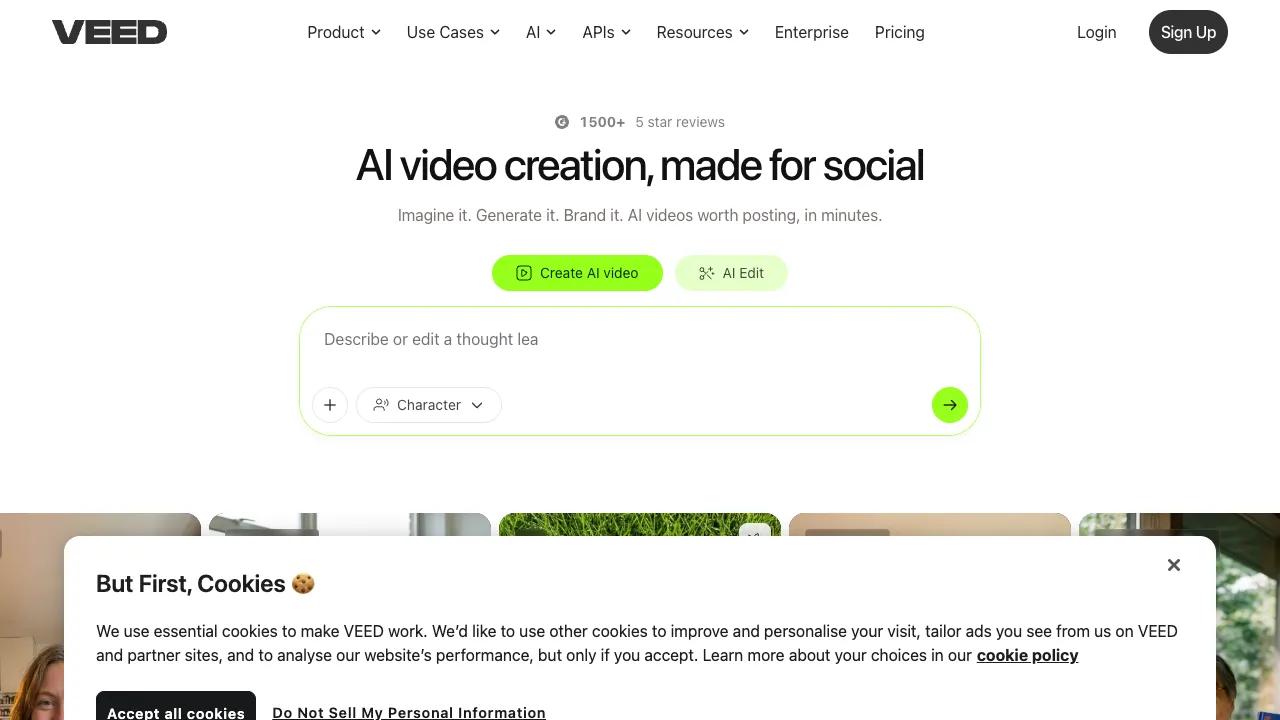
VEED (VEED.IO) is an online video editor that runs entirely in the browser. It isn't aimed at professional editors but at creators and teams who need to turn out social videos, tutorials and marketing clips quickly — no software to install and no demands on local hardware; open the page and start editing.
What VEED Is
VEED brings common video production needs into one web tool:
- Online editing: trim, join, add transitions, music, text and stickers on a timeline.
- Automatic subtitles: AI transcribes speech into subtitles and can translate them into many languages, making multilingual captions easy.
- AI enhancements: background noise removal, speech-to-text, AI voiceover (text-to-speech), AI avatars and more.
- Screen and webcam recording: record your screen and yourself in the browser for tutorials and explainers.
- Templates and brand kit: plenty of social-format templates, and teams can standardize fonts, colors and logos.
Changes in 2026
VEED has grown from "a video editor in the browser" into an AI content creation platform: beyond editing, auto subtitles and noise removal, it can generate video from text, produce talking-avatar videos, and do AI voiceover and translation. Billing has shifted accordingly from "can it edit" to "is there enough AI credit" — these advanced features consume credits, and picking a pricier generation model yields noticeably fewer outputs for the same credits. Lip-synced avatars and text-to-video sit on higher tiers, while lower tiers can only edit existing footage. Subscriptions are per seat, so multiply by headcount for teams.
Getting Started: A Vertical Short Video With Subtitles
- Create a project and upload footage, or record your screen or webcam right in the browser.
- Change the canvas size to 9:16 for short-video platforms.
- Generate automatic subtitles and proofread every line, especially proper nouns, numbers and punctuation, then choose a subtitle style.
- Turn on noise removal if there's background noise; for multilingual versions, pick translation languages in the subtitles panel.
- Watch the full preview before exporting to make sure subtitles don't cover the main subject.
Who It's For
- Social media managers and creators: producing TikTok, YouTube and other social videos in bulk.
- Marketing teams: quick promos and product demos with multi-person collaboration.
- Education and training: screen recordings with subtitles for courses and tutorials.
Strengths
- Low barrier: runs in the browser on any system without a powerful computer.
- Strong subtitles: auto subtitles plus translation is one of its most popular features.
- Collaboration-friendly: cloud projects that teams can edit and comment on together.
Tips
However accurate auto subtitles are, proofread them, especially Chinese text, proper nouns and punctuation. Videos exported on the free plan usually carry a VEED watermark and are limited in resolution and length, so decide whether you need to upgrade before publishing. As a lightweight online tool it suits quick short and medium videos; for complex multi-track editing, professional desktop software is still the better choice.
When you make content with avatars or AI voiceover, label it as AI-generated according to each platform's rules, and get the person's consent before generating an avatar from a real person's likeness or voice.
How It Compares
- For Chinese content on domestic platforms: CapCut Pro handles Chinese subtitles, its asset library and domestic platforms more smoothly.
- If talking-avatar videos are the main need: dedicated avatar tools such as HeyGen offer more choice.
- For generating shots and effects with generative models: Runway.
Pricing
The free plan lets you try the core features, but exports carry a watermark and are limited in resolution and length; removing the watermark, higher resolution, longer videos and team collaboration require a subscription, billed per seat. Note that advanced AI features — video generation, avatars, voiceover and translation — draw on a credit allowance rather than being unlimited, and credit tiers and whether credits roll over affect your real cost; check the official site for current plans and prices.