

Product managers have a deeply ingrained habit: when they want to create a prototype, they first grab a pen and sketch it on paper. Hand-drawing is fast, intuitive, and painless to revise—it’s best for "thinking." But sketches on paper always hit a bottleneck: they can’t be clicked, demonstrated, or sent for peer review. To turn them into digital prototypes, you have to redraw everything from scratch in Figma. This contradiction—"think fast on paper, build slowly digitally"—has trapped product managers for years. Visily specializes in bridging this gap: upload a photo of your hand-drawn sketch, and AI restores it to an editable digital design in seconds.
What is Visily?
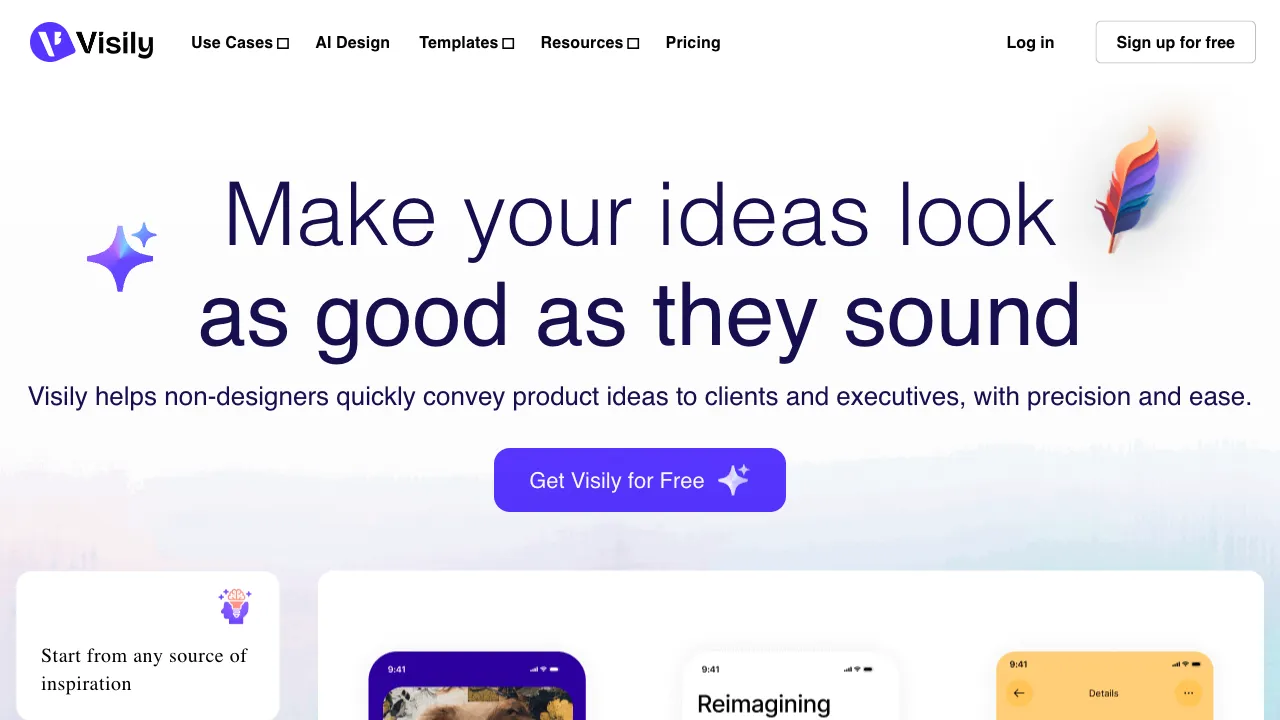
Visily (visily.ai) is an AI-assisted UI design and prototyping tool. Its signature feature is "sketch-to-design": upload a wireframe sketch, and the AI identifies the UI elements (buttons, input fields, image placeholders, navigation bars) and generates corresponding digital components in place. Around this core, it also offers screenshot-to-design, text-to-UI, one-click color schemes, component library templates, and team collaboration, forming a complete prototyping platform for non-professional designers. Its positioning is clear: lowering the barrier to "creating a decent prototype," enabling product managers, entrepreneurs, and others without a design background to quickly produce demonstrable prototypes.
Core Features
Sketch-to-UI: The Signature Differentiator
Sketch a draft on paper (squares = images, lines = text, labeled rectangles = buttons), take a photo, and upload it. The AI parses the elements and generates digital UI components in their correct positions. Recognition accuracy correlates with the neatness of your handwriting—the more structured the sketch, the better the result; messy sketches require more manual adjustment. However, compared to starting from a blank canvas, this is a qualitative leap in speed. It precisely serves the "paper-to-digital" workflow, which is a native blind spot for tools like Figma.
Screenshot-to-Editable Design: A Practical Tool
Upload a screenshot of an app or website, and the AI generates an editable version. This greatly simplifies high-frequency scenarios like competitor analysis or modifying existing interfaces: no need to recreate from scratch; just start editing the converted draft directly. The practical value of this feature is often underestimated.
Text-to-UI and One-Click Color Schemes
Describe an interface to generate a draft (similar to Uizard’s Autodesigner); switch the entire design’s color scheme with one click. The latter solves a classic pain point for non-designers: knowing how to lay out elements but struggling with color. Selecting a theme unifies the entire design without needing to change colors component by component.
Component Libraries, Templates, and Collaboration
Rich UI components and interface templates are drag-and-drop ready. Multi-user real-time collaboration and commenting are included—standard configuration for a prototyping platform is fully present.
Comparison with Similar Tools
vs Figma: The industry standard for professional UI design, with overwhelming advantages in features and ecosystem, but it lacks native sketch recognition and has a steep learning curve. Visily’s sketch conversion in Figma relies on third-party plugins, offering an experience less fluid than native integration. Figma is the primary tool for professional designers; Visily is for non-designers who need to quickly prototype from sketches. Their target audiences differ.
vs Uizard: Direct competitors with highly overlapping features (both generate AI UIs, target non-professionals, and support sketches). Broadly speaking: Uizard is stronger in generating complete multi-screen prototypes, while Visily’s sketch recognition and screenshot conversion are more prominent. Choose Visily if starting from hand-drawn sketches; choose Uizard if you need to quickly generate multi-screen prototypes.
vs Galileo/v0: Those two follow the "text/description-to-high-fidelity" route; Visily’s entry point is "existing sketches or screenshots." The starting points are different.
vs Modao (Modao): A domestic prototyping tool with mature collaboration and Chinese-language support; Visily’s AI capabilities (especially sketch recognition) are sharper, while Modao offers a more complete overall collaboration workflow.
Who Should Use Visily?
Product managers who think on paper: Those accustomed to brainstorming on paper but wanting to digitize quickly—this tool is designed for this workflow and is the core audience.
Product managers without a design background: Need to create prototypes that look "less rough" for teams or bosses. Templates + AI + one-click color schemes lower the barrier to an acceptable level.
Early-stage startup teams iterating rapidly: Ideas change quickly, requiring frequent prototype iterations to gather feedback. Visily is easier to pick up than Figma and fits early-stage high-speed iteration.
Those struggling with color schemes: If your layout is fine but you’re stuck on colors, one-click color schemes are a targeted solution.
Limitations
Sketch recognition depends on the quality of the sketch; messy or unstructured drafts lead to unstable recognition—this is an inherent constraint of its signature feature.
There is a significant gap in feature depth compared to Figma: for professional scenarios like complex interactive prototypes, detailed design specification output, and large-team collaboration, Visily is not yet mature. Its product polishing and update speed also lag behind established products, with occasional rough edges.
Pricing
The free version includes basic features and a limited number of designs; paid plans unlock more projects, AI features, and collaboration capabilities. Check the official website for specifics.
Visily’s value proposition is highly focused: it doesn’t compete with Figma for professional designers but bridges the gap from "sketch to digital prototype" more smoothly than anyone else. If your design thinking always starts on a piece of paper—next time you finish a sketch, don’t rush to redraw it in Figma. Take a photo and send it to Visily: that gap that has trapped you for so long might just disappear.