

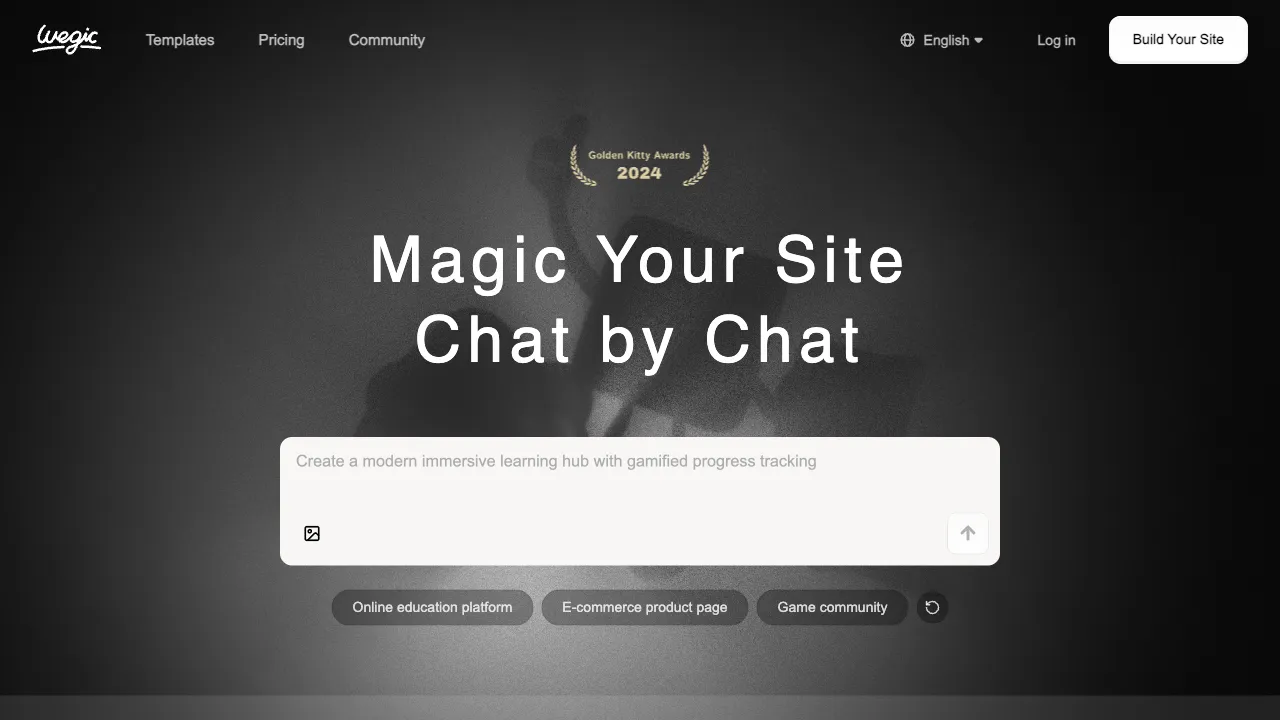
Building a website used to mean one of three things: writing code yourself, paying a developer, or dragging and dropping elements in tools like Wix to cobble together something that just “works.” AI-powered site builders have changed this landscape. Wegic is a representative of this new wave of tools, focusing on the premise of “building websites through conversation”: you input your requirements via dialogue, and within minutes, it generates a responsive webpage compatible with both mobile and desktop, ready to be published live.
What is Wegic?
Wegic (wegic.ai) is an AI-driven web generation and publishing tool. Users describe their desired website through natural language conversation, and the AI generates the complete webpage code along with a preview. It supports responsive design for both mobile and desktop devices. After generation, you can publish directly on the platform without needing to configure your own server or domain (using the subdomain provided by Wegic).
Unlike traditional site builders like Wix or Squarespace, which rely on dragging and dropping components, Wegic allows you to modify your site through conversation. You simply tell it things like “change the primary color to blue” or “add a ‘Contact Us’ link to the navigation bar,” and it will directly modify and update the preview.
Core Features
Conversational Site Building
This is Wegic’s core experience. The entire building process is conducted through dialogue:
- Initial description: “Help me create a minimalist personal portfolio website for a photographer, primarily showcasing black-and-white photography.”
- Generate a preview, review the result, and continue modifying via conversation:
- “Change the font to a serif typeface.” - “Add a brief ‘About Me’ introduction to the homepage.” - “Add a contact form.”
Compared to traditional site builders where you must navigate menus and adjust parameters step-by-step, this conversational approach is more intuitive for non-technical users. However, users accustomed to precise control may find it less direct.
Responsive Design
The generated webpages are automatically compatible with both mobile and desktop devices. Wegic handles the responsive layout automatically, eliminating the need to design separate versions for each platform. This is a basic requirement for modern websites, and Wegic has this covered by default.
Direct Publishing
There is no need to purchase a domain, configure servers, or deploy code manually. After completing your design in Wegic, you can publish with one click, receiving a subdomain under wegic.ai that you can share directly for others to visit. If you require a custom domain, you can bind your own.
Content Management
For websites that require regular content updates (blogs, product showcases, portfolios), Wegic offers basic content management features. You can update text and images within the platform without needing to regenerate the entire page each time.
Code Export
The generated webpage code can be exported. For users with technical skills, this code can be deployed on your own servers, allowing you to operate independently of the Wegic platform.
Suitable Website Types
Wegic is currently better suited for relatively simple website needs:
- Personal portfolios: For designers, photographers, and freelancers to showcase their work.
- Landing pages: For product introductions, event promotions, or new feature launches.
- Personal profile pages: Essentially a digital business card.
- Small business websites: To display services, contact information, and basic introductions.
- Event webpages: For weddings, event announcements, or community entry points.
For websites requiring complex functionality (e-commerce, membership systems, complex database operations), Wegic is not currently the right choice.
Comparison with Other Tools
vs Framer AI: Framer offers AI site-building features that produce high visual quality, particularly in animations and transitions. Framer leans toward design precision, while Wegic emphasizes the ease of conversational operation.
vs Dora AI: Dora focuses on generating interactive webpages with rich animation support. Both are AI site builders with similar positioning but different stylistic approaches.
vs Wix ADI: Wix’s AI design assistant generates websites through Q&A, which are then edited within the Wix ecosystem. Wix has a more mature ecosystem and more templates, but its AI-generated flexibility lags behind newer-generation tools.
vs Traditional Site Builders (Webflow/Squarespace): These tools offer comprehensive functionality and high design precision with extensive templates and plugins. However, they have a steep learning curve and are not suitable for users with zero technical background. Wegic is faster to learn but has limited functional depth.
vs Bolt.new / v0: These tools target developers, generating more complete web application code with stronger functional implementation capabilities. Wegic targets non-developers, focusing on showcase-style websites.
Who Should Use Wegic?
People who can’t code but need a website: Freelancers, entrepreneurs, and content creators who need a platform to showcase their work but are sensitive to the learning curve of traditional site builders. Wegic’s conversational approach lowers this barrier.
Marketers needing quick landing pages: For event promotions, product launches, or conference registrations—where you need a simple landing page up quickly. Wegic can build one in minutes, much faster than hiring a designer for custom work.
Entrepreneurs testing different website directions: Quickly generate several versions in different styles before deciding on a final direction and committing resources to deep customization.
Small local service providers: Restaurants, hair salons, training centers, etc., that need a basic informational website but lack the budget for professional development. Wegic provides a low-cost solution.
Limitations
The level of control over design details in AI-generated websites still lags behind manually designed sites. If you have very specific design requirements or need fully customized interactive effects, AI site builders are not yet the best choice.
Additionally, conversational modification is less efficient for certain specific edits than visual editing. When you know exactly what to change, clicking directly in an editor is faster than typing out a description. Wegic is not particularly user-friendly for situations where “I know what I want to change but can’t describe it clearly.”
Wegic represents one direction of AI lowering the barrier to website creation—shifting from “you need skills to build a website” to “describe your needs and build a website.” For users with simple website requirements, it is worth trying the free version to experience the feeling of conversational site building.