

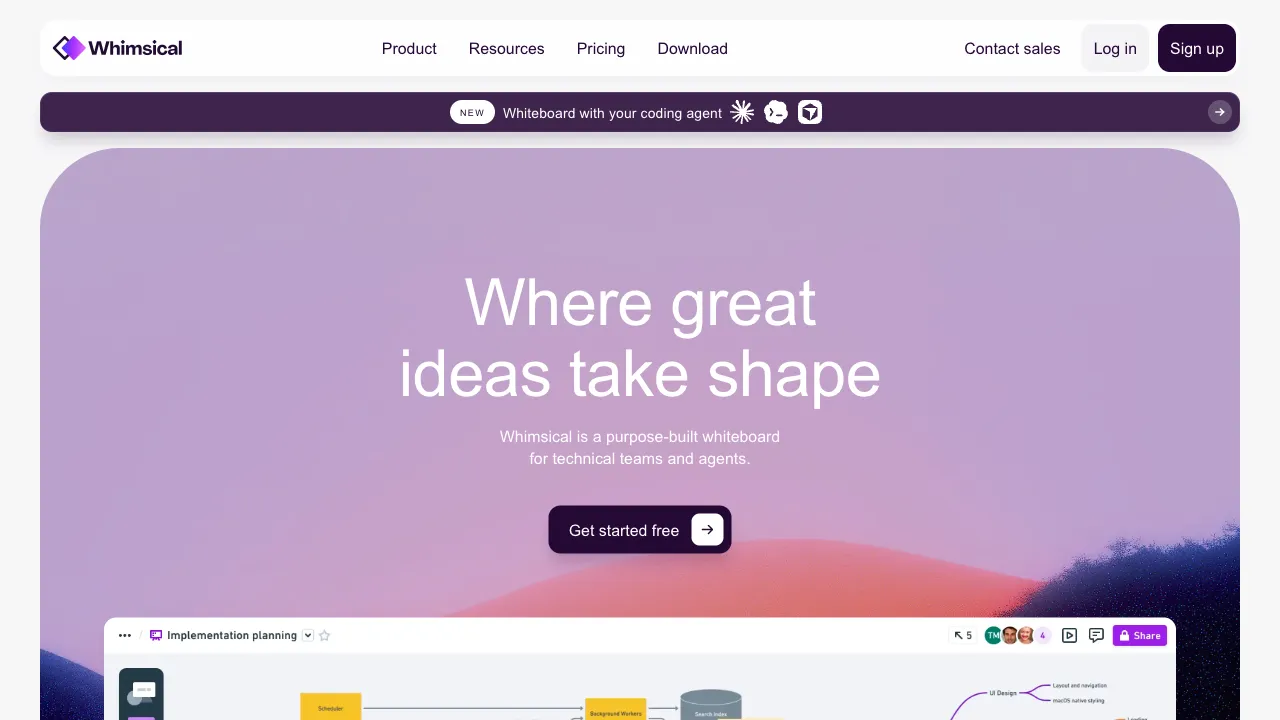
When designing products and planning projects, there are several graphical tools that see frequent use: mind maps, flowcharts, wireframes, and sticky notes for brainstorming. Most tools either focus on just one of these or bundle all features together, becoming overly complex. Whimsical’s approach is to integrate these most common graphical tools into a single, clean interface, ensuring each function is good enough without being overcomplicated, allowing teams to complete the entire process from divergent thinking to product design within one tool.
What is Whimsical?
Whimsical (whimsical.com) is a multi-functional visual collaboration tool that integrates four core features: Mindmap, Flowchart, Wireframe, and Sticky Notes. It supports real-time multi-user collaboration and includes AI-assisted features to help generate content quickly.
Its positioning is "making visual thinking simpler"—it is not professional flowchart software, nor an enterprise-grade collaboration platform, but rather a fast, easy-to-use, and visually appealing tool for thinking and design.
Core Features
Mindmap
Create and edit mind maps with very smooth keyboard-driven operations—press Tab to add child nodes and Enter to add sibling nodes, allowing you to quickly build hierarchical structures. Layouts are automatically organized, eliminating the need for manual alignment.
It features AI assistance: input a topic, and the AI will automatically generate the initial structure of the mind map. You can then modify and expand upon this foundation, which is much faster than starting from scratch.
Flowchart
Drag and drop to create nodes and connections, with automatic layout that looks neat and standardized. It is suitable for drawing business processes, user journeys, decision trees, state diagrams, and other process-related graphics.
Arrowheads on lines and alignment between nodes are handled automatically, so there is no need for manual precise alignment, resulting in a clean and tidy visual output.
Wireframe
It includes a component library specifically designed for UI wireframing—input fields, buttons, navigation bars, image placeholders, etc.—which can be dragged and combined to create low-fidelity interface prototypes. It is not a detailed design tool like Figma, but rather a sketching tool for quickly communicating UI direction.
Sticky Notes
A classic digital sticky note whiteboard, suitable for brainstorming, user story planning, and problem collection. With real-time multi-user collaboration, everyone can post sticky notes simultaneously, making it ideal for divergent discussions in remote teams.
AI Features
Whimsical has integrated AI assistance across all its tool types:
- AI-generated mind maps: Input a topic, and the AI generates the initial map structure.
- AI-assisted flowcharts: Describe a process, and the AI generates a draft flowchart.
- AI content expansion: Select an existing node and let the AI expand the content of that branch.
The positioning of these AI features is "quick start"—providing you with initial content to modify, rather than replacing your thinking.
Multi-user Collaboration
Supports real-time collaboration among team members, allowing you to see others' mouse positions and actions, which is suitable for remote collaboration scenarios. It includes a commenting feature, enabling discussions on specific content.
Comparison with Other Tools
vs Miro: Miro is the flagship online whiteboard collaboration tool, featuring extremely rich functionality, numerous templates, and plugins, making it suitable for complex collaboration scenarios in large teams; however, as features increase, so does interface complexity. Whimsical has a more focused feature set, is easier to pick up, and suits teams that do not need such extensive functionality.
vs Figma (FigJam): FigJam works alongside Figma design files and suits teams already collaborating there. Whimsical is independent of a design tool; choose it when the team needs a separate space for diagrams and whiteboards.
vs Lucidchart: Lucidchart is a professional flowchart and diagramming tool with deeper functionality than Whimsical, offering a wide variety of chart types and templates; however, its interface is more complex with a higher learning curve, making it suitable for users with professional needs for flowchart functions. Whimsical is lighter and easier to use.
vs Notion (Databases and Mind Maps): Notion focuses on documents and databases, featuring embedded diagramming capabilities, but its graphical tools lack the depth of Whimsical; if you are already using Notion for project management, they can be used together—Notion for text and data, Whimsical for graphical thinking.
vs Mermaid / Draw.io: These tools are more geared toward technical users; Mermaid generates diagrams using code syntax, while Draw.io is an offline desktop tool; Whimsical’s design is more modern and better suited for non-technical teams.
Who Should Use Whimsical?
Product and Design Teams: Quickly create UI wireframes, map user journeys, and organize feature flows; Whimsical provides a lightweight yet sufficient set of tools.
Teams Needing Remote Brainstorming: The sticky note whiteboard and real-time collaboration features are ideal for pre-meeting divergent discussions in remote teams.
Project Management and Planning: Use mind maps to organize project ideas and flowcharts to streamline workflows; one tool handles multiple needs.
Writing and Thinking: Mind maps assist in organizing writing structures, while AI auto-expansion helps quickly explore different angles of a topic.
Limitations
Each feature in Whimsical is "good enough," but none is the most professional tool in its respective field—professional flowchart users may find it inferior to Lucidchart or Visio; professional designers may feel its wireframing capabilities fall short of Figma; advanced mind map users may prefer XMind. Its value lies in integrating several tools rather than perfecting any single one.
The depth of its AI features is still evolving; currently, they are more auxiliary and cannot completely replace manual content construction.
Pricing
Whimsical offers a free tier that includes core features and a set number of edits, while paid plans unlock unlimited editing, enhanced collaboration capabilities, and additional AI credits. For the most accurate details, please refer to the official website.
Whimsical strikes an excellent balance among product and team brainstorming tools: it is functional without being overly complex, visually appealing, collaborative, and equipped with practical AI assistance. If you need a lightweight tool for quick diagramming and easy collaboration, Whimsical is definitely worth trying.