

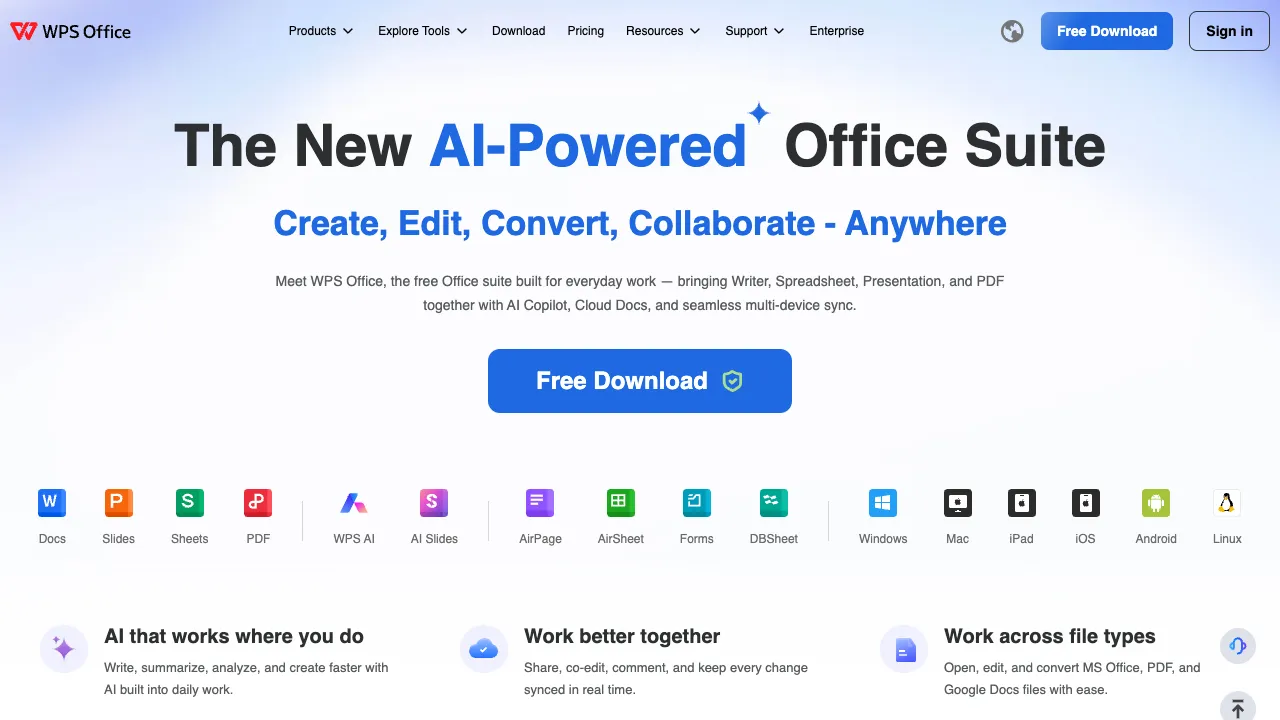
WPS Office is a veteran domestic office suite developed by Kingsoft Office. It covers four core components: Writer, Spreadsheets, Presentation, and PDF. It is compatible with Microsoft Office formats, features a small footprint, supports cross-platform use, and offers a free version. In recent years, it has integrated WPS AI, embedding large language model capabilities into daily office workflows.
What Is WPS Office?
WPS is an all-in-one office suite that handles most document tasks with a single application:
- WPS Writer: Comparable to Word, for document creation, formatting, and commenting.
- WPS Spreadsheets: Comparable to Excel, for data processing, formulas, and charts.
- WPS Presentation: Comparable to PowerPoint, for creating slideshows.
- PDF Tools: For viewing, editing, converting, and merging PDFs.
- WPS AI: A built-in AI assistant that can generate or continue documents with one click, summarize long texts, assist with formatting, create PPTs, process spreadsheet data via natural language, and more.
Features
- High Compatibility: Smoothly opens, edits, and saves .docx/.xlsx/.pptx files, ensuring interoperability with Microsoft Office.
- Cross-Platform Support: Covers Windows, macOS, Linux, Android, and iOS, with a web version available for seamless cloud synchronization across devices.
- Lightweight and Free: Basic features are free; the installer is relatively small and runs well on low-spec devices.
- AI-Powered: WPS AI integrates generation, summarization, and data analysis capabilities directly into the editing interface.
What Changed in 2026: Lingxi Is Billed Separately
Two things are easy to confuse. WPS AI is the capability embedded in WPS Office — continuation, polishing, translation, formula writing, data analysis, PPT outlines — supporting the work you do inside a document. Lingxi is a standalone AI assistant product. On August 3, 2026 Lingxi Professional left beta and started charging through a "Lingdian" credit system across four tiers with a monthly allowance, on a payment track separate from WPS membership. That separation is the main community complaint: buying the membership does not include Lingxi Professional.
Lingxi 3.0 rolled out fully in early 2026, and its model picker now includes the release build of DeepSeek-V4-Flash and Kimi K3. In practice its strength is Chinese office document work — converting a passage into the formal request/report/letter formats used by Chinese institutions, for instance. Its weak spots are complex reasoning content such as deep industry analysis or academic papers, which comes out generic, and large inputs: PDFs over 100 MB or spreadsheets with tens of thousands of rows can slow down or fail.
Getting Started: A Few Everyday AI Uses
- Rewrite a passage: select a paragraph in WPS Writer, open WPS AI and choose polish, expand, shorten or change the tone — more controllable than rewriting the whole document.
- Write spreadsheet formulas: describe what you want to calculate in WPS Spreadsheets in plain language, such as "total this month's sales by department," let AI write the formula, then check the result against a few rows.
- Draft a deck: enter a topic in WPS Presentation to generate an outline, edit the outline first and then apply a template — easier to fix than generating the whole deck at once. For turning AI-generated slides into something usable, see our guide to reworking AI-generated PPTs.
- Official documents: when you need to turn content into a notice, request or report in the formats Chinese institutions use, try Lingxi's convert-to-official-document feature, then check each item against your organization's format rules.
Who Is It For?
- Domestic individuals, students, and professionals: For daily documents, reports, PPTs, and spreadsheets.
- People working across devices: Edit on a phone, then continue on a computer through cloud synchronization.
- Those needing Office compatibility while saving costs: The free version meets most needs.
Usage Tips
Content generated by WPS AI (copywriting, PPTs, data conclusions) is best used as a first draft; review and modify it before formal use. Some advanced features in the free version (such as certain PDF editing tools, high-frequency AI calls, and templates) require a membership; evaluate whether to upgrade based on your needs. When collaborating with Microsoft Office, complex formatting may occasionally show minor differences; it is recommended to check the formatting of important documents after switching software.
How It Compares
- If your company is standardized on Microsoft and needs AI that works with email and calendars: Microsoft 365 Copilot.
- If real-time collaboration is the priority: online document products such as Feishu Docs or Tencent Docs collaborate more smoothly.
- If you only need AI-generated slides: compare dedicated AI PPT tools, though the rework before delivery is the same either way.
When you use AI features, document content is sent to the cloud for processing; for documents with unpublished business information or personal data, check your organization's rules on cloud AI first.
Pricing
Core office features are free; advanced PDF tools, template libraries, and higher WPS AI allowances come with a WPS membership. Note that the standalone Lingxi assistant left beta on August 3, 2026 and now bills separately through its own 'Lingdian' credit system across four tiers with a monthly allowance — a separate purchase from WPS membership, so a membership does not include Lingxi Professional. Check WPS's official page for current tiers and prices.