

Traditional automation has a ceiling that anyone who has used older versions of Zapier has hit: it only "moves" data; it doesn't "understand" it. It handles mechanical transfers like "email arrives → save to spreadsheet" with ease, but tasks like "email arrives → determine if this is a complaint or an inquiry → handle accordingly" go beyond its capabilities—because judgment requires semantic understanding, which rule engines simply cannot provide. As a result, countless automation workflows stop at "semi-automated": the data is moved into place, but the actual classification, extraction, and response still fall to humans.
Large language models fill this missing brain. Zapier, the veteran hegemon of no-code automation (with an ecosystem moat connecting 6,000+ apps), has embedded AI into every stage of workflows, expanding the boundaries of automation from "moving data" to "processing semantics." This is a qualitative leap, not just a feature addition.
What Is Zapier AI?
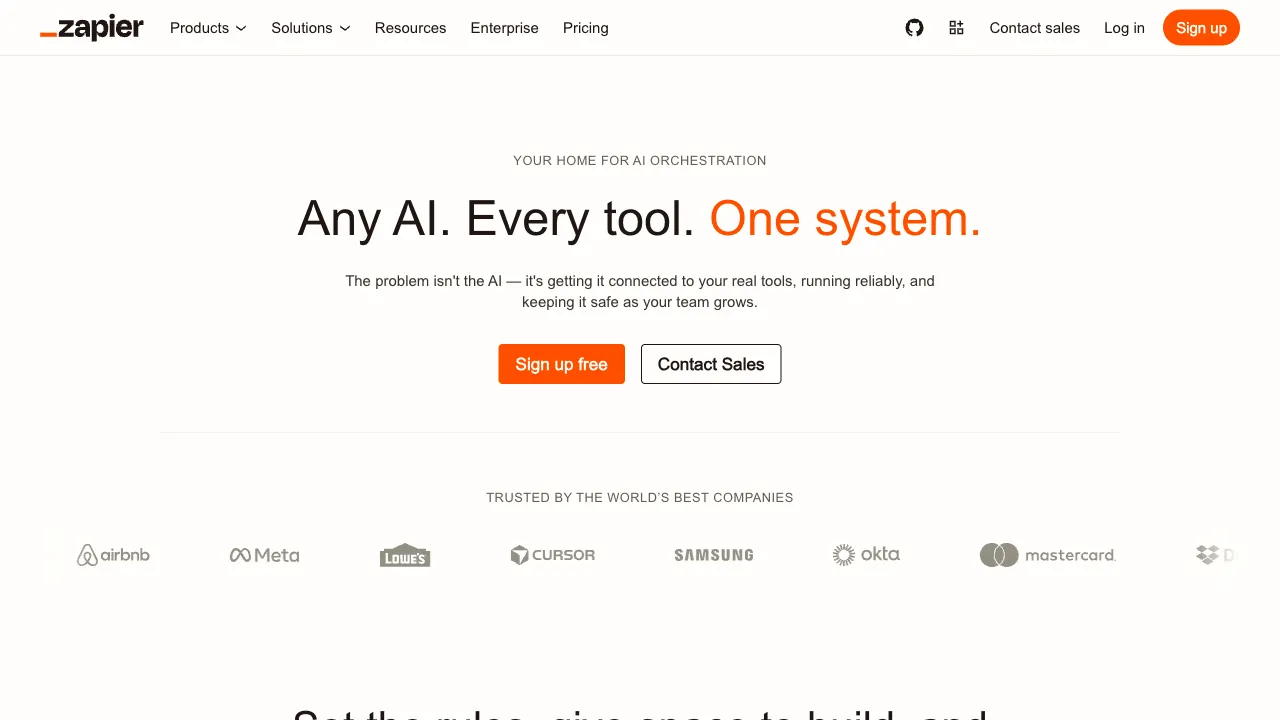
Zapier AI is the collective AI capability of the Zapier platform, centered on making AI an "intelligent processing node" within automated workflows (Zaps): inserting an AI step—summarization, classification, extraction, drafting, judgment—between any trigger and action, then passing the result downstream. Simultaneously, AI has transformed how Zapier itself is used: describe your needs in natural language, and AI directly builds the workflow for you.
Recently, it has evolved further into the form of AI Agents (formerly Zapier Central): not just a single step in a process, but an agent capable of autonomously understanding tasks and executing multi-step operations across applications. In the Agent era, Zapier’s application ecosystem becomes a unique arsenal: while other agents may need to simulate browser clicks, Zapier leverages official APIs for 6,000 apps directly.
Core Features
AI Steps in Workflows
Common use cases for inserting an AI node into a Zap include:
- Understanding and Classification: Is the incoming message a complaint, inquiry, or spam? High or low priority? AI judges and routes to different branches.
- Information Extraction: Extract structured fields like names, dates, and amounts from emails, forms, or documents to feed downstream spreadsheets or CRMs.
- Content Generation: Automatically draft reply emails, product descriptions, or social media copy.
- Summarization: Compress long content into key points and push them to Slack or daily reports.
AI nodes can call mainstream models like OpenAI and Anthropic, turning "which model to use" into a configuration option rather than an engineering problem.
Building Zaps with Natural Language
"When there is a new Typeform submission, have AI summarize the key points and post them to the Slack #leads channel." With just this one sentence, AI directly generates a draft of the corresponding workflow configuration. The barrier to building automation drops from "understanding the conceptual framework of triggers/actions" to "being able to describe needs," which is a genuine liberation for non-technical users.
Zapier Agents
An advanced form: give an Agent a role description and data permissions, and it autonomously decides which apps to call and which steps to execute. For example, a "Sales Lead Assistant": monitor the inbox → identify potential leads → check if records already exist in the CRM → create new ones and draft follow-up emails if not → notify sales. This "digital employee" model is where Zapier is betting its future, representing the maximization of its application ecosystem's value.
Tables and Interfaces
Zapier’s own lightweight spreadsheet and frontend building tools, when combined with AI capabilities, can assemble simple AI applications (form collection → AI processing → result display), creating a no-code closed loop.
Typical Scenarios
Customer Service and Inbox Automation: Incoming message classification, priority judgment, draft reply generation, ticket routing—the most mature area for AI automation implementation.
Content Pipelines: Draft written in Notion → AI generates SEO titles and summaries → publish to WordPress → sync to Twitter, end-to-end unattended.
Sales and Lead Processing: Extraction, deduplication, CRM entry, and drafting of initial follow-up emails for leads from forms or emails.
Data Cleaning and Archiving: Messy text in, structured data out, written into spreadsheet databases.
Comparison with Similar Tools
vs Make (formerly Integromat): Make’s visual workflow editor is more powerful and flexible (branches, iterations, complex logic) and more cost-effective, making it a favorite for geeky users; Zapier wins on ease of use, ecosystem scale, and maturity of AI integration. Choose Make for complex workflows; choose Zapier for peace of mind and ecosystem breadth.
vs n8n: Open-source and self-hostable, the choice for technical teams—data stays in-house, low cost per volume, code-level extensibility; the trade-off is self-maintenance. For teams sensitive to privacy or with massive usage, n8n is a strong alternative to Zapier.
vs Power Automate: The default answer for Microsoft-centric organizations, with deep Office 365 integration; its breadth of third-party SaaS connections lags behind Zapier. It depends on what your tech stack is built on.
vs Dify/Coze and other AI application platforms: Those start from "building AI applications," while Zapier starts from "connecting apps" and adds AI—where AI is the protagonist in the former, and an employee in the workflow in the latter. Your core need determines the choice.
vs Writing Code to Call APIs Directly: Engineering teams writing their own scripts are the most flexible and cheapest option; Zapier sells "non-engineers can do it" and "maintenance costsGui platform"—calculate this based on your team's engineering resources.
Who Is Zapier AI For?
Teams Already Using Zapier: Adding AI nodes to existing Zaps is a zero-migration-cost upgrade, making them the most natural beneficiaries.
Operations and Customer Service Teams: The daily repetitive labor of "read it, classify it, reply with one sentence" is exactly what AI nodes are designed to eliminate.
Small and Medium Teams Without Engineering Resources: Wanting AI automation but unable to afford developers; no-code solutions exist precisely for this situation.
Solopreneurs and Creators: Managing multiple channels alone; an automated pipeline is like hiring several sleepless assistants.
Limitations and Cost Considerations
The pay-per-task model can get expensive quickly with high-frequency automation, and AI nodes may add on top of model invocation costs—estimate a monthly bill using real traffic before going live to avoid the embarrassment of "automation savings not covering subscription fees."
AI node outputs have error rates: classifications can be wrong, extractions can miss data, and generations can drift. For workflows involving external communication (like replying to customer emails), it is advisable to retain a human review step; "AI drafts + human clicks send" is the prudent approach for this stage.
Complex business logic will eventually hit the ceiling of no-code tools; when that happens, write code instead.
Pricing
The free tier has task limits suitable for testing; paid plans are priced in tiers based on task volume, with AI features and Agents included in respective plans. Check the official website for specifics.
The method for judging its value is as simple as judging any automation: list the semantic processing work (classification, extraction, drafting) your team repeats weekly that can be defined by rules, multiply by time spent and labor costs—if this number exceeds the subscription fee, Zapier AI is an investment not to hesitate over.