

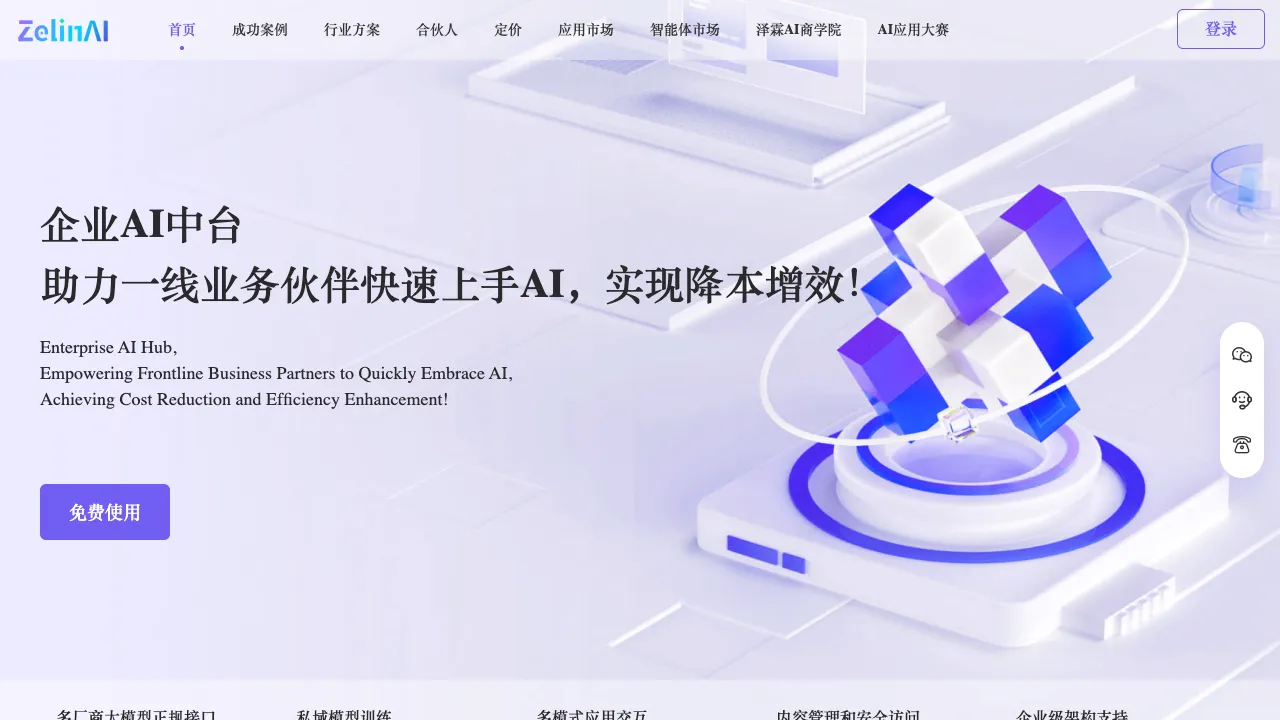
"I want to build an AI application, but I don't know how to code." This is the dilemma many face in the AI era. While large language models are becoming increasingly powerful and various APIs are open to the public, packaging AI capabilities into a usable application still requires writing code, deploying servers, and handling API calls. ZelinAI aims to fill this gap by providing a zero-code platform for building AI applications, enabling non-technical users to combine AI capabilities into practical tools.
What is ZelinAI?
ZelinAI is an AI application construction platform designed for non-technical users. Through a visual interface, it allows users to combine the capabilities of large models (such as ChatGPT and Claude) with various data sources and workflows to create custom AI applications without writing any code.
A typical use case is: You have a set of optimized prompts that you want to turn into a fixed tool so team members can use it directly, rather than manually entering the prompt every time. ZelinAI provides this platform for "productizing prompts."
Core Features
Visual Workflow Construction
The core interaction of the platform is a visual workflow editor, where different "nodes" are connected via drag-and-drop to form a processing pipeline:
- Input Node: Receives user text input, file uploads, or form submissions.
- AI Processing Node: Calls large models (such as GPT-4, Claude, etc.) to process the input.
- Data Node: Connects to external databases, knowledge bases, or APIs.
- Output Node: Displays results, sends emails, or stores data in a database.
By connecting these nodes, you can build AI workflows ranging from simple to complex without needing to understand the underlying code logic.
Prompt Template Management
The platform offers version management for prompts (System Prompts)—you can save different versions of prompts, compare their effects, conduct A/B testing, and select the optimal version. For teams looking to systematically optimize prompts, this feature is more organized than repeatedly experimenting in a chat interface.
Knowledge Base Integration
Supports uploading documents (PDFs, Word files, text files) to build a knowledge base, allowing AI applications to answer questions based on your proprietary knowledge. This is the core capability for implementing scenarios such as internal enterprise knowledge Q&A and intelligent product manual queries.
For example: Upload your company’s product manuals and frequently asked questions to ZelinAI, configure an AI customer service workflow, and you get an AI customer service tool that answers user questions based on product knowledge, without any programming required.
Multi-Platform Deployment
Built AI applications can be deployed as:
- Independent web links to share with teams or external users.
- Embedded code to integrate into existing websites.
- API interfaces for other systems to call.
This allows applications built on ZelinAI to be truly usable externally, rather than just being tested within the platform.
Permission Management
The team version supports multi-user collaboration, allowing you to set different viewing and editing permissions for members, making it suitable for sharing AI tools internally within a team.
Use Cases
Content Creation Tooling: Solidify your frequently used AI writing workflows (e.g., "Write a Xiaohongshu post based on product keywords") into a small tool. Each time, you only need to enter the keyword, and the AI automatically generates the complete content, saving the step of re-entering prompts every time.
Internal Enterprise AI Assistant: Upload internal company documents, FAQs, and product manuals as a knowledge base to create an AI assistant capable of answering internal questions. This can be used for new employee training and customer support.
Data Processing Automation: Configure AI workflows to automatically handle repetitive content tasks—batch translation, batch writing of product descriptions, batch extraction of key information, etc.
Personal AI Toolbox: Turn various frequently used AI tasks in your daily work into dedicated tools. Each tool is optimized for a specific task, making it more efficient than manually entering prompts in a chat interface.
Comparison with Other No-Code AI Application Platforms
vs Dify: Dify is a well-known domestic open-source LLM application construction platform with complete functionality, offering both SaaS and private deployment options, and has greater influence in the technical community. ZelinAI leans more towards non-technical users, and its interface may be simpler.
vs Coze (ByteDance): Coze is an AI application building platform launched by ByteDance, integrating Doubao (ByteDance's large model), with a strong Chinese ecosystem. ZelinAI is independent of specific large model vendors and can theoretically integrate more model choices.
vs Flowise: Flowise is an open-source visual LLM workflow tool that is more friendly to technical users and allows self-deployment. ZelinAI is a SaaS service with a lower zero-configuration threshold but potentially slightly less flexibility.
vs n8n / Make (Automation Workflows): n8n and Make are general-purpose automation workflow tools where AI is just one of the integrations. ZelinAI focuses on AI applications, being more professional in LLM calls, prompt management, and knowledge bases.
vs Directly Programming with OpenAI API: For users who know how to code, using the API directly is more flexible. ZelinAI's value lies in providing a no-code path for those who do not know how to program.
Who is ZelinAI Suitable For?
Users with AI tool experience but no programming skills: Familiar with using ChatGPT and Claude, and want to turn your optimized prompts into more convenient tools, ZelinAI provides a path without requiring technical knowledge.
SME Business Managers: Want to introduce AI tools to their team but lack development resources. ZelinAI allows you to build sufficient AI assistance tools without needing technical support.
Content Operations and New Media Practitioners: Toolize the process of AI-generated content for batch generation and unified style, improving content production efficiency.
Entrepreneurs Interested in AI Applications: Want to validate a certain AI application direction. ZelinAI allows you to quickly build a prototype without investing development resources, reducing validation costs.
Limitations
Limited Functional Depth: A common drawback of no-code platforms is limited flexibility—complex business logic and special data processing requirements are often difficult to implement in a no-code environment, ultimately requiring custom development.
Dependence on Platform Stability: AI applications built on SaaS platforms are affected by the platform's service status. If the platform shuts down or significantly changes its pricing, migration costs can be high. Important business applications need to assess this risk.
Relatively Little Information on Domestic Platforms: ZelinAI is a domestic platform, and related tutorials, cases, and community resources are fewer than those for more influential platforms like Dify. There is limited reference material available when encountering problems.
ZelinAI represents the direction of "democratizing AI capabilities"—enabling people without technical backgrounds to create and use AI applications. As AI tools enter more industries, the demand for such zero-code AI application platforms will continue to grow, making it a tool direction worth watching.