

A nearly perfect travel photo: great composition, excellent lighting, and you're smiling beautifully—except for that stranger in the background who always appears at the wrong time in the wrong place. Ten years ago, such photos were sadly archived; later, Photoshop's healing tools could save them, provided you knew how to use PS and were willing to spend twenty minutes retouching; now, the standard solution for these issues has become: upload, paint over, three seconds, download.
Behind this is the maturation of image inpainting technology—AI understands the content surrounding the painted area, infers "what should have been here," and generates pixels to fill it in. BG Eraser is one product that packages this technology into a foolproof web tool.
What Is BG Eraser
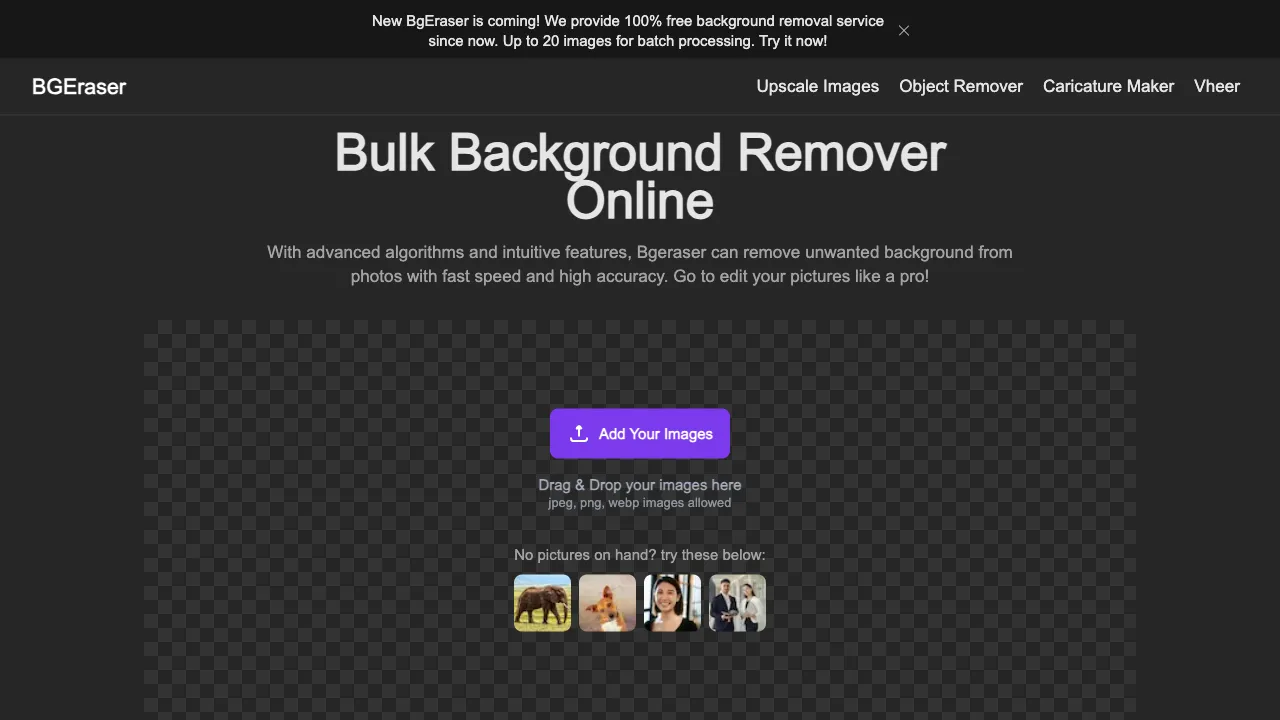
BG Eraser (bgeraser.com) is an AI image cleanup tool available for both desktop browsers and mobile devices. Its core interaction involves only one action: use the brush to paint over unwanted content in your images—strangers, power lines, trash cans, watermarks, clutter—and the AI automatically removes them while intelligently generating a background to complete the scene, making those elements "never have existed."
The name literally translates to "Background Eraser," but it doesn't erase just the entire background; instead, it targets any specific local content you don't want in your image—a more accurate description is an "AI Object Removal Tool."
Core Features
Brush-Painted Removal
This is the main feature. Upload an image, adjust brush size, paint over the target area, and let AI process it. The brush can be coarse or fine: a large brush quickly covers entire figures like pedestrians, while a small brush precisely handles thin targets such as wires or text. Processing usually takes just a few seconds; if you're not satisfied, simply repaint and erase again until the result is clean through iteration.
Grass, water and blurred backgrounds are generally easier to fill. Tiles, brickwork and signs have regular patterns that can reveal broken lines, misalignment or altered lettering. Zoom in to check edges and repeated patterns after removal.
Object Removal
Targets specific objects in the frame: pedestrians and tourists in travel photos, clutter or props against product image backgrounds, timestamps at corners of images, and stains or scratches on old photographs. The essence of painting over remains the same; differences lie only in target size and background complexity.
Background Replacement
It's not just about "erasing"—you can also "replace": after removing the original background, swap it for a solid color or custom backdrop. Standardized needs like changing backgrounds on ID photos or making product images white-background friendly are easily handled this way.
Watermark Removal
Removal of text watermarks and marks. Here, we must state clearly upfront: the proper use case is to remove markings from images you own the rights to (such as timestamps on your old personal shots or outdated logos on your own assets). Removing copyright watermarks from others' works for reuse constitutes clear infringement; just because a tool can do it doesn't mean you should—this boundary applies to all similar tools.
Comparison with Similar Tools
vs Cleanup.pictures: The most well-known international web-based alternative, featuring nearly identical interaction (upload, paint, remove) and processing quality in the same tier. Differences are negligible enough that choice anxiety is unnecessary—use whichever loads faster or offers a suitable free allowance.
vs Hama (hama.app): Another highly homogeneous painting-and-removal tool with an interface friendly to Chinese users. Since tools in this category rely on converging underlying technologies, the most practical approach is opening two tabs side-by-side to compare processing results on the same image.
vs Photoshop (Generative Fill): PS's Generative Fill represents the ceiling of quality in this field, especially for completing large or complex areas via full output from the Firefly model; however, it requires a Creative Cloud subscription and software learning investment. Professional photo editing workflows rely heavily on PS, but ordinary users rarely need to erase pedestrians occasionally.
vs Built-in System Features: iPhone's "Remove Object" feature, Google Photos' Magic Eraser, and AI removal functions from various Android flagship devices—system-level capabilities have advanced rapidly in recent years, solving daily needs with a simple long-press in the gallery app. The remaining advantage of web tools like BG Eraser lies in: device independence, no storage consumption, and smoother handling for images stored on your computer.
vs Snapseed Healing Brush: Suitable for removing small blemishes but limited in large-area removal; AI painting tools offer a higher processing ceiling.
Who Should Use BG Eraser
Travel and Lifestyle Photographers: The "remove pedestrians" need is critical for popular landmark photos—this is by far the most common use case, unmatched by any other scenario.
E-commerce Sellers: Quickly clear clutter, reflections, or swap backgrounds on product images without opening PS or hiring a designer—you can handle it yourself in two minutes.
Content Creators: Remove distracting elements from accompanying illustrations or irrelevant information (such as sensitive data) from screenshots—ensure thorough erasure before publishing to avoid issues—and quickly clean up right before release.
All Non-PS Users: The fundamental reason these tools exist—to turn tasks once requiring specialized skills into simple "paint-and-go" actions.
Usage Tips
Paint slightly larger than the target object, including shadows and reflections within your selection—erasing a person but leaving their shadow is one of the most common rookie mistakes that reveal flaws.
Processing large targets in multiple passes yields better results than painting everything at once: first erase the main subject, review the completion result, then refine remaining imperfections step by step to approach naturalness gradually.
Always keep an original copy before processing important images. AI completion is essentially "fabrication," and occasionally it invents strange content (such as half-objects appearing out of nowhere); having your original allows you to restart anytime needed.
Be cautious with privacy-sensitive images: web tools mean uploading pictures to servers, so avoid using online processing for documents like IDs or contract screenshots.
Limitations
Completion quality drops noticeably when removing large areas (exceeding one-quarter of the frame), resulting in blurriness and a patchwork feel—AI can "hallucinate" local details but cannot reconstruct half an image.
Completing backgrounds with regular textures is a technical weakness; misaligned brick seams or displaced tiles will expose flaws upon close inspection.
Watermark removal on complex backgrounds may leave traces, where cleanliness depends entirely on the background's inferability by AI.
Pricing
Free usage allowances are provided (with limits on processing counts or output resolution); high-definition exports and frequent use require payment—check official website details for specifics. Occasional light users will find free quotas sufficient; consider subscriptions only for high-frequency commercial scenarios, comparing prices with similar tools first.
BG Eraser belongs to the category of "tools you don't need to love but must know exist": You won't use it daily, but when that photo just one step away from perfection appears, knowing a web tool can rescue it in three seconds makes this information alone worth saving.