

In the world of background removal tools, remove.bg is the undisputed pioneer and synonymous with the category. Yet few ask the follow-up question: what happens after the cutout? A subject on a transparent background is only a half-finished product; what’s truly usable is a finished image featuring "the subject + a suitable background + decent lighting." The latter half of this compositing process still requires human intervention. Kaleido, the Austrian company behind remove.bg (later acquired by Canva—a detail worth knowing), clearly anticipated this step, giving rise to Designify: extending "background removal" into a one-stop solution of "cutout + smart background matching + automatic enhancement."
To summarize the relationship between the two products in one sentence: remove.bg gives you the ingredients; Designify serves the finished dish.
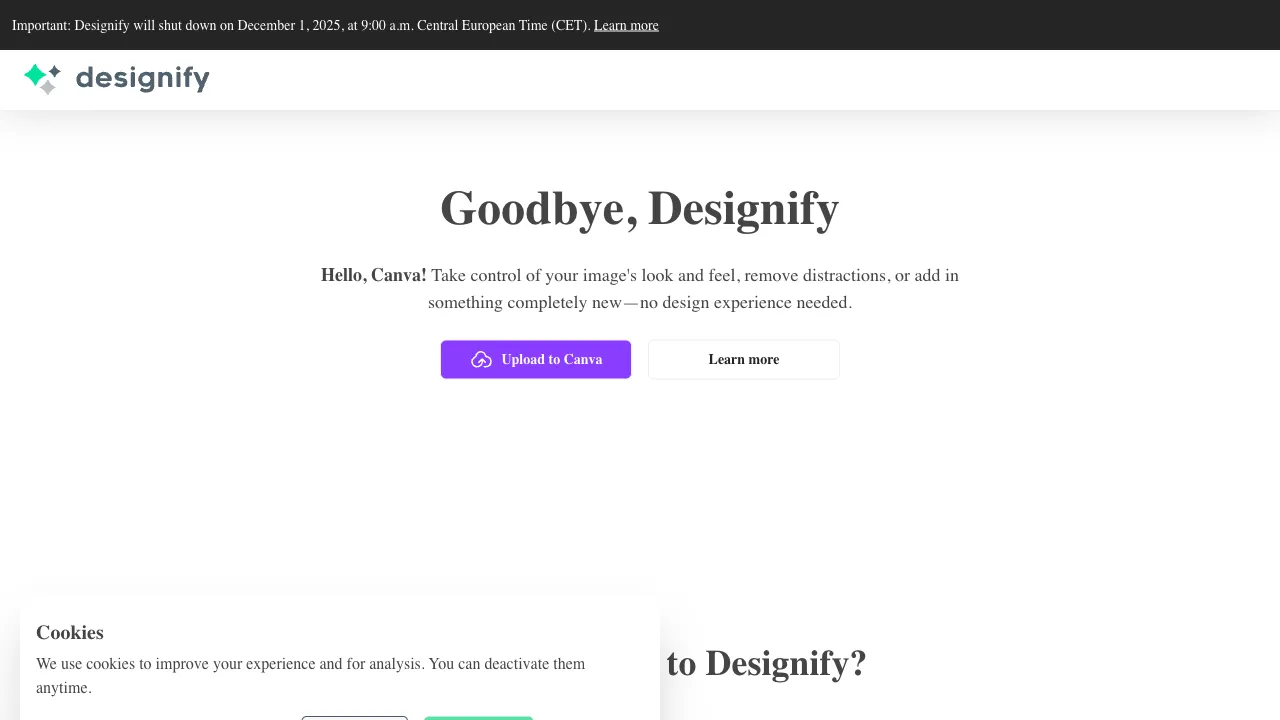
Entry point changed (checked 2026-09-06): www.designify.com now issues a permanent 301 redirect to Canva's AI photo editing page (canva.com/features/ai-photo-editing). Designify is no longer maintained as a standalone product and its cutout and auto-composition capabilities live inside Canva. The capability notes below still apply; use Canva as the entry.
What is Designify?
Designify (designify.com) is an AI-powered automated image design tool from Kaleido: upload an image, and the AI completes a three-step process—precise background removal (using the same technology as remove.bg), identifying the subject type and automatically matching it with a suitable scene background, and adding shadows and lighting effects to make the composite look natural. The output is not a transparent-background asset, but a finished image that approaches the aesthetic of "professional studio photography."
Its core creative insight lies in "recognizing content and matching backgrounds accordingly": the AI knows whether the image contains a car or a cup, so the matched background isn’t a random texture, but a scene where such a subject would naturally appear.
Core Features
AI Background Removal
The foundational capability, sharing technology with remove.bg: precise subject recognition, clean edges, and targeted optimizations for various subjects like portraits, products, cars, and animals—the quality endorsement here is the remove.bg brand itself.
Smart Scene Compositing: The Flagship Feature
After removing the background, the AI automatically generates a matching background based on the subject type:
- Cars: Showrooms, street scenes, parking lots—car scenes are Designify’s publicly highlighted strength, with vehicle image processing for dealerships being its clearly targeted vertical market (unifying dealership website car images into a "showroom effect" offers immense value in batch processing).
- Products: Clean backgrounds with studio lighting aesthetics, embodying the standard vibe of e-commerce main images.
- Portraits: Scenarios like blurred depth-of-field, offices, or outdoors.
- Pets and Animals: Natural environment backgrounds.
The accompanying automatic shadows and lighting effects are key details for natural compositing: a composite without shadows looks fake at a glance. Designify automatically adds this layer of "physicality"—which is the essential difference between it and the amateur practice of "just slapping any image behind the cutout."
Customization and Fine-Tuning
Beyond AI automatic options, you can swap in custom backgrounds, solid color bases (e.g., white for e-commerce), and adjust color temperature, brightness, and contrast—a reasonable configuration prioritizing automation with manual fallback.
Batch Processing and API (Pro)
Batch uploading for unified processing and API integration into automated pipelines—the dividing line between a "fun tool" and "productivity" for scaled scenarios in e-commerce and automotive sales.
Comparison with Similar Tools
vs remove.bg (same parent company): Shared technology, clear division of labor—use remove.bg if you need transparent assets (for your own design work or API integration); use Designify if you want a "ready-to-use finished image." Choose based on the next step in your workflow.
vs PhotoRoom/Pixelcut: Direct competitors in e-commerce image processing. These tools offer thicker template libraries and more comprehensive e-commerce operations features (batch processing, store specifications), with deeper commercialization. Designify’s differentiator is the intelligence of "automatic matching" and minimalist operation—it makes decisions for you, while PhotoRoom gives you more choices. Choose the former if you’re lazy; choose the latter if you have strong control needs.
vs Photoshop Generative Fill: Photoshop offers higher quality and controllability ceilings, but at the cost of subscriptions and skill requirements. Designify follows the path of "getting an 80/100 score with zero threshold." They serve fundamentally different user bases.
vs Domestic Tools (Zuotang/Gaoding): Domestic tools excel in local access, RMB pricing, and adaptation to local e-commerce specifications. Designify’s unique advantages lie in its car scene compositing and Kaleido’s technical backing, making it worth a dedicated trial for cross-border sellers and automotive dealers.
Who Should Use Designify?
Car Dealers and Used Car Sellers: Unifying vehicle photos into showroom-level effects directly elevates the aesthetic of website and platform listings—the group with the most vertical advantage for Designify; in this scenario, it has almost no direct substitute.
E-commerce Sellers: One-click upgrade of product images from "snapshots against a white wall" to "studio-quality main images," eliminating the entire process of finding backgrounds, compositing, and adding shadows.
Social Media Content Creators: Quickly giving ordinary photos a "professional output" aesthetic, ensuring the visual quality of published materials.
Operations Teams Processing Images in Bulk: The Pro tier’s batch processing and API capabilities scale single-image convenience into assembly-line productivity.
Usage Tips
A clear subject, distinct background and even lighting make editing easier. Check the original, then inspect edges, shadows and perspective in the composite.
Automatically matched backgrounds are "reasonable recommendations," not "the only answer": if unsatisfied, refresh for a new batch or switch to a custom background; the cost of trying twice is just a few seconds.
Zoom in on the composite image to check the edges and shadow connections—these are the telltale signs of compositing. Take a quick look before publishing commercial images.
Pricing
Basic features are free to use (standard resolution, with usage limits); Pro subscriptions unlock HD export, batch processing, and API access; refer to the official website for specifics. The free tier is sufficient for light users; upgrade after calculating costs based on volume for scaled scenarios.
Designify represents an evolutionary direction for image tools: from "giving you capabilities" to "completing tasks for you." Users have never wanted the act of background removal itself, but rather the image ready to be published directly. If you have a few product or car photos in your phone with "good subjects but terrible backgrounds," drop one in and see what it serves up: experiencing this leap from ingredients to finished dish makes its position clear.