

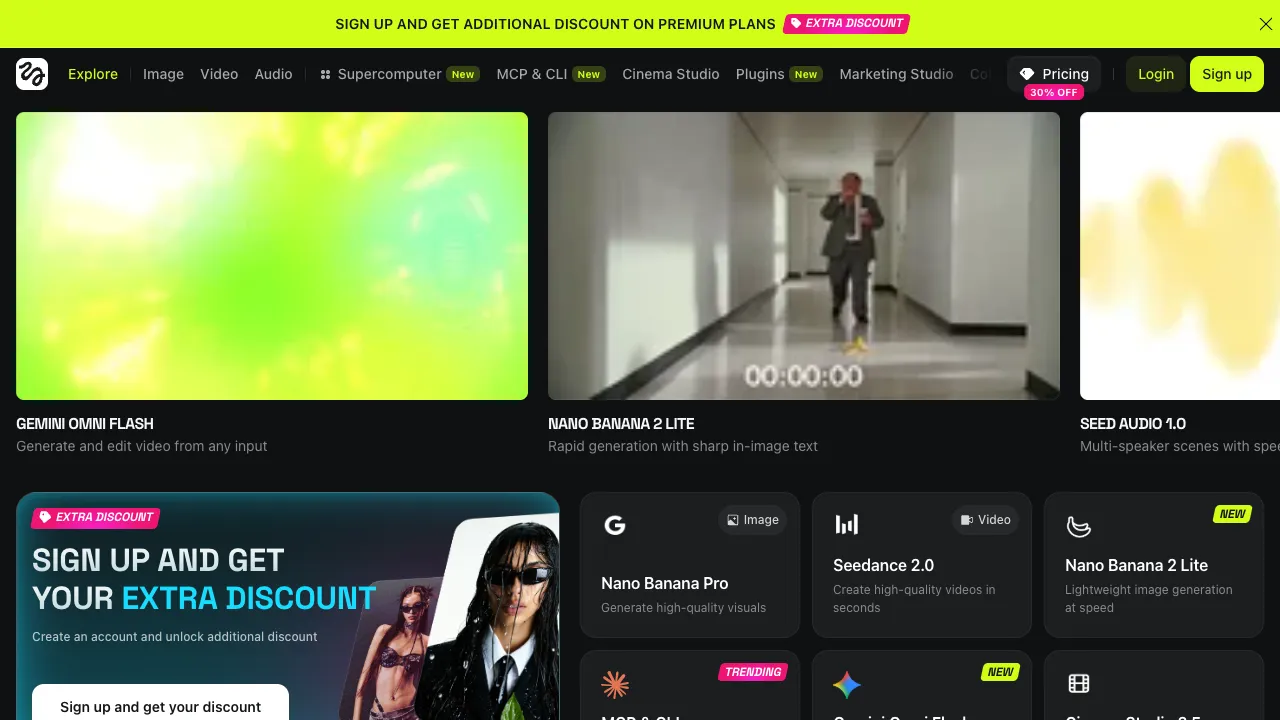
Among AI video tools, Higgsfield's difference is clear: it makes camera movement its core feature. Many text-to-video tools can generate a scene but struggle to control how the camera moves; Higgsfield offers a large set of preset cinematic camera moves so clips look more like they were shot.
What Higgsfield Is
Higgsfield is an AI video generation platform for creators, focused on cinematic feel and camera control:
- Camera movement presets: apply professional moves — push in, pull out, pan, dolly, orbit, dive — in one click, mimicking real camera language.
- Image or text to video: generate short clips with dynamic camera work from an image or a description.
- Character and effects templates: motion and effects templates geared toward social media, for attention-grabbing clips.
Changes in 2026: From Camera Tool to Model Aggregator
In 2026 Higgsfield expanded from a dozen or so models to more than 30, so one subscription can switch between leading video and image models such as Veo 3.1, Kling 3.0, Seedance 2.0, WAN 2.6 and MiniMax Hailuo 02 without separate accounts. It also added capabilities that used to need outside software: Seedance 2.0 can do phoneme-level lip sync in a single render across more than eight languages, and Kling 3.0 added multi-shot storyboards and Voice Binding (keeping one character's voice consistent across up to six shots and five languages). The tool library (Apps) grew to more than 80 — face swap, a talking-head studio, product placement, outfit changes, Angles 2.0 and more — and an MCP connector lets you trigger generations straight from Claude Code.
About Sora 2: Higgsfield previously offered Sora 2, but OpenAI shut down the Sora API on September 24, 2026, and Sora capacity resold by third-party platforms stopped working with it. If your workflow relied on Sora 2, switch to other models such as Veo 3.1 or Kling 3.0 and retest your prompts.
Note that credits don't roll over month to month, video models burn through them quickly, and the same credits yield several times more or fewer clips depending on the model.
Getting Started: Choose the Shot, Then the Model
- Decide how the shot should move first: a slow push-in for emotion, or an orbit to show off a product.
- Pick the matching camera preset and upload a starting frame or write a description.
- Try the same shot a few times on a cheaper model to confirm composition and direction of motion, then switch to a high-quality model for the final version — it saves a lot of credits.
- Export the clips you like and cut them together with music and color grading in an editor.
Where It Fits
- Short videos and social content: punchy camera work to grab attention in the first few seconds.
- Storyboards and concept pieces: quick previz shots for ads, music videos and pre-production.
- Creative experiments: exploring "what if this scene used this camera move?"
Strengths
- Camera movement at the core: compared with tools focused only on image quality, it emphasizes camera language for a more cinematic result.
- Quick to pick up with templates: presets give professional-looking shots even without camera experience.
- Built for sharing: many templates are designed around formats popular on short-video platforms.
Tips
AI video generally still suffers from short clips, limited continuity and details that break, and Higgsfield is no exception. Real projects usually follow a "generate several clips, then edit them together" workflow rather than expecting a finished piece in one pass. Face-swap and talking-head tools involve real people's likenesses, so get consent before using someone's image and label AI-generated content as platforms require.
How It Compares
- If you use one model and want its newest features: go straight to the model maker's own platform, such as Kling AI or Runway, where new features often launch first.
- For Chinese prompts on mainland networks: Jimeng AI.
- For another multi-model aggregator leaning toward images and community models: SeaArt.
Pricing
A free allowance lets you try it; higher resolution, watermark removal, more generations and commercial use require a paid plan, billed in credits that don't roll over month to month. Check the official site.